
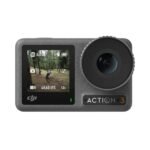
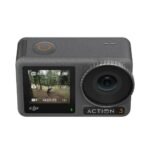
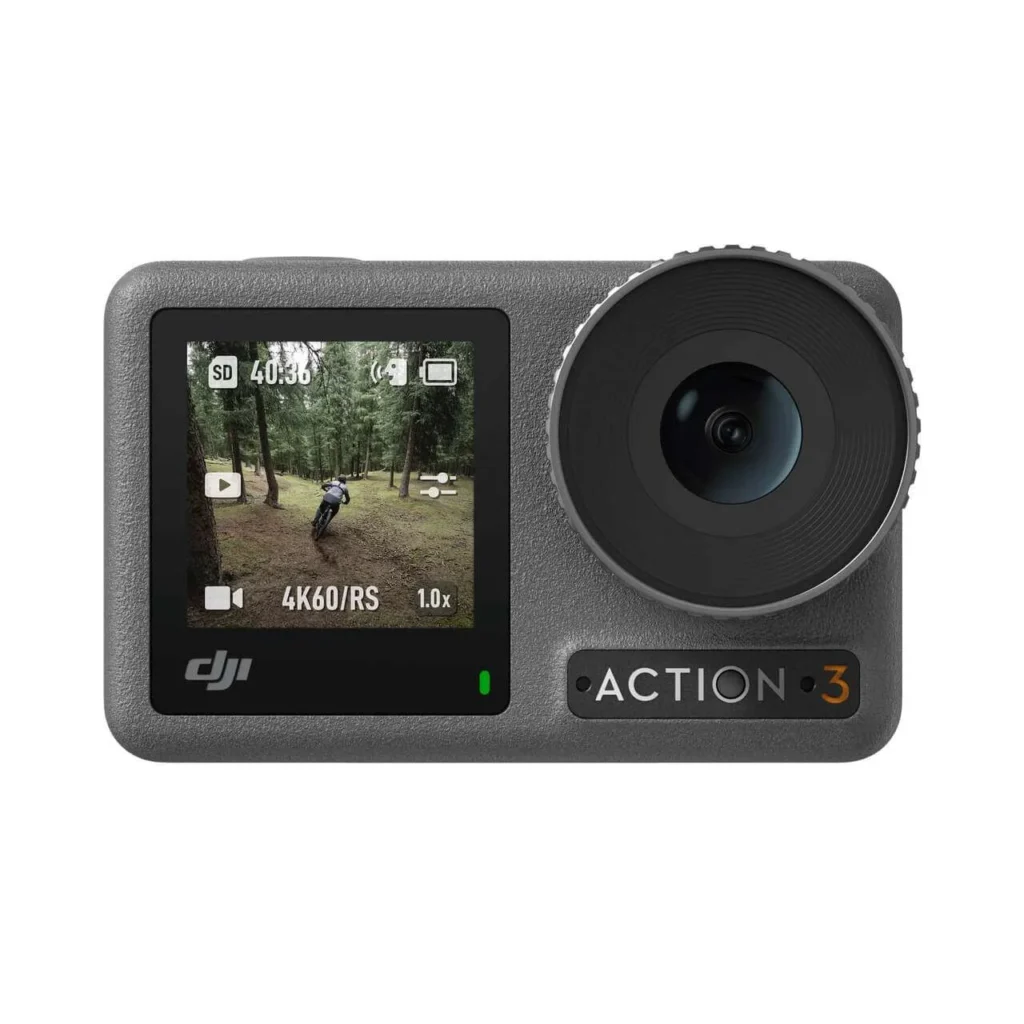
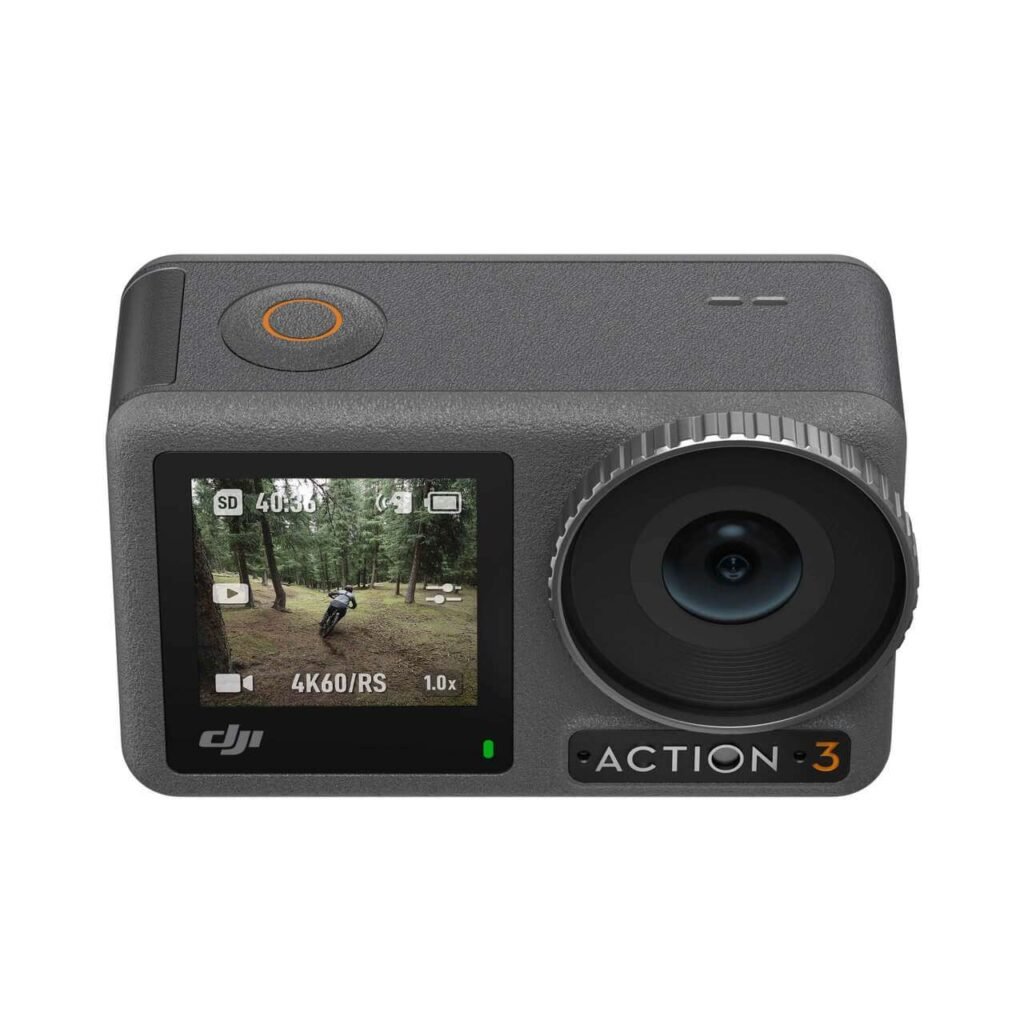
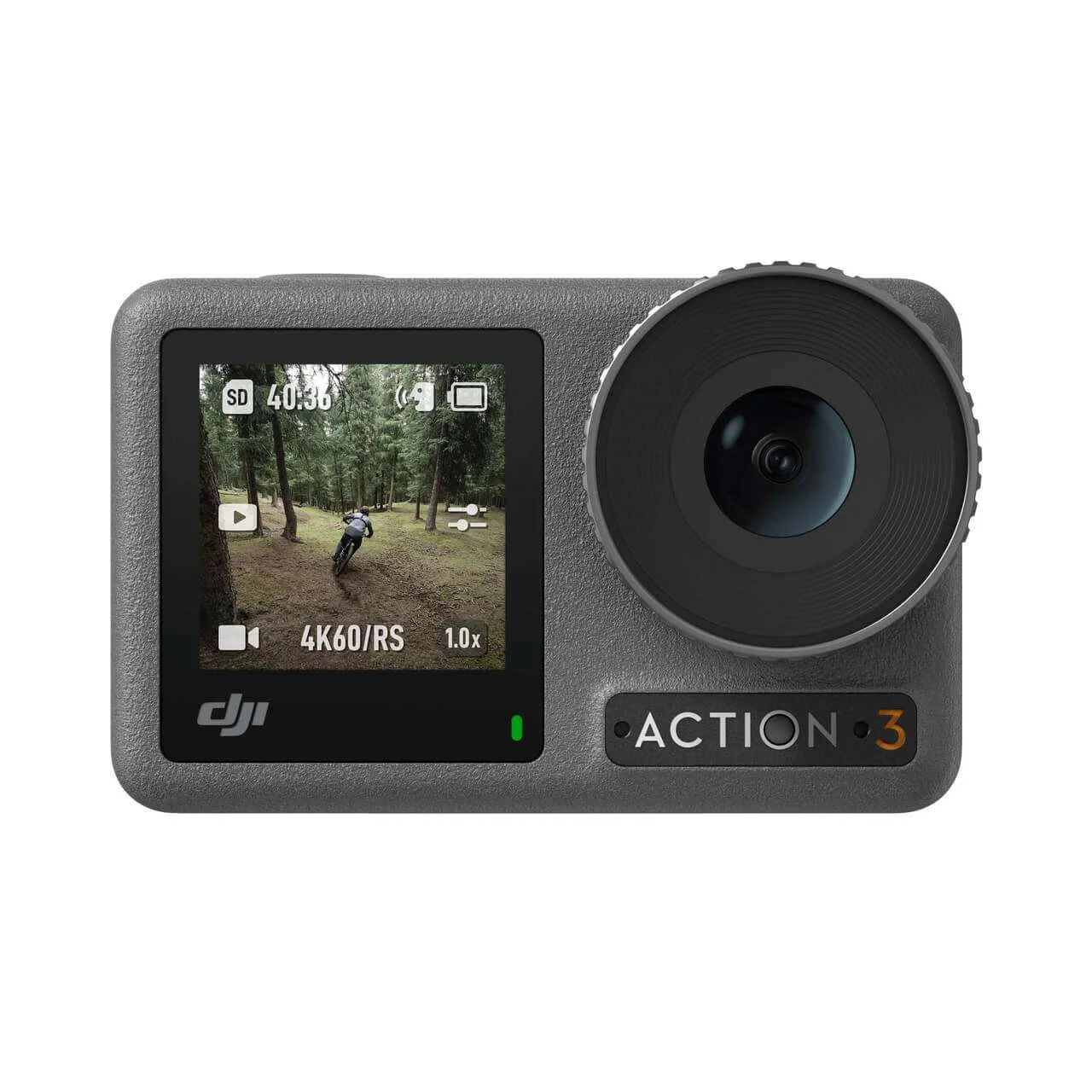
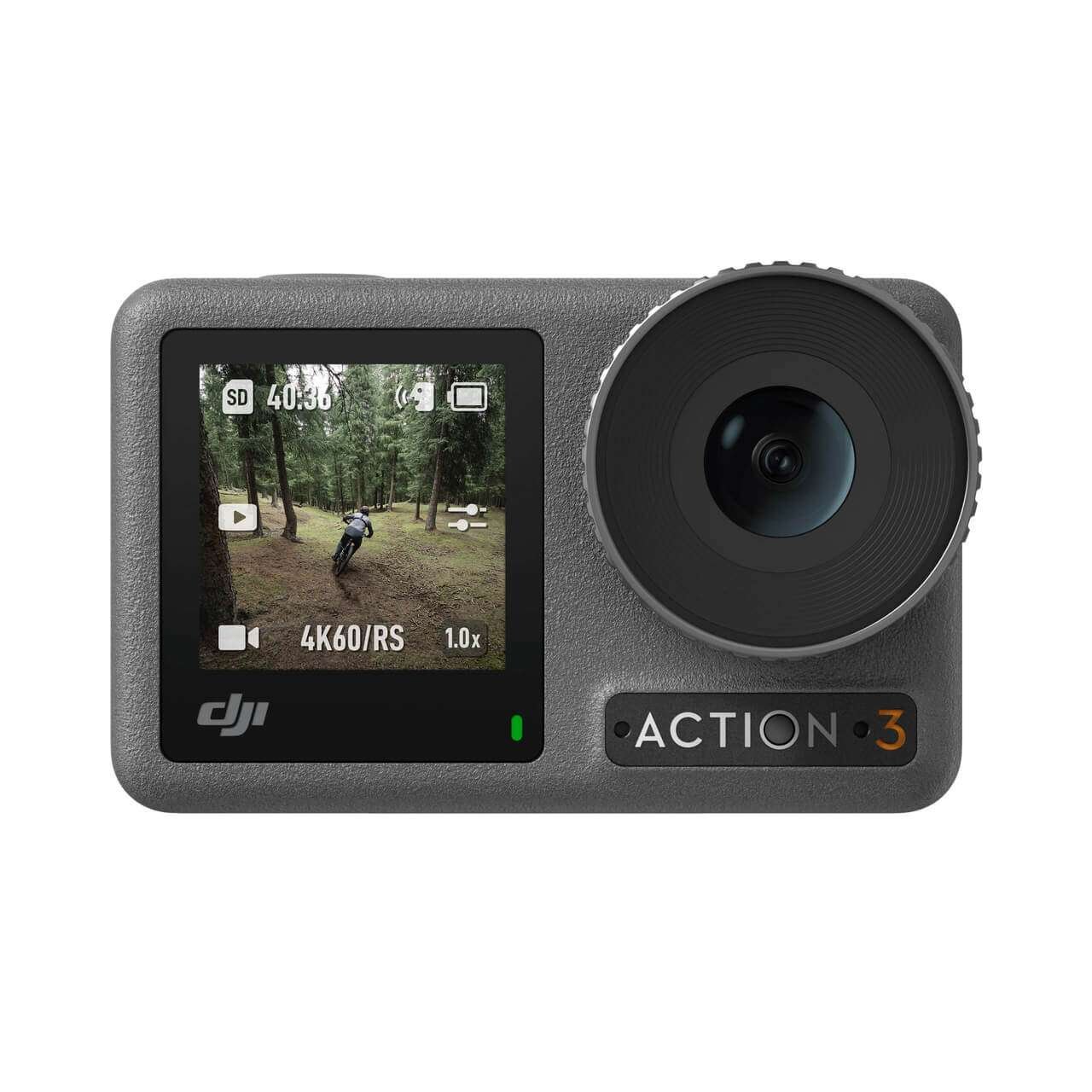
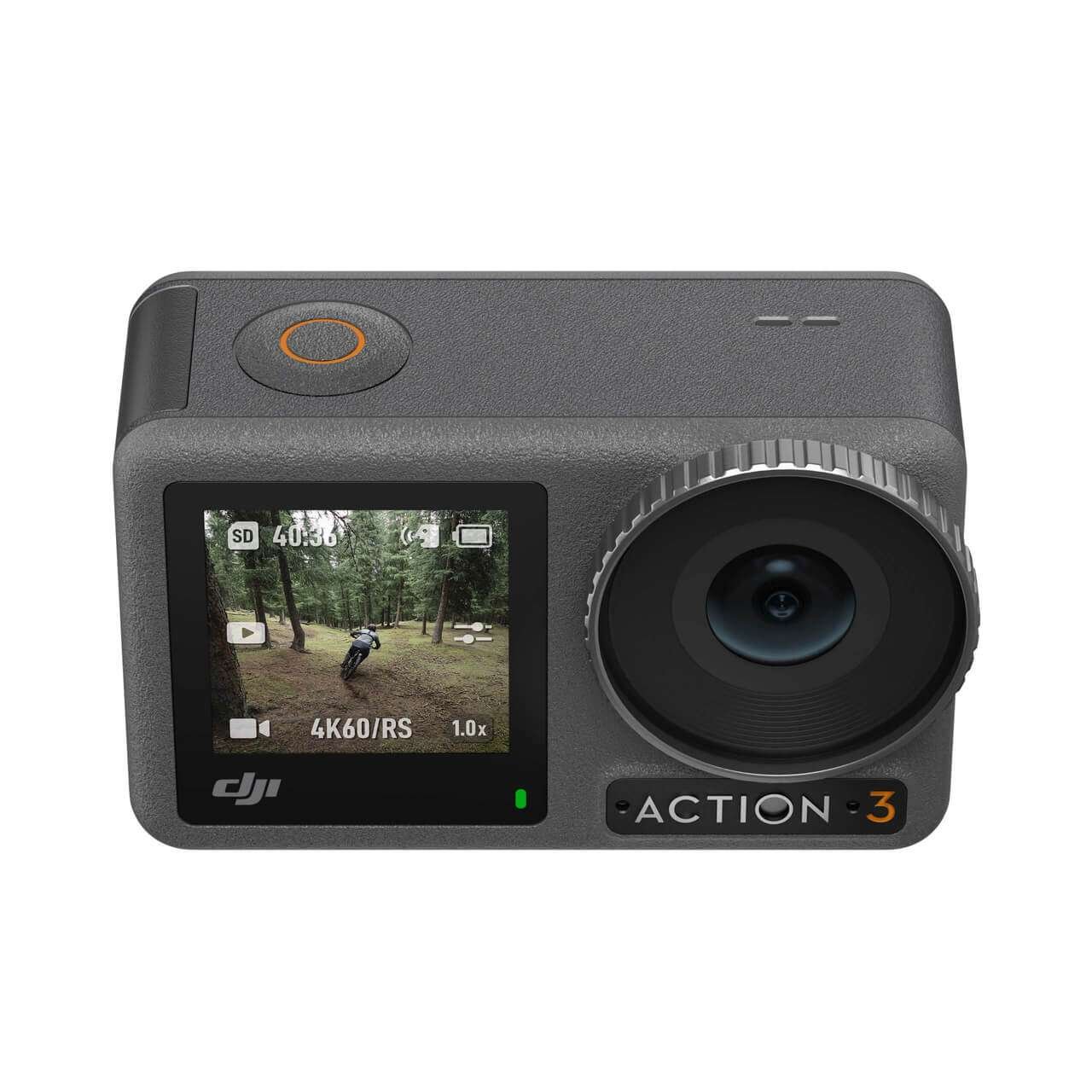
The Osmo Action 3 is a rugged, compact, and high-performing action camera built for creators, adventurers, and sports enthusiasts. With its dual touchscreens, advanced stabilization, long battery life, and waterproof design, it delivers smooth, detailed footage in any condition. Whether you are recording underwater dives, mountain treks, or fast-paced sports, the Osmo Action 3 ensures you capture every detail with professional clarity and ease.
Compact & Rugged Design
Lightweight at only 145 g and sized at 70.5×44.2×32.8 mm, this action camera is built for portability without compromising durability. With an IP68 rating, it can go 16 m underwater without a case, or up to 60 m with the Waterproof Case.
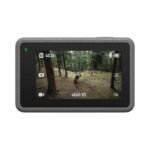
Dual Touchscreens for Easy Control
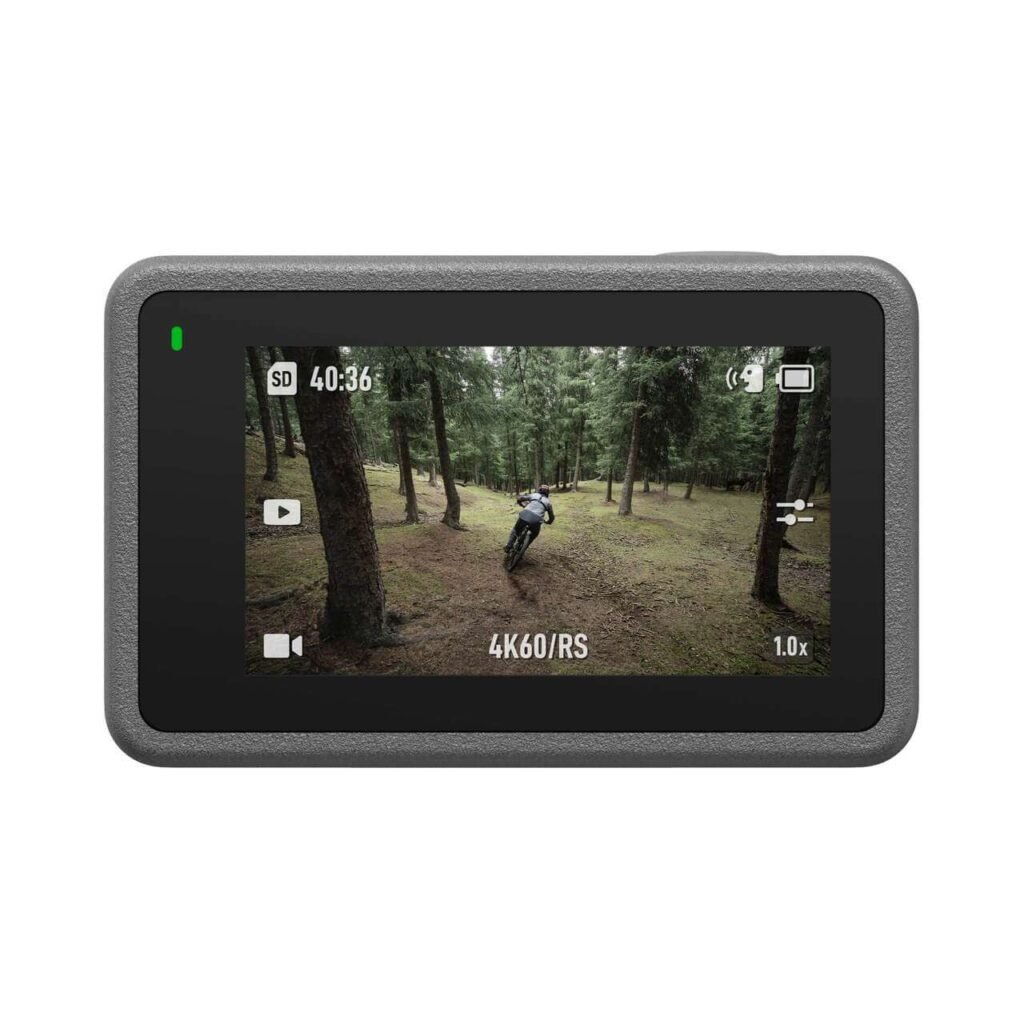
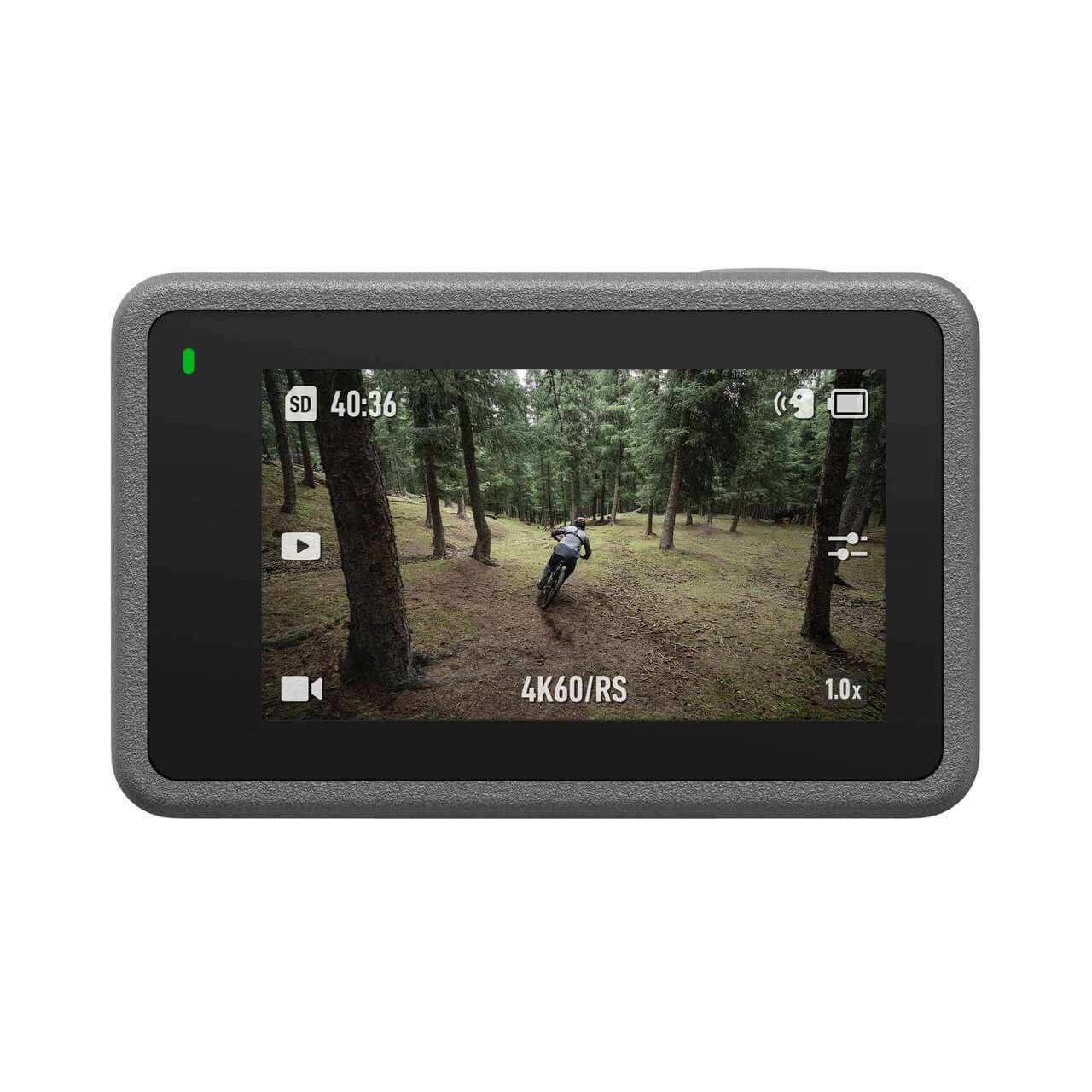
Featuring a 1.4-inch front and 2.25-inch rear touchscreen, both with 750±50 cd/m² brightness, you can preview, record, and control settings clearly—even under sunlight.
Powerful Camera Sensor & Lens
The 1/1.7-inch CMOS sensor with a 155° wide-angle f/2.8 lens captures more in every frame with a focus range from 0.3 m to infinity.
Professional Photo & Video Modes
Capture 12 MP photos at up to 4000×3000 resolution and shoot videos in 4K, 2.7K, or 1080p with frame rates up to 240 fps, ensuring stunning detail in both slow-motion and fast-action scenes.
Advanced Stabilization Options
Equipped with RockSteady 3.0, RockSteady+, HorizonBalancing, and HorizonSteady, the Osmo Action 3 keeps footage smooth and steady, even in extreme motion.
Creative Recording Options
Supports HDR video recording, hyperlapse, timelapse, and slow-motion, giving creators full flexibility to make cinematic content.
Zoom Flexibility
Digital zoom allows up to 4x for photos and up to 4x for videos (depending on frame rate and stabilization mode).
Extended Battery Life
Powered by a 1770 mAh battery (6.8 Wh), the camera can run for up to 160 minutes on a single charge, even in cold temperatures as low as -20° C.
High-Quality Audio Recording
With 3 built-in microphones and AAC audio format, sound is captured with clarity, reducing wind and noise interference.
Connectivity & Storage
Wi-Fi (2.4/5.1/5.8 GHz) and Bluetooth 5.0 BLE ensure smooth wireless transfer and control, while storage expands up to 256 GB via microSD cards.
Insert a recommended microSD card and charge the battery fully.
Power on using the rear touchscreen and select your mode (photo, video, timelapse, slow motion).
Use the front or rear screen to frame your shots.
Adjust resolution, frame rate, and stabilization settings as needed.
Start recording and enjoy smooth, stabilized footage instantly.
Always close the battery and USB-C port covers tightly before use in water.
Use a soft microfiber cloth to clean the lens and screens.
Store in a dry place when not in use to prevent moisture buildup.
Charge only in safe temperature ranges (5°–40° C).
Avoid using in hot springs or corrosive environments.
Use the Waterproof Case for deep dives beyond 16 m.
Do not exceed 60 m depth, even with the case.
Keep away from extreme heat and direct flames.
Avoid attempting to repair internal components yourself.
Keep out of reach of small children to prevent accidents.
The Osmo Action 3 is more than just a camera—it’s a rugged storytelling tool designed for creators who live life on the move. With professional-grade stabilization, stunning 4K video, versatile photo modes, and a waterproof design, it’s ready for any adventure. Whether you’re vlogging, diving, or capturing high-speed sports, this camera guarantees smooth performance and high-quality results. If you want a reliable, feature-packed action camera that keeps up with your adventures, the Osmo Action 3 is a perfect choice.
Yes, HorizonSteady allows perfect horizontal framing in 1080p/2.7K @ 60fps or under and HorizonBalancing allows slight corrections for images shot in higher resolutions.
The Osmo Action 3 captures 12MP images (4000x3000) using a 1/1.7-inch CMOS sensor and has an ISO range of 100-12800 to provide decent performance in low light conditions.
The DJI Osmo Action 3 is waterproof up to 16 meters when unboxed and can be used in saltwater for up to 60 meters when the optional waterproof case is purchased separately.
The DJI Osmo Action 3 includes three microphones to provide high quality stereo audio at 48 kHz AAC and assist in removing wind noise from subjects.
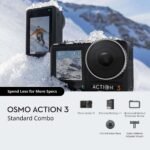
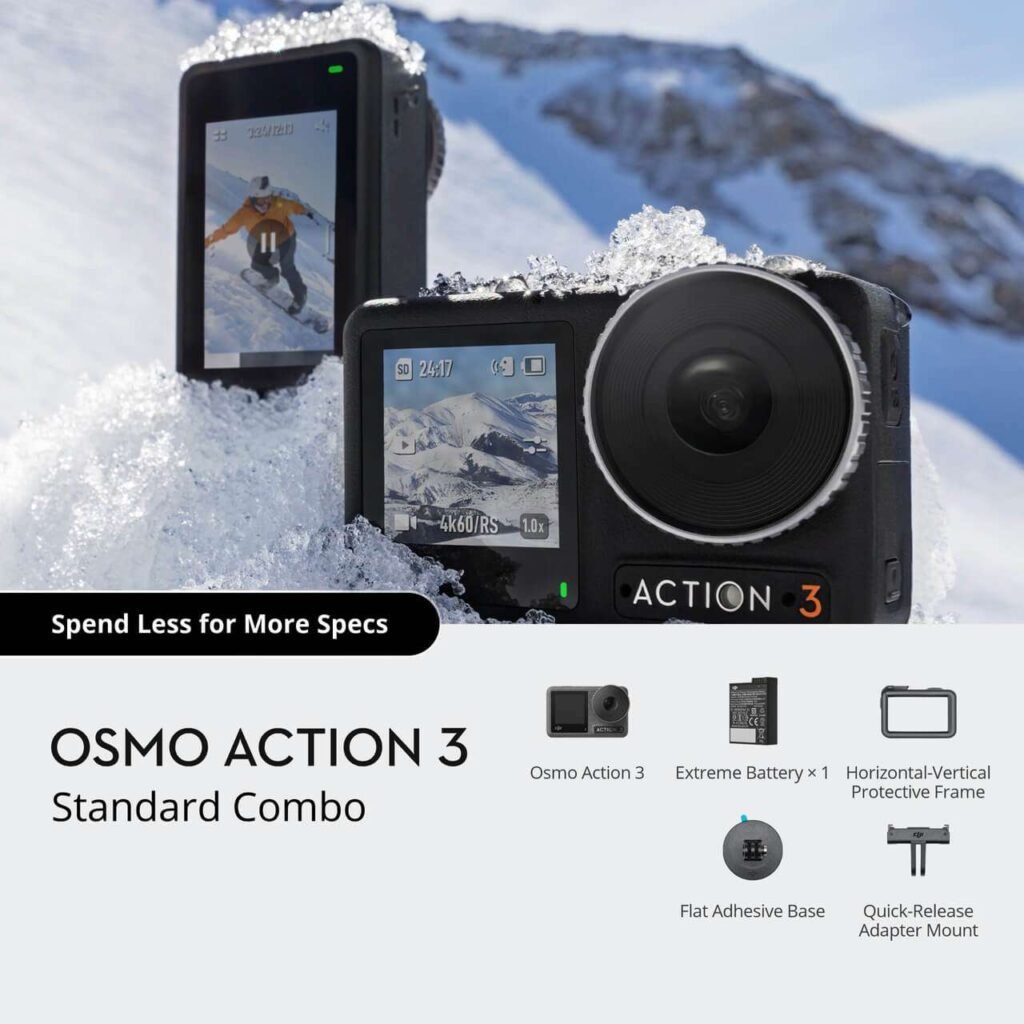
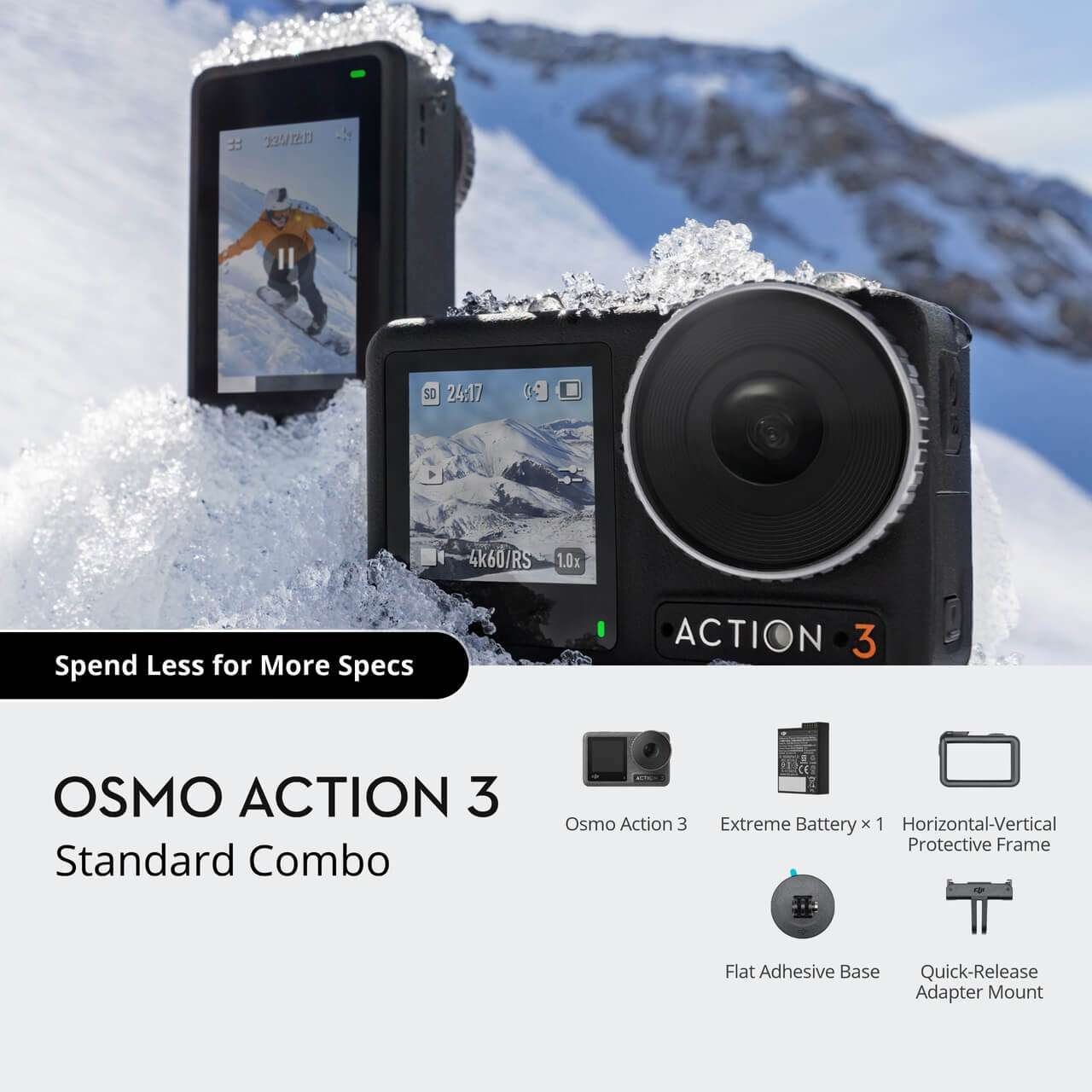
The DJI Osmo Action 3 Standard Combo includes Hyperlapse and Timelapse modes, HDR video and digital zoom (up to 4x) and both Slow-Motion and Standard recording modes.
| Specification | Details |
|---|---|
| Sensor | 1/1.7-inch CMOS |
| Lens | FOV: 155° Aperture: f/2.8 Focus Range: 0.3 m to ∞ |
| ISO Range | Photo: 100-12800 Video: 100-12800 |
| Electronic Shutter Speed | Photo: 1/8000-30 s Video: 1/8000 s to the limit of frames per second |
| Max Photo Resolution | 4000×3000 |
| Zoom (Digital) | Photo: 4x Video: 2x (> 60fps), 3x (≤ 60fps, HorizonSteady On), 4x (≤ 60fps, HorizonSteady Off) Slow Motion/Timelapse: Not available |
| Still Photography Modes | Single: 12 MP Countdown: Off/0.5/1/2/3/5/10 s |
| Standard Recording | 4K (4:3): 4096×3072@24/25/30/48/50/60fps 4K (16:9): 3840×2160@100/120fps 4K (16:9): 3840×2160@24/25/30/48/50/60fps 2.7K (4:3): 2688×2016@24/25/30/48/50/60fps 2.7K (16:9): 2688×1512@100/120fps 2.7K (16:9): 2688×1512@24/25/30/48/50/60fps 1080p (16:9): 1920×1080@100/120/200/240fps 1080p (16:9): 1920×1080@24/25/30/48/50/60fps |
| Slow Motion | 4K: 4x (120fps) 2.7K: 4x (120fps) 1080p: 8x (240fps), 4x (120fps) |
| Hyperlapse | 4K/2.7K/1080p: Auto/×2/×5/×10/×15/×30 |
| Timelapse | 4K/2.7K/1080p@30fps Intervals: 0.5/1/2/3/4/5/6/7/8/10/13/15/20/25/30/40 s Duration: 5/10/20/30 mins, 1/2/3/5 hours, ∞ |
| HDR Recording | 4K (16:9): 3840×2160@24/25/30fps 2.7K (16:9): 2688×1512@24/25/30fps 1080p: 1920×1080@24/25/30fps |
| Stabilization | EIS [2]: RockSteady 3.0, RockSteady+, HorizonBalancing, HorizonSteady |
| Max Video Bitrate | 130 Mbps |
| Supported File System | exFAT |
| Photo Format | JPEG/RAW |
| Video Format | MP4 (H.264/HEVC) |
| Built-in Storage | No built-in storage (expandable via microSD card) |
| Audio Output | 48 kHz; AAC |
| Specification | Details |
|---|---|
| Type | LiPo 1S |
| Capacity | 1770 mAh |
| Energy | 6.8 Wh |
| Voltage | 3.85 V |
| Operating Temperature | -20° to 45° C (-4° to 113° F) |
| Charging Temperature | 5° to 40° C (41° to 104° F) |
| Operating Time | 160 mins [3] |
| Specification | Details |
|---|---|
| Wi-Fi Operating Frequency | 2.400-2.4835 GHz / 5.150-5.250 GHz / 5.725-5.850 GHz |
| Wi-Fi Protocol | 802.11 a/b/g/n/ac |
| Wi-Fi Transmission Power (EIRP) | 2.4 GHz: < 16 dBm (FCC/CE/SRRC/MIC)5.1 GHz: < 14 dBm (FCC/CE/SRRC/MIC)5.8 GHz: < 14 dBm (FCC/CE/SRRC) |
| Bluetooth Operating Frequency | 2.400-2.4835 GHz |
| Bluetooth Transmission Power (EIRP) | < 4 dBm |
| Bluetooth Protocol | BLE 5.0 |
| Specification | Details |
|---|---|
| 1 | Before use, close the battery compartment cover and the USB-C port cover, and tighten the Lens Protective Cover. It is recommended to install the Waterproof Case for long-duration underwater shooting or in environments with high water impacts or pressure. Osmo Action 3 and its Waterproof Case have an IP68 waterproof rating. Do not use the camera in hot springs or expose it to corrosive liquids. |
| 2 | EIS is not supported in Slow Motion and Timelapse modes. HorizonSteady is only available when the video resolution is 1080p (16:9) or 2.7K (16:9) with a frame rate of 60fps or below. HorizonBalancing is only available when the video resolution is 1080p (16:9), 2.7K (16:9), or 4K (16:9) with a frame rate of 60 fps or below. |
| 3 | Tested in a 25° C (77° F) laboratory environment while recording 1080p/30fps video in normal video mode with Enhanced Image Quality disabled, EIS disabled, and the screens off, and should be used for reference only. |
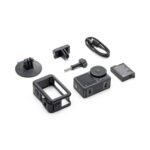
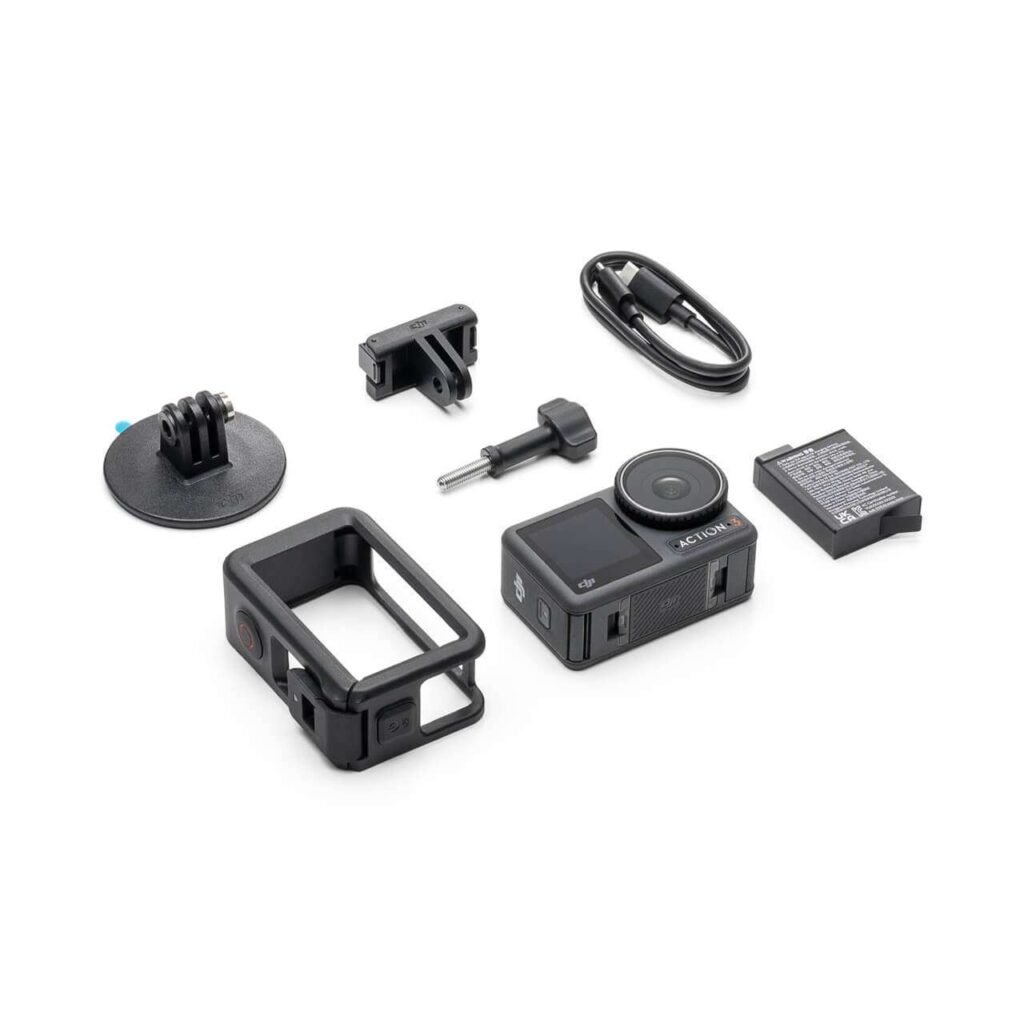
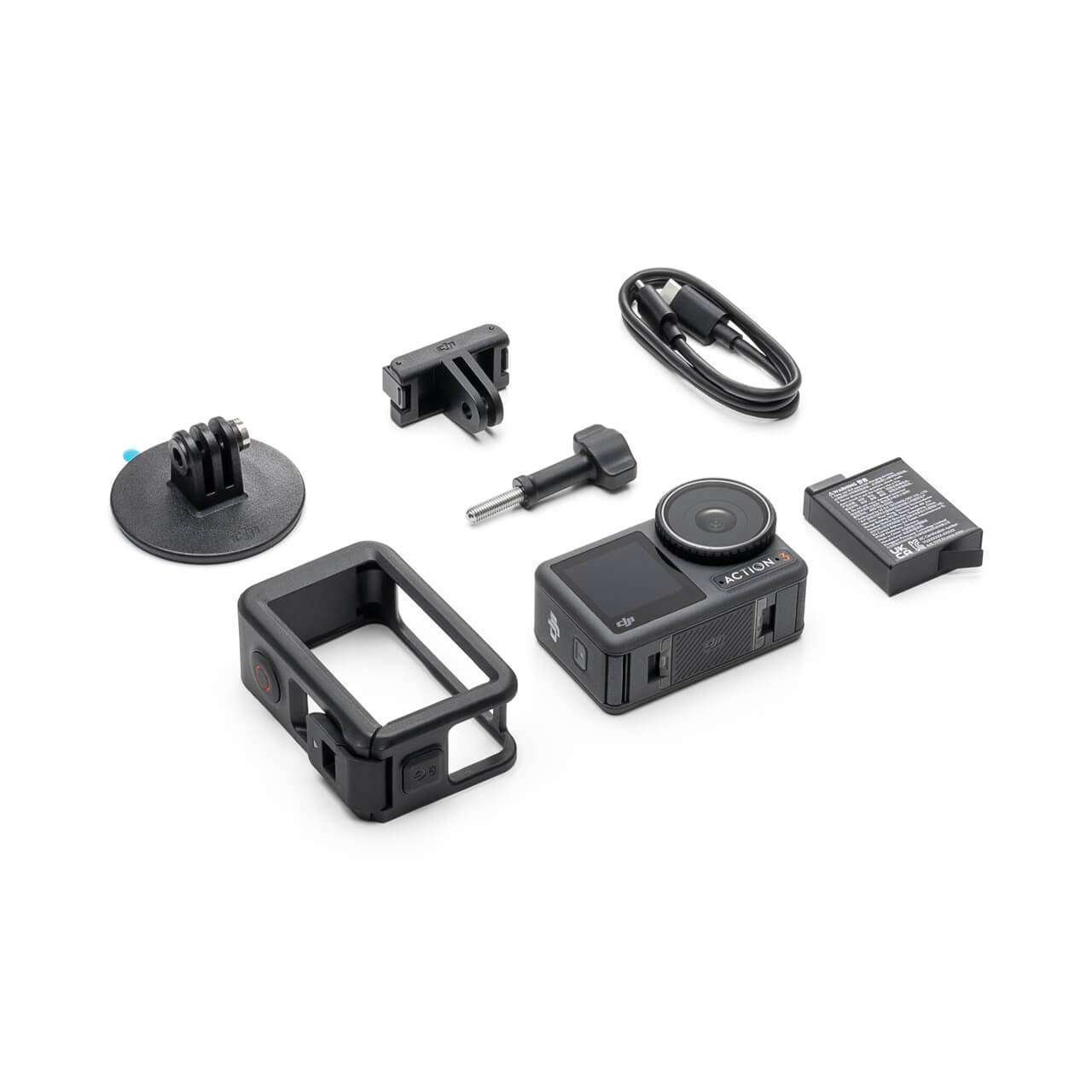
In the Box:

Out of stock
Read more
In stock
Add to cart
Out of stock
Read more
In stock
Add to cart
Reviews
There are no reviews yet.