
Gimbals
Capture smooth, shake-free videos with advanced gimbals built for smartphones, cameras, and action gear. Whether you’re walking, running, or filming on the move, gimbals keep your shots steady, perfect for vloggers, filmmakers, and content creators.
Gimbals
Capture smooth, shake-free videos with advanced gimbals built for smartphones, cameras, and action gear. Whether you’re walking, running, or filming on the move, gimbals keep your shots steady, perfect for vloggers, filmmakers, and content creators.
-
Sale!
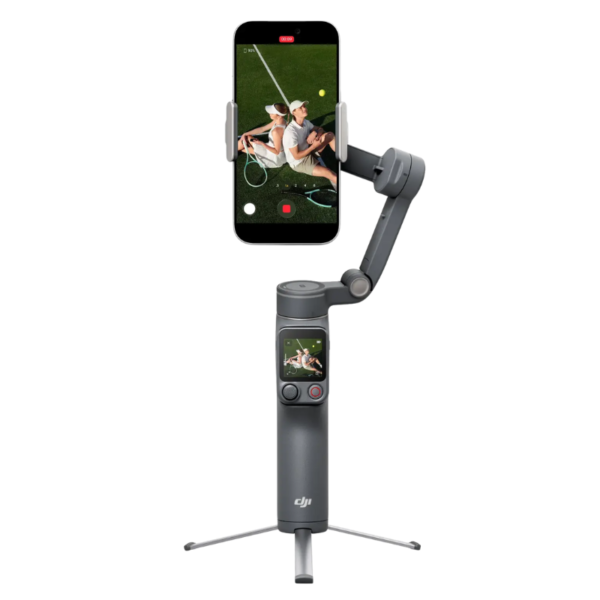
DJI Osmo Mobile 8P Advanced Tracking Combo
₹35,999.00Original price was: ₹35,999.00.₹19,999.00Current price is: ₹19,999.00. inc. GstIn stock
-
Sale!
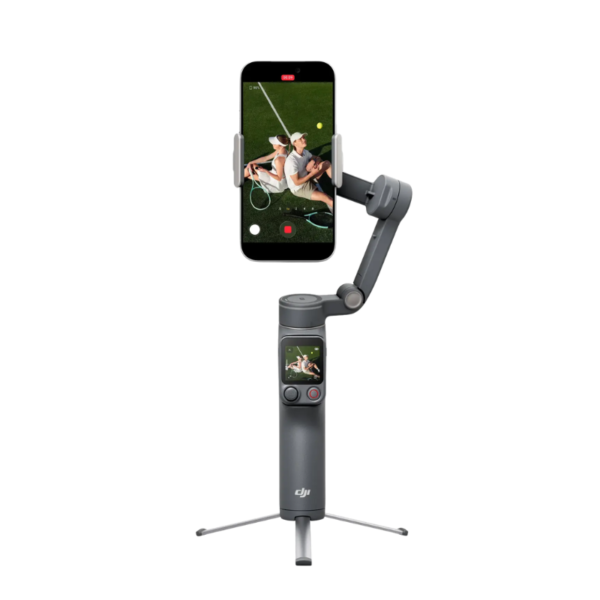
DJI Osmo Mobile 8P Standard Combo
₹22,999.00Original price was: ₹22,999.00.₹15,999.00Current price is: ₹15,999.00. inc. GstIn stock
-
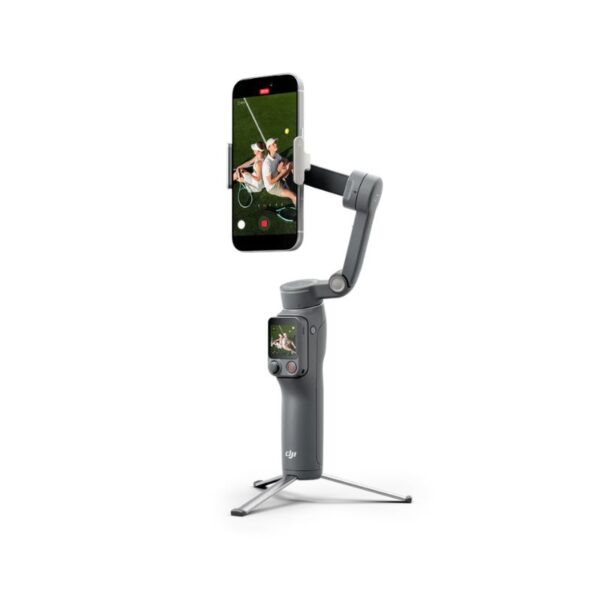
DJI Osmo Mobile 8P Creator Combo
Out of stock
-
Sale!
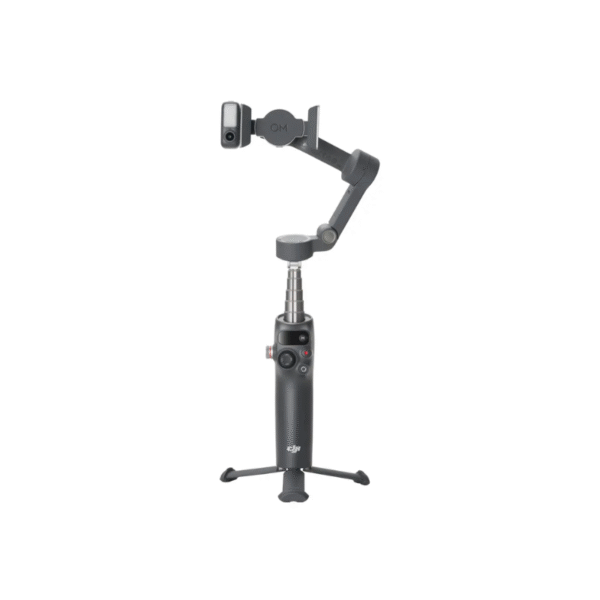
DJI Osmo Mobile 8 Smartphone Gimbal (DJI OM8)
₹17,999.00Original price was: ₹17,999.00.₹14,999.00Current price is: ₹14,999.00. inc. GstIn stock
-
Sale!
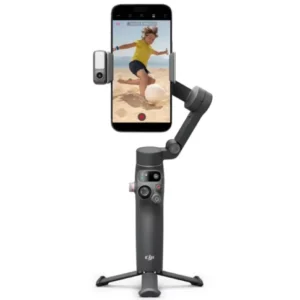
Osmo Mobile 7P Vlog Combo – Ultimate Smartphone Gimbal for Content Creators
₹15,999.00Original price was: ₹15,999.00.₹11,999.00Current price is: ₹11,999.00. inc. GstIn stock
-
Sale!

Dji Osmo Mobile SE
₹11,999.00Original price was: ₹11,999.00.₹8,999.00Current price is: ₹8,999.00. inc. GstIn stock
-
Sale!

DJI Osmo Mobile 6 Smartphone Gimbal (Platinum Gray)
₹13,999.00Original price was: ₹13,999.00.₹10,999.00Current price is: ₹10,999.00. inc. GstIn stock
-
Sale!
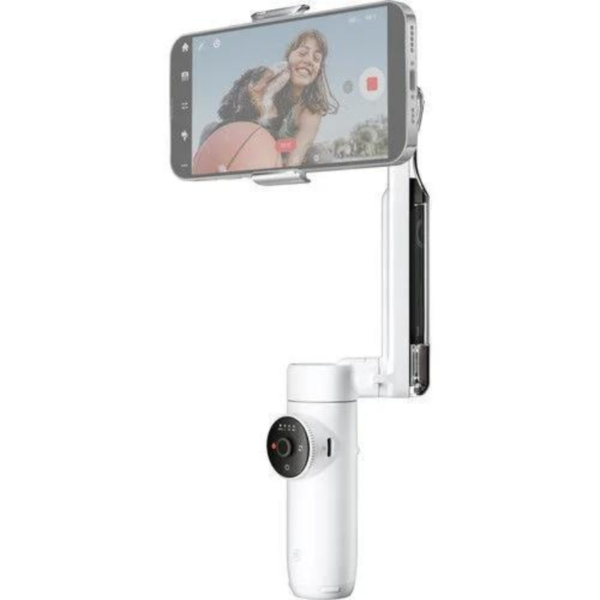
Insta360 Flow (Creator kit) Gimbal Summit White
₹21,999.00Original price was: ₹21,999.00.₹18,999.00Current price is: ₹18,999.00. inc. GstOut of stock
-
Sale!
Insta360 Flow (Standalone) Stone Gray
₹21,999.00Original price was: ₹21,999.00.₹18,999.00Current price is: ₹18,999.00. inc. GstOut of stock
-
Sale!

DJI OM 5
₹18,999.00Original price was: ₹18,999.00.₹15,499.00Current price is: ₹15,499.00. inc. GstIn stock
-
Sale!
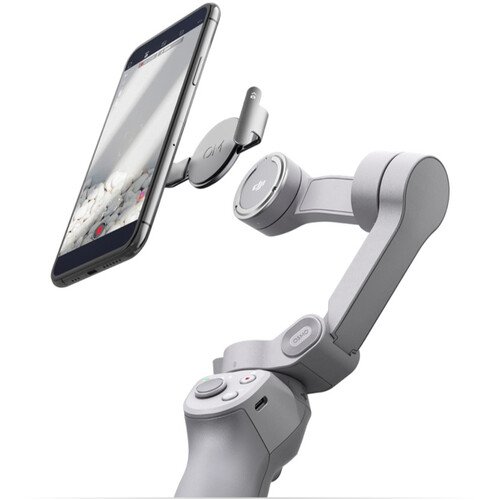
DJI OM 4 SE
₹11,999.00Original price was: ₹11,999.00.₹8,999.00Current price is: ₹8,999.00. inc. GstIn stock
-
Sale!
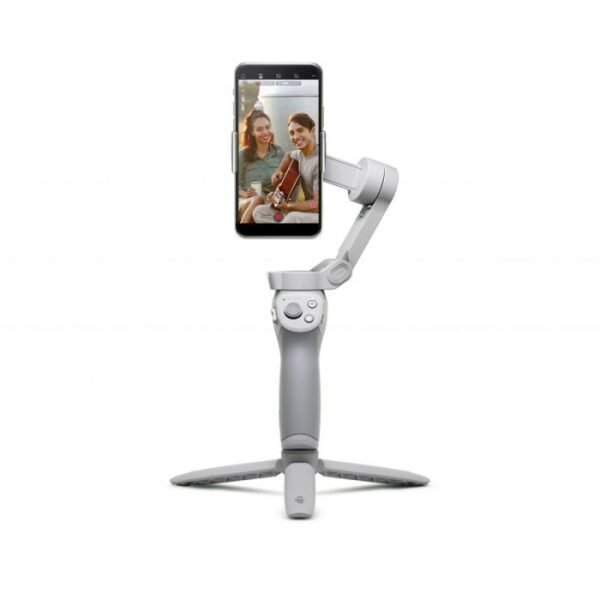
DJI OM 4
₹11,999.00Original price was: ₹11,999.00.₹8,999.00Current price is: ₹8,999.00. inc. GstIn stock
-
Sale!

DJI Osmo Mobile 6
₹13,499.00Original price was: ₹13,499.00.₹10,499.00Current price is: ₹10,499.00. inc. GstIn stock
-
Sale!

DJI Ronin RS 2 Pro Combo
₹60,999.00Original price was: ₹60,999.00.₹57,999.00Current price is: ₹57,999.00. inc. GstIn stock
-
Sale!

DJI Ronin 4D-8K
₹757,999.00Original price was: ₹757,999.00.₹752,999.00Current price is: ₹752,999.00. inc. GstOut of stock
-
Sale!

DJI Ronin 4D-6K – The Ultimate All-in-One Cinematic Camera & Stabilizer
₹761,999.00Original price was: ₹761,999.00.₹756,999.00Current price is: ₹756,999.00. inc. GstIn stock
-
Sale!

DJI RS 3 Combo
₹45,999.00Original price was: ₹45,999.00.₹42,999.00Current price is: ₹42,999.00. inc. GstIn stock
-
Sale!

DJI RS 4 Pro Combo Gimbal Stabilizer
₹108,999.00Original price was: ₹108,999.00.₹104,499.00Current price is: ₹104,499.00. inc. GstIn stock
-
Sale!

DJI RS 4 Pro Gimbal Stabilizer
₹89,999.00Original price was: ₹89,999.00.₹84,499.00Current price is: ₹84,499.00. inc. GstIn stock
-
Sale!

DJI RS 4 Combo
₹50,999.00Original price was: ₹50,999.00.₹47,999.00Current price is: ₹47,999.00. inc. GstIn stock
-
Sale!

DJI RS 4
₹50,999.00Original price was: ₹50,999.00.₹47,999.00Current price is: ₹47,999.00. inc. GstIn stock
-
Sale!

DJI RSC-2
₹60,999.00Original price was: ₹60,999.00.₹57,999.00Current price is: ₹57,999.00. inc. GstOut of stock
-
Sale!
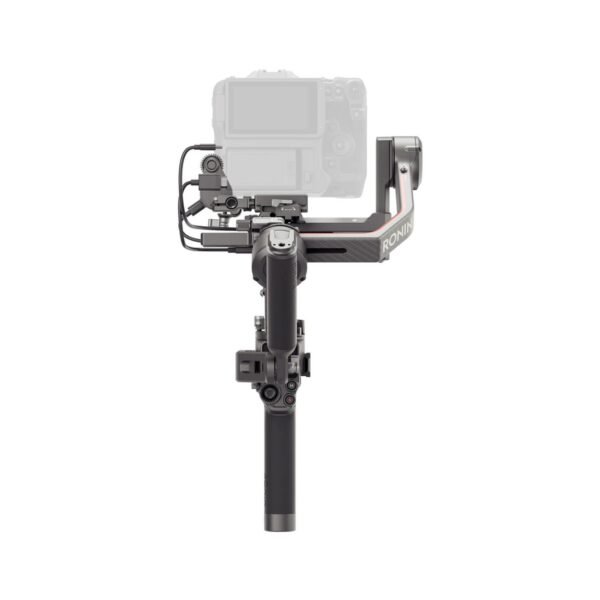
DJI RS 3 Pro Combo
₹74,999.00Original price was: ₹74,999.00.₹71,999.00Current price is: ₹71,999.00. inc. GstIn stock
-
Sale!
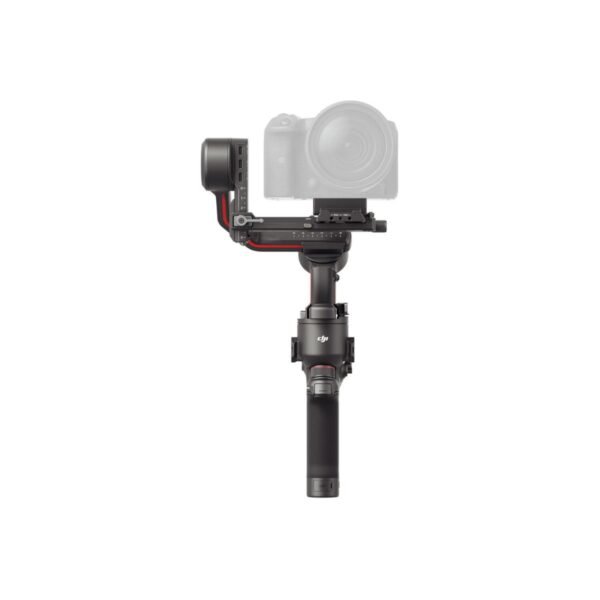
DJI RS 3
₹45,999.00Original price was: ₹45,999.00.₹42,499.00Current price is: ₹42,499.00. inc. GstOut of stock
-
Sale!

DJI RS 3 Mini
₹20,999.00Original price was: ₹20,999.00.₹17,999.00Current price is: ₹17,999.00. inc. GstIn stock
Buy the Best Gimbals for Smooth Video Footage
Picture this: You’re out filming a smooth action-packed scene—maybe a skateboard trick or a full-on drone race. You’re holding the camera, trying to keep it steady, but it’s shaking like a leaf in the wind. Enter the hero of the hour: the gimbal.
But what exactly is it, and why does it sound like something you’d order off a futuristic menu? Let’s dive in!
Gimbal: The Superhero of Stability
A gimbal is a device that makes sure your camera stays steady, even if you’re shaking, running, or doing the cha-cha (whatever your dance moves are like). Imagine it as your camera’s bodyguard, keeping it balanced, smooth, and in line while you move.
How Does a Gimbal Work?
Alright, let’s break this down because it’s not just some magic trick.
- The Gyroscopes: Inside the gimbal, you’ll find gyroscopes. These nifty little guys sense the direction of movement. So, if you start tipping the camera or moving too quickly, the gimbal says, “Hold up, I’ve got this” and stabilizes the camera.
- Motors: The gimbal’s motors are the ones that do the heavy lifting. These guys respond to the gyroscopes, adjusting the camera’s position to keep it level. If you’re holding the camera and tilting it in any direction, the motors swing into action, moving the camera back to its original spot. Think of them like the gimbal’s muscles.
- Tilt, Roll, and Pan: A gimbal typically has three axes—tilt (up and down), roll (side to side), and pan (left and right). These axes allow the camera to move freely without losing stability. So, whether you’re filming a rollercoaster ride or a graceful ballet, the camera stays steady.
Types of Gimbals: A Smooth Ride for Every Camera
So, you’re ready to take your filming to the next level, and you’ve heard the magic word: gimbal. But not all gimbals are created equal. Whether you’re a pro filmmaker or an everyday adventure filmmaker, there’s a gimbal to suit your style. Let’s break it down, shall we?
1. Camera Gimbals: The Heavyweights of Stabilization
If you’re rolling with a DSLR, mirrorless camera, or any of those action-packed, high-end cameras, you need a camera gimbal. These bad boys are built to handle heavier cameras while keeping your footage buttery smooth.
- Best For: Serious filmmakers, professional vloggers, and anyone who needs full control over their DSLR or mirrorless camera.
- Perks: Ultimate stabilization for high-quality shots, from slow motion to ultra-fast action. It’s like a steady hand… but better.
- Downside: Can be bulky, so good luck doing yoga with this thing.
2. Smartphone Gimbals: The Pocket-Sized Stabilizer
Everyone has a smartphone, and now everyone can have a professional-quality gimbal too. Smartphone gimbals are made for the everyday filmmaker who wants smooth, cinematic footage without the bulk of a professional camera.
- Best For: Vloggers, casual creators, or anyone looking to make their phone footage look like they hired a cinematographer.
- Perks: Super portable, fits right in your pocket, and makes your phone’s video look like it’s been through a Hollywood editing studio.
- Downside: If you’re using the latest oversized phone, it might start to feel a bit like lifting weights.
3. Wearable Gimbals: The Hands-Free Hero
Ever wanted to film while running, jumping, or doing your best parkour impression without turning your footage into a shaky mess? That’s where wearable gimbals come in. These handy devices are worn on your body, so you can film hands-free while staying in motion.
- Best For: Extreme sports, action shots, and anyone who has a “hold my camera” moment and just wants to go wild.
- Perks: Hands-free filming, compact, and great for activities where holding the camera just isn’t practical.
- Downside: You might look a little like you’re gearing up for a futuristic battle, but hey, fashion is subjective
4. Drone Gimbals: Because Your Camera Needs to Soar
Drone gimbals are like the Avengers of aerial cinematography. These gimbals are mounted on drones to keep your camera steady while flying through the sky. Think of it as your camera’s flight attendant—except it keeps your shots stable, not your snacks.
- Best For: Aerial shots, drone enthusiasts, and anyone who dreams of flying while capturing jaw-dropping views.
- Perks: Smooth, stable footage from high above the Earth’s surface. Perfect for sweeping landscape shots, cityscapes, and your “wow” moments.
- Downside: They’re, well, attached to a drone, so if you’ve got no flying skills, you might need to take some lessons first.
5. 3-Axis vs. 2-Axis Gimbals: The Battle of Stabilization
Alright, here’s where the tech talk gets real. When it comes to gimbals, you’ve got two main types of stabilization: 2-axis and 3-axis. The difference? It’s like choosing between a two-wheeled scooter and a high-performance sports car. Let’s break it down:
- 2-Axis Gimbals: These bad boys stabilize your camera on two axes—typically pan (left/right) and tilt (up/down). Great for general stabilization, but they leave roll (side-to-side) open to the elements. So, if you’re not making crazy fast turns, these will do just fine.
- Best For: Simple filming, casual creators, and situations where you don’t need 360-degree stabilization.
- Perks: Easier to handle, more affordable, and still smooth in most situations.
- Downside: Not as stable during fast, dynamic movements (like that wild ride you just filmed).
- 3-Axis Gimbals: This is the full package. These gimbals stabilize your camera on tilt, pan, and roll, making sure your footage stays smooth no matter how much you’re bouncing around. If you want that buttery-smooth cinematic quality, this is the way to go.
- Best For: Professional filmmakers, dynamic action shots, and anyone who demands top-tier stabilization.
- Perks: Rock-steady footage no matter what you’re doing—running, biking, or filming from a helicopter.
- Downside: Can be bulkier and pricier, but hey, you get what you pay for!
How to Choose the Right Gimbal for Your Needs
Alright, so you’ve finally decided to invest in a gimbal to make your footage as smooth as butter. But with all these options out there, how do you pick the right one? Don’t worry, we’ve got your back. Here are the key factors to consider when choosing your trusty stabilizer.
1. Purpose & Use Case: What’s Your Gimbal Mission?
First things first—why do you need a gimbal? Are you making your action movie, documenting your latest trip to the mountains, or just trying to make your cat’s playtime look super epic?
- Action Sports/Extreme Filming: If you love filming fast-paced activities like mountain biking, skateboarding, or parkour, go for a wearable gimbal or a 2-axis gimbal. These are designed for dynamic movements and hands-free filming.
- Everyday Filming or Vlogging: For casual creators, smartphone gimbals or handheld gimbals work wonders. They’re portable, easy to use, and perfect for keeping things smooth without turning your everyday life into an epic movie.
- Professional Cinematic Shots: If you’re aiming for professional-level footage, you’ll want a 3-axis gimbal designed for your DSLR, mirrorless, or drone camera. These keep your shots smooth even when you’re running, jumping, or filming from a helicopter (hey, no judgment).
2. Weight & Compatibility: Size Matters... Kind Of
So, you’ve picked your mission, now it’s time to choose a gimbal that can handle your camera. Your camera’s weight and size will directly impact which gimbal is the right choice.
- Light Cameras (Smartphones, Action Cameras): If you’re just filming with a lightweight action camera like a GoPro or a smartphone, you don’t need a bulky, industrial-sized gimbal. A smartphone gimbal or small handheld gimbal will do the job.
- Heavier Cameras (DSLR, Mirrorless): For cameras that weigh more than a loaf of bread (DSLRs and mirrorless cameras, we’re looking at you), you’ll need a more robust, powerful camera gimbal or a motorized 3-axis gimbal. These can handle the weight and still give you that smooth, cinematic footage.
- Drone Cameras: If you’re working with aerial footage, make sure you grab a drone gimbal that’s specifically designed to stabilize your drone’s camera while it’s flying high above the ground.
Remember: Don’t buy a heavy-duty gimbal that can support very large cameras (like those that could hold a small car) if you’re just using it for simple filming like recording your cat’s nap.
3. Battery Life: No One Likes a Dead Battery
There’s nothing worse than getting to your filming location, getting the perfect shot lined up, and—bam—your gimbal dies. So, checking the battery life is crucial.
- Short Filming Sessions: If you’re only shooting quick videos or vlogging for a few hours, a 3-4 hour battery life will usually do the trick.
- Long Filming Sessions/Pro Use: If you’re out on location for a full day, opt for a gimbal with 6-12 hours of battery life. Trust us, you don’t want to be caught with a dead gimbal halfway through your grand cinematic masterpiece.
Also, consider gimbals that offer swappable batteries if you’re filming for extended periods. That way, you can keep filming while the other battery is charging. It’s like having a backup dancer—except, it’s a battery.
4. Ease of Use: Are You a Rookie or a Pro?
Let’s face it: some of us can barely figure out how to use a new phone without needing a tech guru. If you’re just starting, a user-friendly gimbal is a must. Thankfully, many handheld gimbals now come with easy-to-use controls and auto-calibration features.
- Beginners: Go for gimbals that are lightweight, easy to set up, and don’t require an engineering degree to operate. Smartphone gimbals or basic handheld models are your friends here.
- Professionals: If you’re a pro or looking for more advanced features like precise stabilization control and customizable settings, you’ll probably want a motorized 3-axis gimbal. These may take a little longer to master, but once you get the hang of them, you’ll be able to create Hollywood-worthy footage with ease.
Pro Tip: If you need a crash course in gimbal operation, check out online tutorials before you press the “buy” button.
5. Portability: Can You Take It Everywhere?
Here’s the big question: how easy is it to carry your gimbal around? Do you need something light enough to fit in your backpack, or are you okay with lugging around something beefier for more serious shoots?
- Lightweight Gimbals: If you’re a frequent traveler or a vlogger on the move, opt for a light, foldable gimbal that you can pop into your bag without breaking your back. These gimbals are compact but still offer decent stabilization for smaller cameras.
- Heavy-Duty Gimbals: If you’re going big with a professional camera or drone gimbal, you might be dealing with a larger, heavier setup. These gimbals offer pro-level stabilization but can be a little tricky to carry around. Just be prepared for extra weight—especially if you’re trekking through the wilderness to get the perfect shot!
Key Features of a Gimbal: All the Good Stuff You Didn’t Know You Needed
So, you’ve decided that a gimbal is your best friend for making smooth, cinematic shots. But what makes a gimbal truly awesome? Let’s take a look at the key features that separate the basic models from the superhero-grade stabilizers.
1. 3-Axis Stabilization: Smooth Shots in Every Direction
Imagine trying to film a shaky mountain bike ride or your best friend doing parkour, and all you get is footage that looks like a blender at high speed. Yikes! That’s where 3-axis stabilization comes in. This feature ensures your footage stays smooth no matter how many flips or turns you make.
- What It Does: It stabilizes your camera on three axes: tilt (up and down), pan (left to right), and roll (side-to-side).
- Why You’ll Love It: Whether you’re walking, running, or doing a full-on ninja roll, 3-axis gimbals keep things buttery smooth. You won’t look like you’re filming with a shaky cam from a 90s horror movie.
2. Follow Modes (Pan, Tilt, Roll): Keep Up with Your Moves
Gimbals aren’t just for standing still—they’re great for tracking fast movement too. Follow modes are the secret sauce for keeping your subject in perfect focus while moving.
- Pan Follow Mode: This one keeps the camera smoothly moving left or right as you turn your body, keeping the horizon nice and stable.
- Tilt Follow Mode: Tilt the gimbal up or down, and the camera follows your motion, keeping everything steady while you adjust your angles.
- Lock Mode: The gimbal locks the camera in one spot, no matter how much you move. Perfect for dramatic shots where you want the camera to stay focused on one thing while you move around it.
- Why You’ll Love It: These modes give you total control. If you’re filming fast-moving subjects (like an excited puppy chasing a ball or your friend doing the worm), you can track the action and keep everything smooth.
3. Battery Life & Charging: How Long Can You Keep Rolling?
Gimbals are like the Energizer Bunny, but only if they have enough juice to keep going. The battery life is essential for anyone who’s planning to shoot for hours at a time.
- Battery Life: Most gimbals can last anywhere from 4-12 hours on a single charge, depending on how much power they need to run (and what kind of camera you’re using).
- Charging: Some gimbals offer quick charging (looking at you, fast chargers!), while others may require more time.
- Why You’ll Love It: Longer battery life means you can focus on filming your epic content without worrying about your gimbal dying in the middle of your next masterpiece. But if it does die, at least you won’t have to wait forever to get back at it.
4. App Integration: The Remote Control You Didn’t Know You Needed
Gimbals these days don’t just have buttons—oh no, they’re smart too! With app integration, you can control your gimbal remotely via your smartphone or tablet. It’s like giving your gimbal its little brain, and the best part? You get to sit back and let the app do the work.
- What It Does: The app lets you adjust settings like follow modes, camera tilt, and even track motion from afar. Some apps also allow you to take control of the gimbal for specific shots.
- Why You’ll Love It: It’s like having a personal assistant for your gimbal. Whether you’re filming yourself or doing a remote shot, app control gives you flexibility, making the whole process smoother and more efficient.
5. Auto Calibration: A Gimbal That Knows What It’s Doing
Have you ever tried to balance a gimbal manually, only to have your camera tilt sideways or freak out in random directions? Yeah, that’s why auto calibration is a game-changer.
- What It Does: Auto calibration balances your gimbal on its own, so you don’t have to mess around with settings or adjust weights manually. Just set it up, and it does the work for you!
- Why You’ll Love It: The gimbal handles all the tough stuff for you. You just turn it on, and it automatically balances, so you’re ready to start filming right away. It’s like having a personal assistant—making sure you get the perfect shot without lifting a finger!
Tips for Using a Gimbal:
Alright, so you’ve just gotten yourself a shiny new gimbal, and you’re excited to take your filming to the next level. But before you start filming your next Oscar-worthy movie (or just your dog chasing its tail), here are some essential tips to make sure you look like a pro – and not like you’re filming from a boat in a storm.
1. Balancing Your Camera: It's All About the Setup, Baby
You wouldn’t drive a car with flat tires, right? Well, you shouldn’t use a gimbal with an unbalanced camera either. Proper balancing is key to smooth performance. The goal is to make sure your camera doesn’t tilt or wobble around like it’s doing the cha-cha. Spend a few minutes adjusting the gimbal so it stays steady without any extra strain – this will save you from blurry footage and make sure you don’t look like you’re filming in a windstorm.
Pro Tip: If your gimbal has a “fine-tuning” feature, use it. It’s the gimbal equivalent of finding that perfect pair of pants – everything just clicks into place.
2. Proper Holding Technique: Hold It Like a Pro
Now that your camera is balanced, it’s time to hold your gimbal correctly. Think of it as your new best friend – treat it well, and it’ll treat you well. Keep your grip firm but not deathly, and avoid swinging it around like you’re trying to imitate a sword fight from a medieval movie. You want the gimbal steady in your hands, with your arms relaxed and your posture upright.
Pro Tip: Imagine you’re holding a cup of your favorite coffee. You don’t want to spill it (or look like a klutz), right? The same goes for your gimbal.
3. Practice Your Movements: Smooth Like Butter
Gimbals are like fancy dance partners. They don’t do all the work for you, but they make you look good. The key here is practice, practice, and more practice. Get used to how the gimbal responds to your movements, whether you’re walking, running, or attempting a cartwheel (hey, we don’t judge). The more you practice, the more fluid your shots will look.
Pro Tip: Try filming simple movements first – like panning side to side or tilting up and down – and work your way to more complex shots. Rome wasn’t built in a day, and neither was smooth footage
4. Maintenance and Care: Keep Your Gimbal Happy
You wouldn’t ignore your car’s oil change, so don’t ignore your gimbal’s care either. Keeping your gimbal clean, charged, and free from dust is essential for its longevity. When you’re done filming, wipe down the gimbal, store it in a safe, dry place (not under your bed with your forgotten snacks), and make sure the battery’s good to go for next time.
Pro Tip: If you’re not using it for a while, remember to power it off. Gimbals are like us – they need their rest.
Common Issues with Gimbals and How to Fix Them:
So, you’ve been using your gimbal like a total pro, capturing smooth, buttery footage. But suddenly, it starts acting up. Don’t panic! It happens to the best of us. Here’s your go-to guide for fixing common gimbal issues, so you can get back to making your next viral video.
1. Overheating: Hotter Than Your Favorite Summer Day
It’s a hot day in the studio, and your gimbal is feeling it. Overheating is a common issue when you’re using your gimbal for long periods, especially in warm environments. What’s going on? Well, gimbals are essentially mini-machines, and they get tired too. They need breaks!
Fix It:
- First off, give your gimbal some rest. Don’t push it too hard; turn it off for a few minutes to cool down.
- Avoid using it in direct sunlight for extended periods. Think of it like a vampire—keep it in the shade.
- Keep the gimbal’s motor clean and free of dust so it doesn’t overwork itself.
- If overheating continues, check your gimbal’s firmware. Sometimes an update can fix hidden problems.
2. Camera Drift: Your Gimbal's Version of "Lost in Thought"
Your camera was perfectly balanced… but now it’s slowly drifting out of alignment like it’s daydreaming. This can be super frustrating, especially if you’re working on a tight shot.
Fix It:
- Double-check that the camera is still properly mounted. Sometimes, a slight shift can cause drift.
- Make sure the gimbal is still balanced correctly. If your camera isn’t properly positioned, it’ll drift no matter what.
- In some cases, your gimbal might just need to be calibrated again. Go into the settings and re-align everything.
- If the drift happens during specific movements, try adjusting the gimbal’s responsiveness settings.
3. Unbalanced Setup: When the Gimbal is in a Bad Mood
You know the feeling—your footage looks more like a rollercoaster than a steady shot. If your gimbal isn’t balanced properly, it’ll make its best impression of a malfunctioning robot.
Fix It:
- First, check that your camera is securely mounted on the gimbal and that the weight distribution is even. Gimbals hate the uneven weight.
- Adjust the motors and arms until your gimbal holds the camera steady without effort.
- If you’ve been using extra accessories (like a microphone or lens), make sure they aren’t causing an imbalance.
- Some gimbals have auto-balancing features—use them if you’re in a hurry, but still give it a quick manual check!
4. Software Glitches: The Gimbal's Way of Saying, "I Need a Reboot"
We’ve all been there: you’re filming a shot and suddenly, the app freezes, or the firmware just decides it’s going to stop working. Gimbals are high-tech machines, and occasionally, they have their little meltdowns.
Fix It:
- Restart your gimbal. Sometimes, all it takes is a good ol’ reset.
- Make sure your firmware is up to date. Gimbals love to send out updates that can fix bugs and glitches.
- Check the gimbal’s app settings. If there’s a connectivity issue, try reconnecting or uninstalling and reinstalling the app.
- If you’re still having trouble, check online for any reported software issues related to your specific gimbal model. There’s a chance someone else has figured out the fix!
Conclusion: Wrapping Up the Gimbal Journey (With a Smile)
Alright, let’s face it: choosing the right gimbal is like picking the perfect pizza topping. It’s gotta be just right! The right gimbal will make sure your footage is smooth, stable, and free from those dreaded shakes. Whether you’re filming your adorable dog attempting parkour, or shooting a professional-level documentary (no pressure!), the right gimbal will ensure your footage shines like your last vacation photos—except this time, no one will have to ask, “Why is the sky shaking?”