₹6,999.00 Original price was: ₹6,999.00.₹1,799.00Current price is: ₹1,799.00. inc. Gst
Product Overview
| Product Name | DJI Air 3 Gimbal Protector |
| Compatible Model | DJI Air 3 Drone |
| Function | Protects camera and gimbal during transport |
| Material | Durable plastic with soft interior lining |
| Design Type | Clip-on design for secure attachment |
| Fit | Precise fit for Air 3 gimbal and camera module |
| Weight | Lightweight (approx. 20–30g) |
| Color | Transparent grey or smoke-black |
| Installation | Tool-free, easy to snap on and remove |
| Travel Safety | Prevents dust, scratches, and impact damage |
In stock
The DJI Air 3 Gimbal Protector may be tiny in size, but don’t underestimate its role—it’s like the helmet of a drone warrior. This clever little clip-on armor guards the heart of your drone’s camera system during storage and travel, so your gimbal and lens stay scratch-free, wobble-free, and ready for action. Whether you’re tossing your Air 3 into a gear bag or just casually storing it at home, this gimbal protector gives your camera the VIP treatment it deserves. Because every epic aerial shot begins with a safe and stable gimbal.
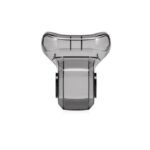
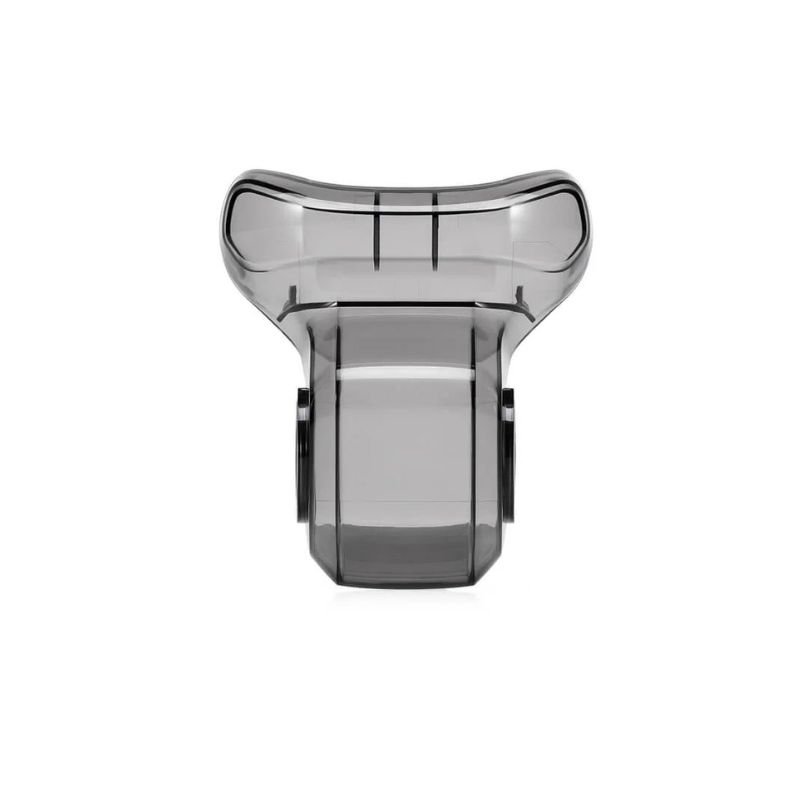
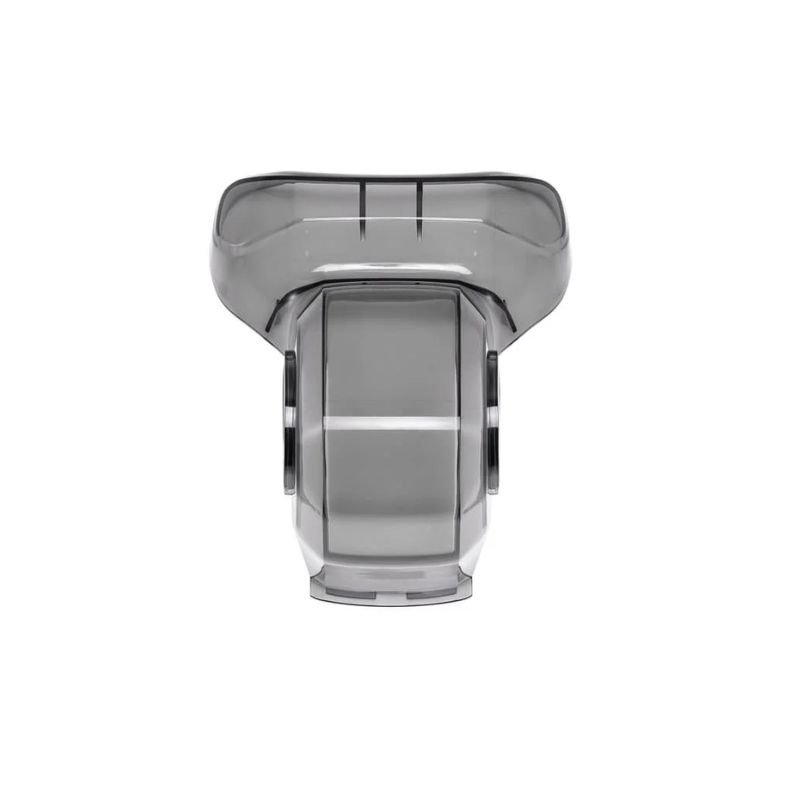
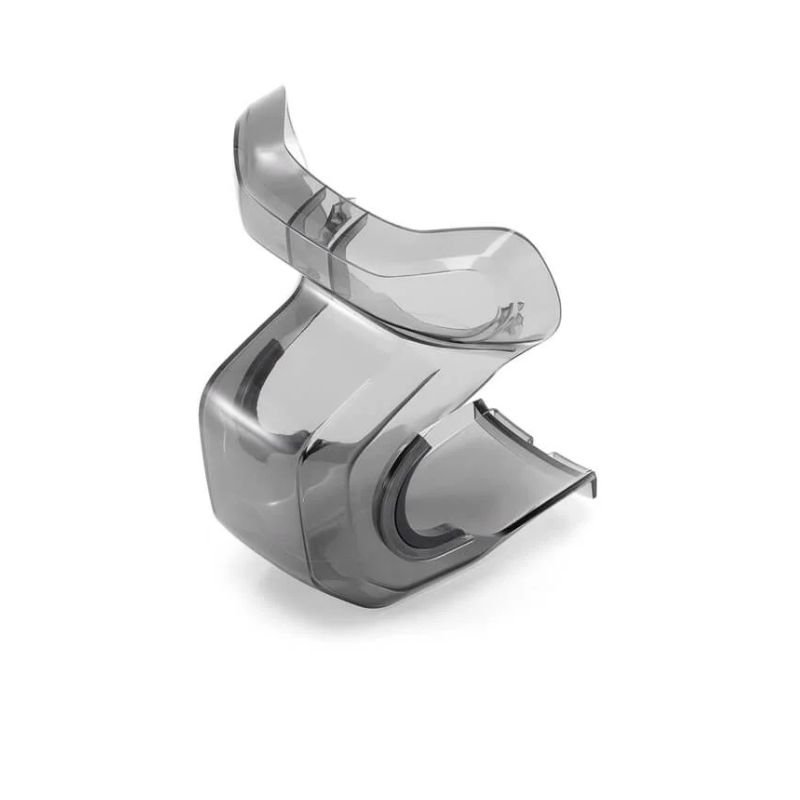
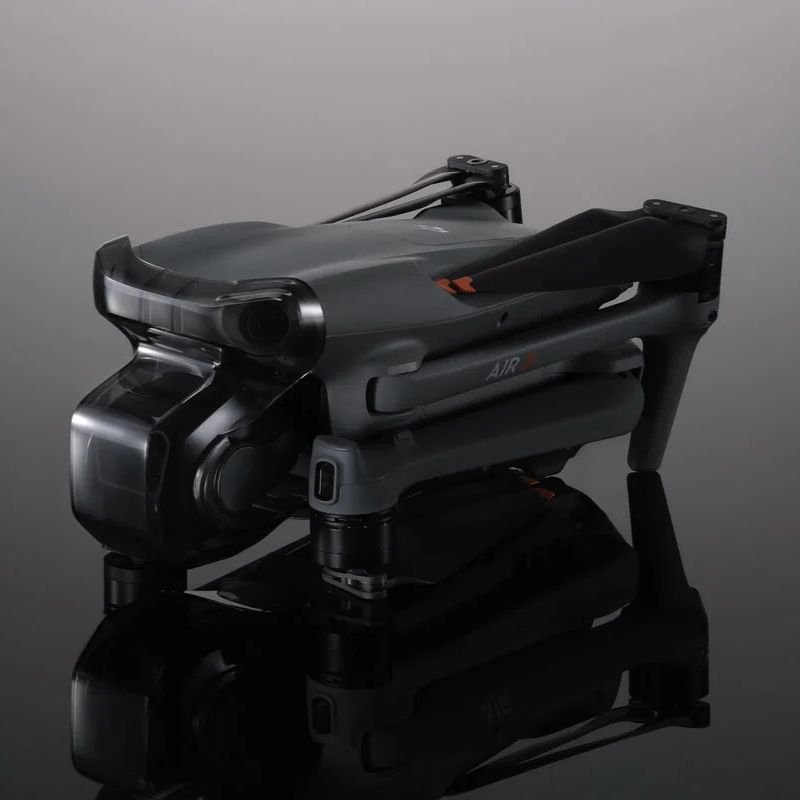
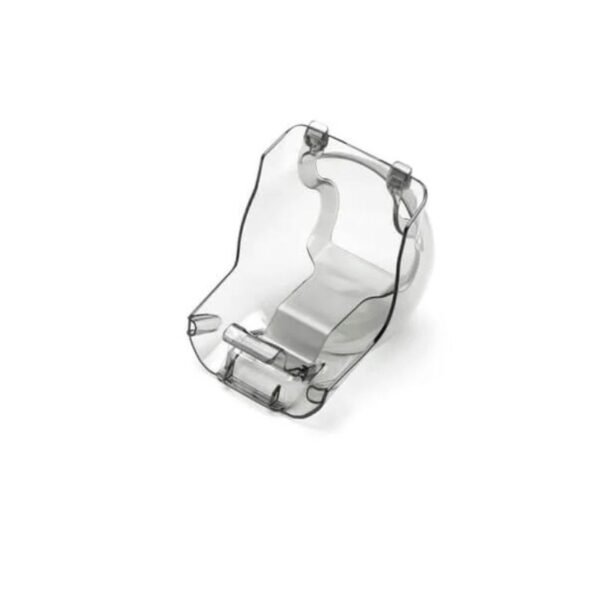
This protector is custom-molded for the DJI Air 3, hugging the gimbal and camera snugly without applying pressure or affecting the balance. Once clipped on, it locks the gimbal in place, preventing accidental wobbles, lens nudges, or that heartbreaking scratch that shows up in every photo. No loose movement, no stress—just a solid, secure fit that keeps your drone’s most delicate parts well-defended.
Made from high-quality, impact-resistant polycarbonate, the protector is strong enough to shield your lens from bumps and knocks while still being transparent enough to show off that glorious Air 3 camera. It’s lightweight, durable, and doesn’t turn your sleek drone into a bulky gadget. Think of it as sunglasses for your gimbal—with the strength of a riot shield.
No screws, no tools, no PhD in engineering required. Just align the protector over the gimbal and gently clip it into place—it locks in with a satisfying click. When it’s time to fly, just pinch and remove in seconds. It’s so easy, even someone who’s never touched a drone before could do it on their first try. Fast, simple, and stress-free.
Whether you’re packing your drone for a road trip or just popping it into your everyday carry bag, this gimbal protector ensures that the lens stays secure and the gimbal doesn’t bounce around like it’s on a trampoline. It adds peace of mind without adding weight or space. Your drone can finally travel like a first-class passenger instead of a tossed-in accessory.
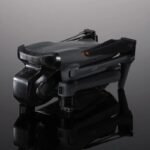
This protector is designed to stay on while your drone sits comfortably inside most DJI or third-party carrying cases. No need to remove it every time you pack up. Just protect and go. Your gimbal gets to keep its shield on while the rest of your gear huddles in the bag.
Gently align the protector over the DJI Air 3 gimbal and camera.
Push it inward until you hear a satisfying click, indicating it’s locked in place.
Double-check that the protector is snug and not interfering with any arms or props.
Store or transport your drone as needed.
To remove, hold the drone firmly and pinch both sides of the protector to release it smoothly.
Clean the protector regularly using a soft, lint-free cloth to keep it dust-free and clear.
Avoid dropping or bending it forcefully, as it’s strong but not indestructible.
Store it in your drone case when not in use—don’t leave it rolling around in your backpack.
Keep away from direct heat sources to prevent warping or deformation.
Inspect the clips occasionally to make sure they haven’t worn out or loosened with time.
Do:
Use the protector during transport, even for short trips.
Make sure it’s fully locked in before storing your drone.
Clean it if it starts looking foggy or scratched.
Match it with compatible cases for all-in-one protection.
Keep a spare if you’re prone to misplacing small accessories.
Don’t:
Don’t fly with the protector still on (your drone will be confused, and your footage will be dark).
Don’t force it onto other drone models—it’s made specifically for the Air 3.
Don’t toss it in with sharp tools or metal parts that might scratch it.
Don’t try to modify it—it’s already optimized.
Don’t ignore small cracks—replace it if damaged.
Always remove the protector before powering on the drone to avoid gimbal overload warnings.
If the gimbal feels stuck, check if the protector is properly unclipped before pulling.
Don’t use a damaged or loose protector—it could come off during travel.
Avoid excessive force when clipping it on, especially near the camera lens.
Store the protector away from kids or pets—it’s not a chew toy or a mini spaceship.
A gimbal without protection is like a knight without armor—it looks cool, but one bump and it’s game over. The DJI Air 3 Gimbal Protector gives you peace of mind every time your drone is in transit or storage. It’s light, durable, easy to use, and perfectly designed for your Air 3. If you value your camera (and your money), this tiny hero of a gadget is absolutely essential.
Protect your gimbal, preserve your footage—clip on confidence with the DJI Air 3 Gimbal Protector.
It is made from high-quality, impact-resistant polycarbonate with a transparent design for durability and clear visibility of the gimbal.
No, it is custom-molded and designed specifically for the DJI Air 3 drone only.
Gently align it over the gimbal and camera, then push inward until it clicks securely into place.
No, always remove it before powering on or flying to prevent damage or interference with the gimbal.
Pinch both sides to release and pull it off smoothly. Clean with a soft cloth; avoid harsh chemicals.
| Feature | Details |
|---|---|
| Product Name | DJI Air 3 Gimbal Protector |
| Compatibility | Specially designed for DJI Air 3 drone |
| Primary Function | Shields the gimbal and camera during transport or storage |
| Material | Durable polycarbonate plastic |
| Interior Lining | Soft inner surface to prevent scratches |
| Fit Accuracy | Precisely molded to match gimbal shape and dimensions |
| Attachment Style | Clip-on design with tight locking fit |
| Covered Areas | Protects gimbal arms, camera lens, and vision sensors |
| Installation | Tool-free, snap-on and remove in seconds |
| Portability | Lightweight and compact, fits in any drone bag |
| Travel Safety | Keeps the gimbal stable during movement or bumps |
| Color Option | Transparent grey or smoke black |
| Cleaning Method | Wipe clean with a cloth or lens wipe |
| Ideal Use Case | For safe transport, long storage, or daily drone carry |


Reviews
There are no reviews yet.