Description
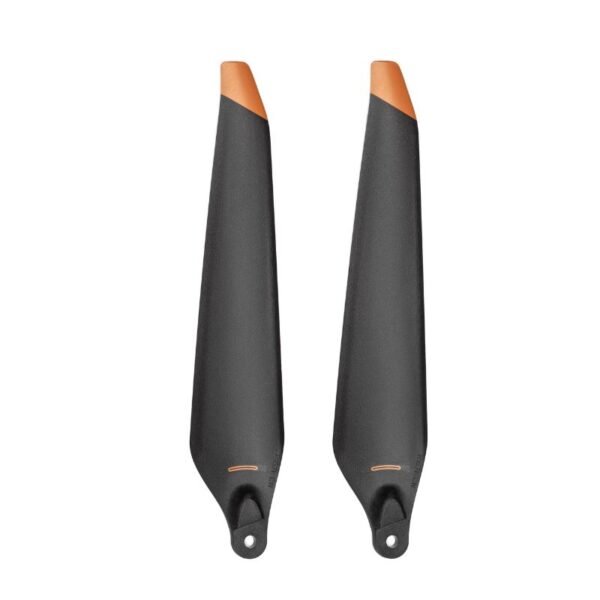
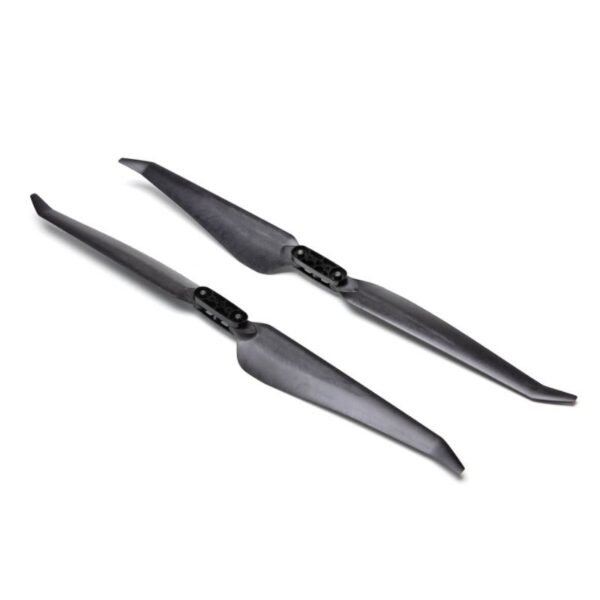
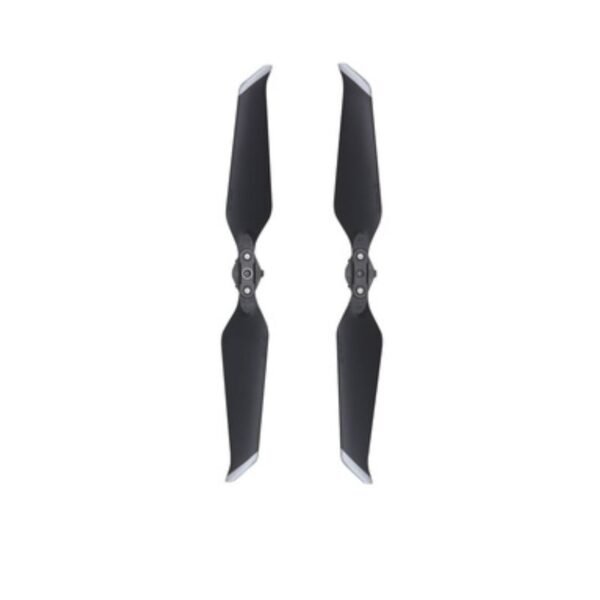
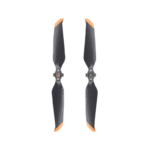
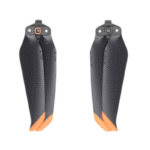
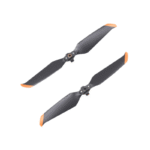
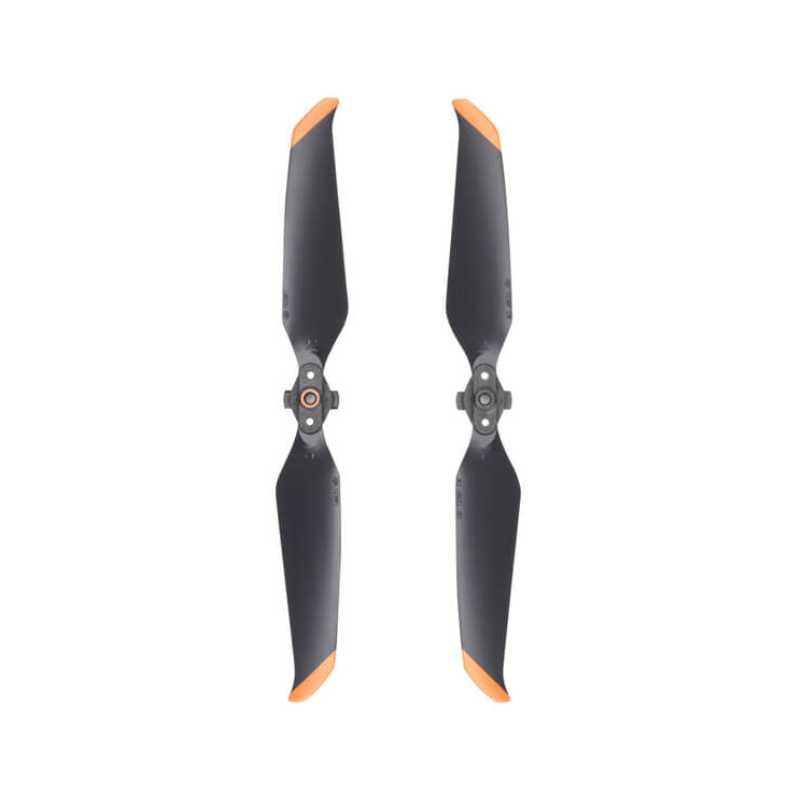
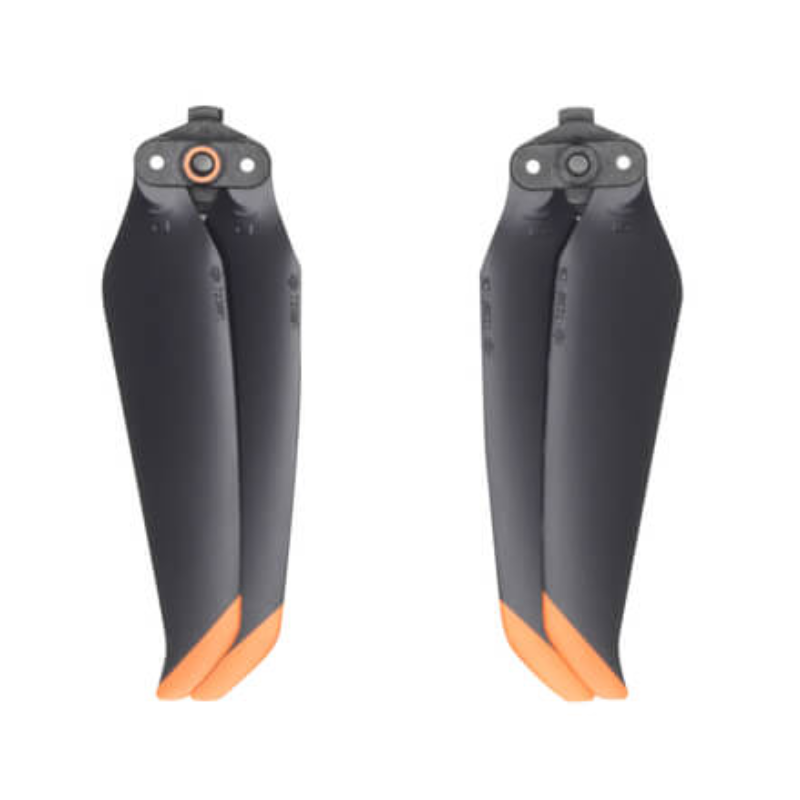
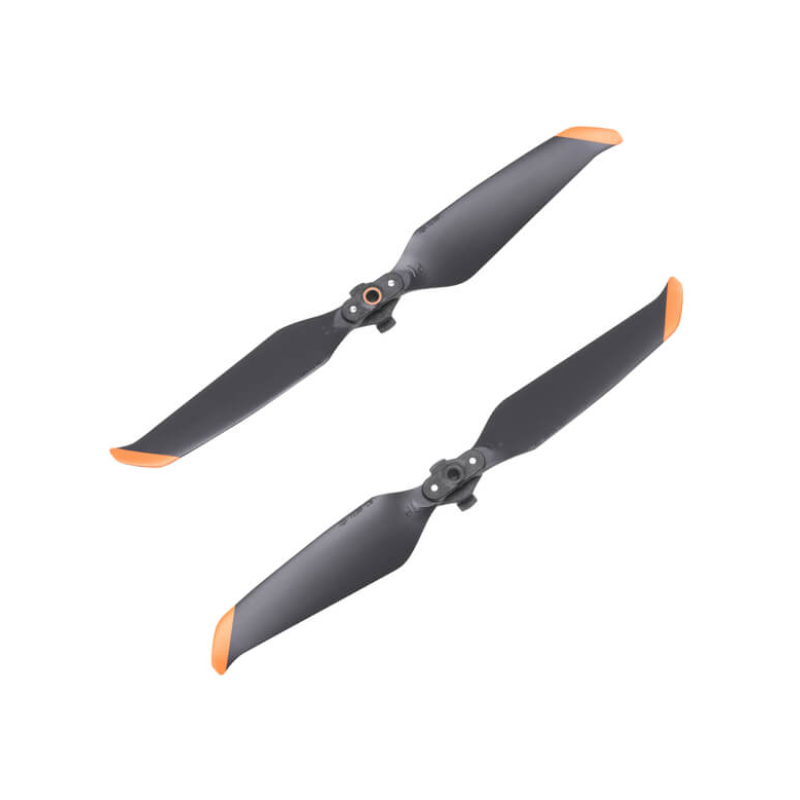
DJI Air 2S Low-Noise Propellers
Flying a drone is fun, but let’s be honest—no one likes the loud buzzing sound that makes your neighbors think a giant mosquito is chasing them. That’s exactly why the DJI Air 2S Low-Noise Propellers were designed. Each blade has gone through precise dynamic balance testing, which means they don’t just spin randomly, they spin like professional ballet dancers—graceful, quiet, and efficient. The result? Less noise, more stable flight, reduced power consumption, and longer airtime so you can enjoy more flying and less charging. Whether you’re shooting stunning aerial shots or just enjoying smooth flights, these propellers are your drone’s best upgrade.
Key Features
1. Longer and Quieter Flight
These propellers are crafted with a new aerodynamic profile that dramatically cuts down the annoying buzz. Instead of sounding like an electric shaver in the sky, your drone now glides more like a whispering breeze. This not only makes your flying experience peaceful but also ensures you can record audio without the constant hum in the background. It’s perfect for creators, travelers, and anyone who prefers to fly without disturbing the whole neighborhood.
2. More Aerodynamic Efficiency
Each propeller isn’t just a piece of plastic—it’s a precision-engineered blade that slices through the air with minimal resistance. This means your drone can fly smoother, hold its position better, and handle tricky wind conditions with more confidence. It’s like giving your drone a set of sports car tires—maximum grip, maximum control, and maximum performance.
3. Lower Power Consumption
Nobody likes short flight times, right? These propellers are designed to consume less power during flight, which means your drone’s battery lasts longer. Think of it as giving your drone a “fuel efficiency” upgrade. With every rotation, they make sure your battery isn’t working harder than it needs to, giving you those precious extra minutes in the air.
4. Precise Balance for Stability
Every single propeller is tested for balance before it leaves the factory. Why? Because even the tiniest imbalance can cause vibrations that ruin your drone’s footage. These blades keep everything steady and stable, letting your drone hover like it’s meditating. Smooth footage, stable handling, and no unexpected shakes—exactly what every pilot wants.
5. Easy Installation and Removal
Changing propellers shouldn’t feel like rocket science. These blades use DJI’s quick-mount system, which means you can replace them in seconds. Just line them up properly (following the manual), twist, and you’re ready to go. It’s so simple, even a beginner can do it without breaking a sweat.
How to Use
-
Power off your drone completely before attaching or removing propellers. No one wants a surprise spinning blade.
-
Identify the clockwise (CW) and counterclockwise (CCW) propellers. Match them to the correct motor positions marked on your drone.
-
Align the propeller with the motor mount, press down, and twist until it locks in place. Simple and secure.
-
Double-check that each blade is firmly attached before takeoff. A loose propeller mid-air is a pilot’s worst nightmare.
-
After your flight, remove the propellers if you’re storing your drone for long periods. This prevents accidental bending or damage.
How to Take Care
-
Clean the propellers gently with a soft, dry cloth after flights to remove dust or debris.
-
Avoid bending or twisting the blades. They’re strong but not indestructible—treat them like delicate airplane wings.
-
Keep propellers away from extreme heat or direct sunlight when not in use, as this can warp the material.
-
Check the attachment points and screws regularly to make sure they’re not wearing down.
-
Carry the propellers in a protective case to avoid accidental scratches or bending while traveling.
Safety Tips
-
Always handle the propellers with care; they may be lightweight but they can cause cuts if mishandled.
-
Keep kids and pets away from your drone when propellers are attached. A curious hand or paw doesn’t mix well with spinning blades.
-
Never attempt to touch or stop the propellers when the drone is powered on. They spin faster than you think!
-
Avoid flying near obstacles like trees, walls, or wires that could damage your blades mid-flight.
-
Regularly monitor the noise level of your drone. If the propellers suddenly get louder, it might be a sign they need replacing.
Final Words
The DJI Air 2S Low-Noise Propellers are more than just spare parts—they’re a serious upgrade for anyone who values quieter flights, longer airtime, and smoother footage. They’re easy to install, safe to use, and built to keep your drone at peak performance. If you want to make your flying experience both professional and peaceful, this is the accessory you don’t want to miss. Upgrade your drone today and let your flights be heard less and enjoyed more!
FAQ`s
No, these are specifically designed for the DJI Air 2S; for Air 2, use the dedicated Air 2 propellers.
The specialized blade shape reduces aerodynamic noise, making flights quieter without compromising power or efficiency.
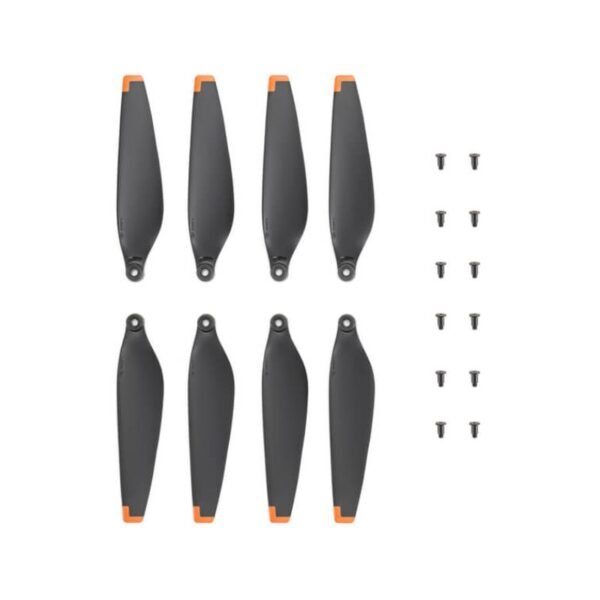
Typically 4 propellers (2 CW and 2 CCW) along with mounting screws.
Yes, they are original DJI low-noise 8331 propellers for reliable performance and durability.
No, they are quick-release foldable propellers that attach easily by hand or with the included screwdriver.

Reviews
There are no reviews yet.