
₹26,240.00 Original price was: ₹26,240.00.₹21,240.00Current price is: ₹21,240.00. inc. Gst
Product Overview
| Screen | 10.26in touch screen |
| Display Resolution | 1600×600 |
| Front Camera | C2395K image sensor, 6G lens, 1920×1080P@25fps, 150° view |
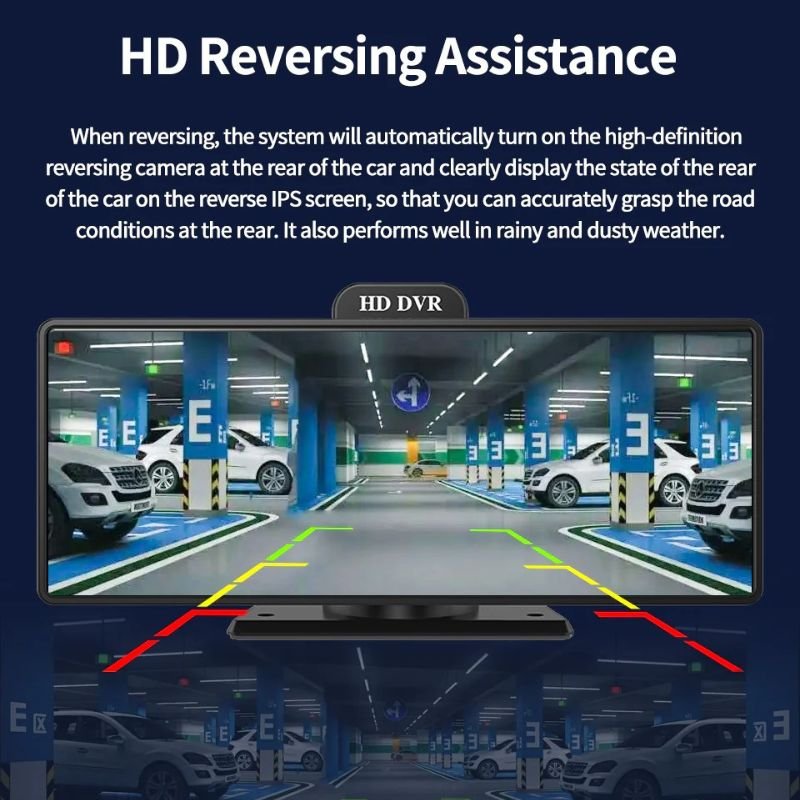
| Back Camera | GC2053 image sensor, 4G lens, 1920×1080P@25fps, 135° view |
| Video Format | TS H.264 |
| Max SD Card Support | 256G SD card |
| Built-in Microphone | Yes, -40db±2db |
| Built-in Loudspeaker | Yes, 8Ω/2W |
| Wi-Fi Support | 2.4G: 802.11b/g/n, 5G: HT20/HT40/VHT20/VHT40/VHT80 |
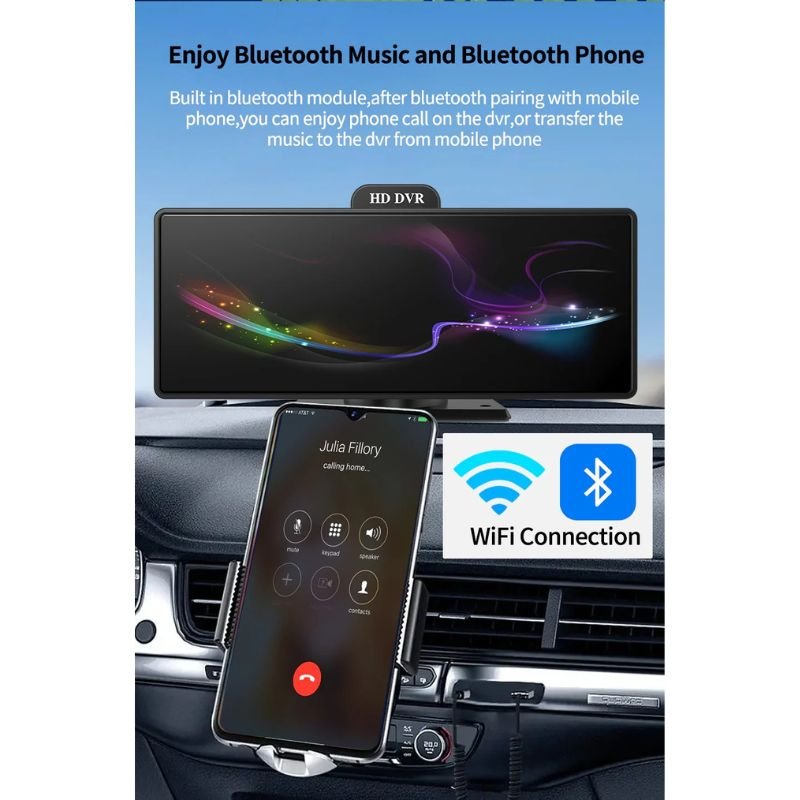
| Bluetooth | Bluetooth 5.1, supports phone & A2DP music |
| FM Transmitter | Range: 88–108MHz |
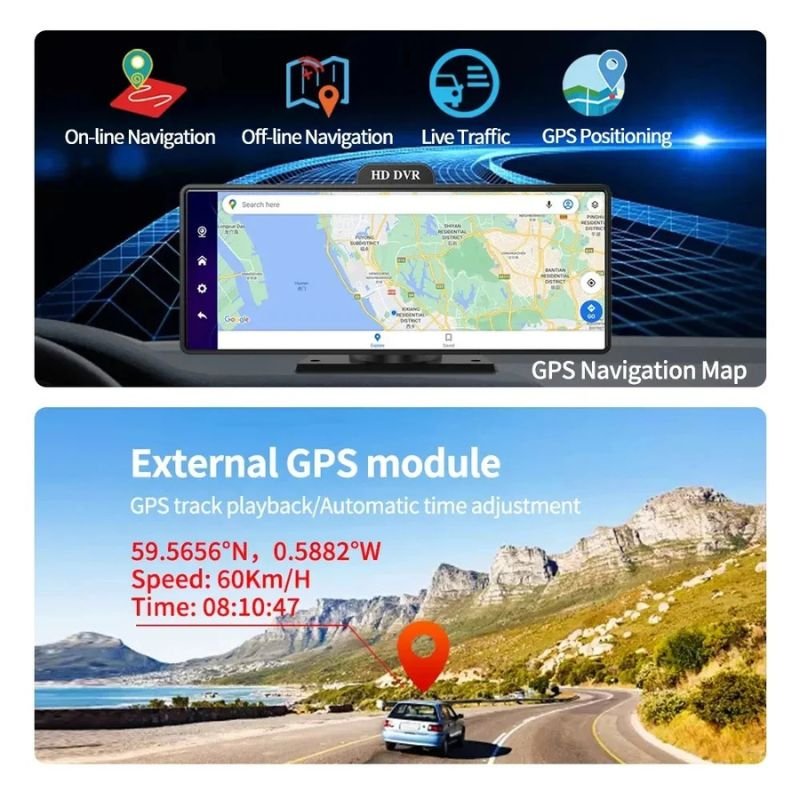
| GPS Position | External GPS antenna + Beidou dual module |
| 4G Network | FDD-LTE: B1/B3, WCDMA: B1/B8 |
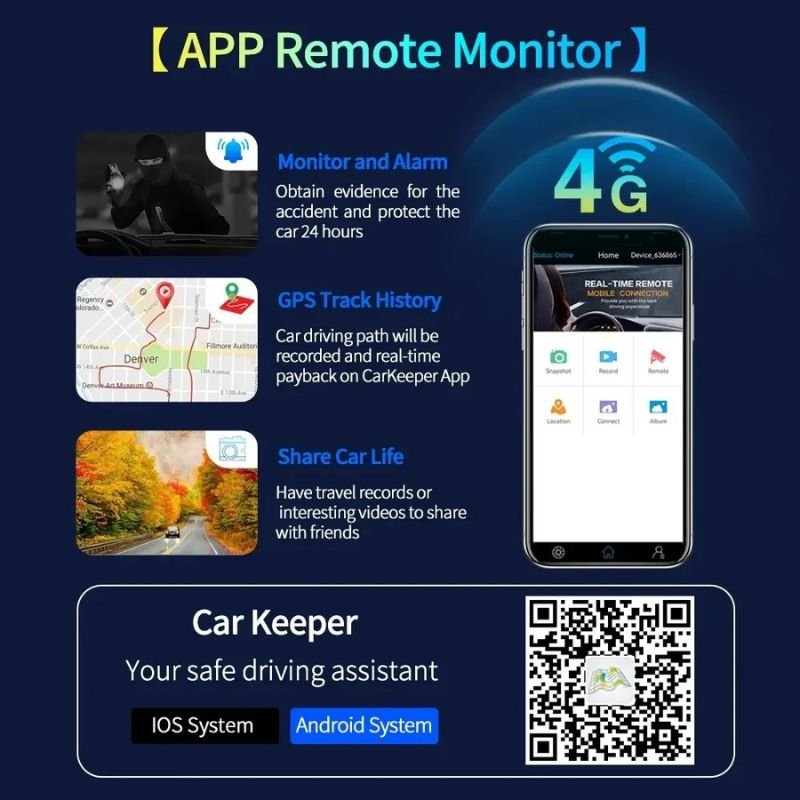
| Remote Monitor App | CAR KEEPER App |
| Remote Monitor Function | Video/photo capture, driving history check |
| GPS Navigation | Supported |
| ADAS Function | LDWS, FCWS, FVWS |
| G-Sensor + Loop Recording | Supported |
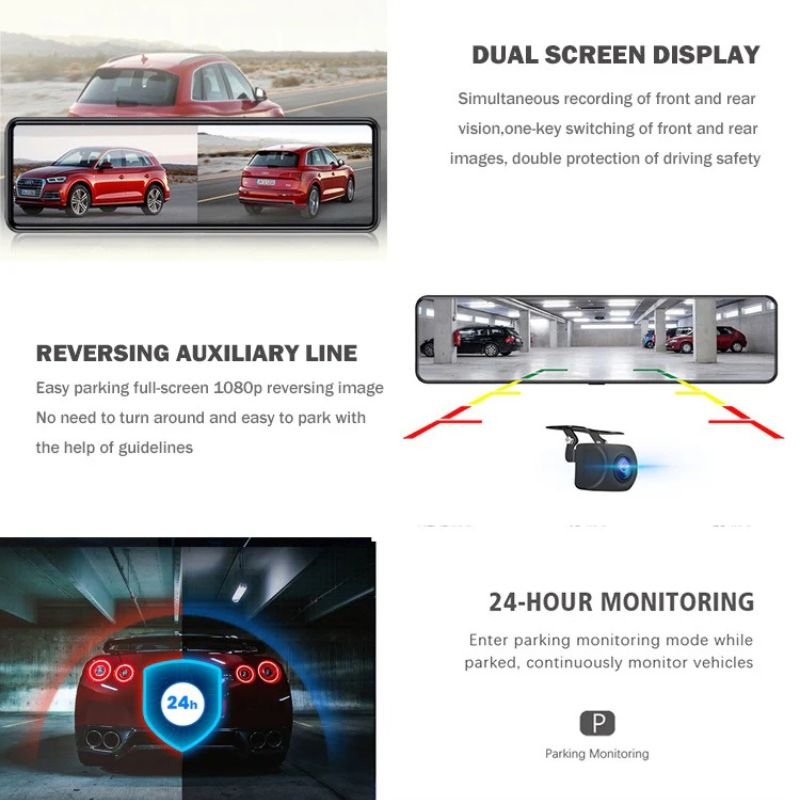
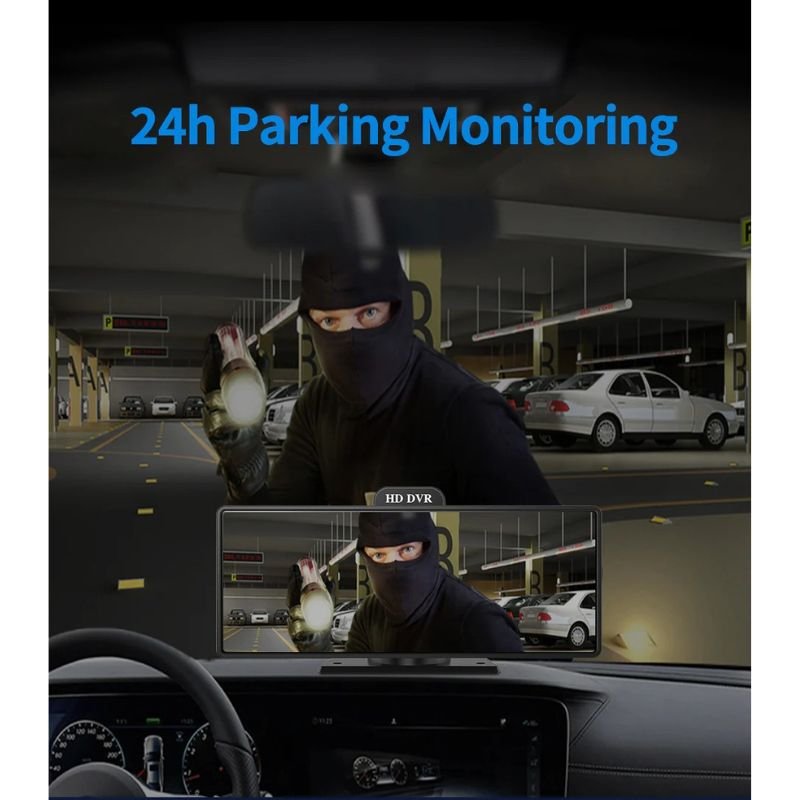
| 24H Parking Monitor | Supported |
| Working Temperature | -20°C ~ +70°C |
| Item Size | 40×100mm |
In stock
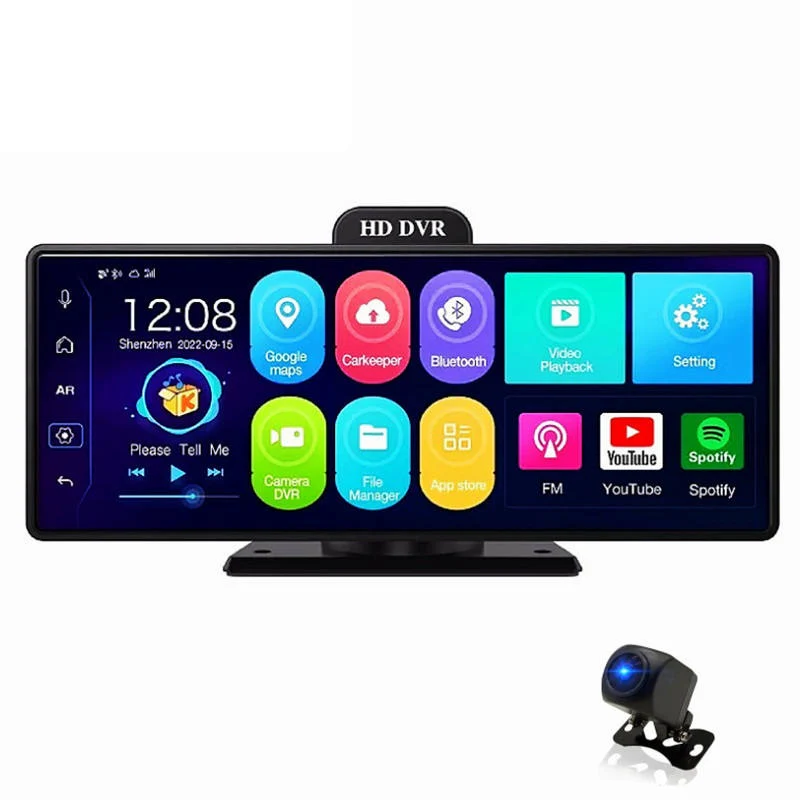
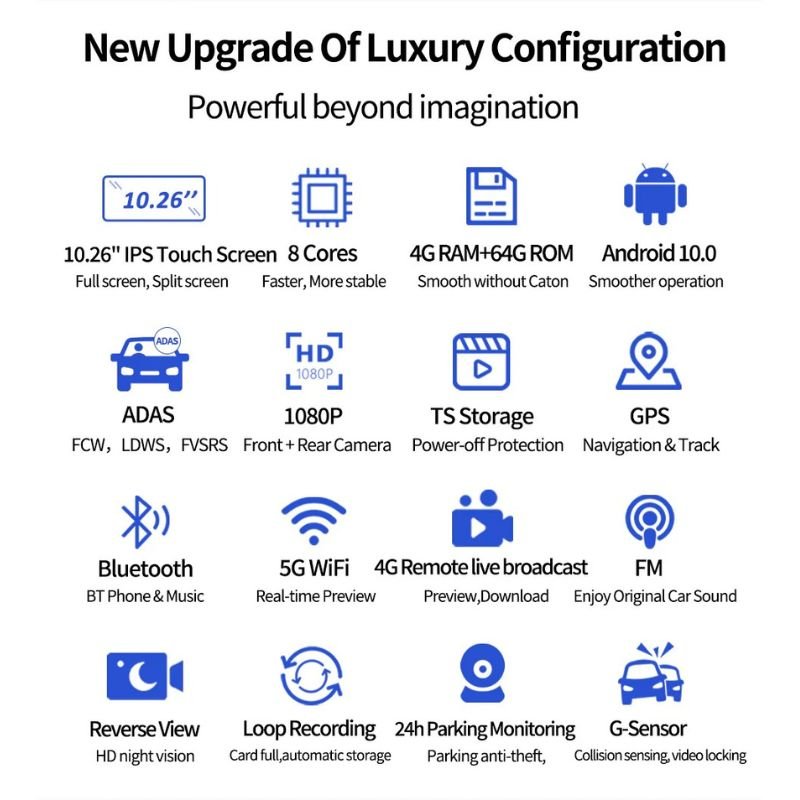
The D13 Dash Camera is an advanced, full-touch smart mirror dash cam designed to provide crystal-clear visuals, intelligent driving assistance, and full wireless control. With its ultra-wide 10.26-inch touchscreen display and sharp 1600×600 resolution, the D13 seamlessly integrates with your vehicle, offering an intuitive interface and full dual-camera recording. Engineered to deliver professional-grade monitoring, smart alerts, and remote access via 4G and Wi-Fi, it’s a complete safety and connectivity system that enhances every journey, day or night.
1. Dual 1080P Front and Rear Camera System for Complete Coverage
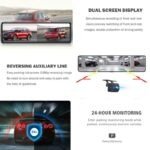
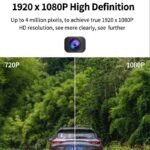
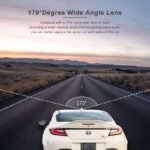
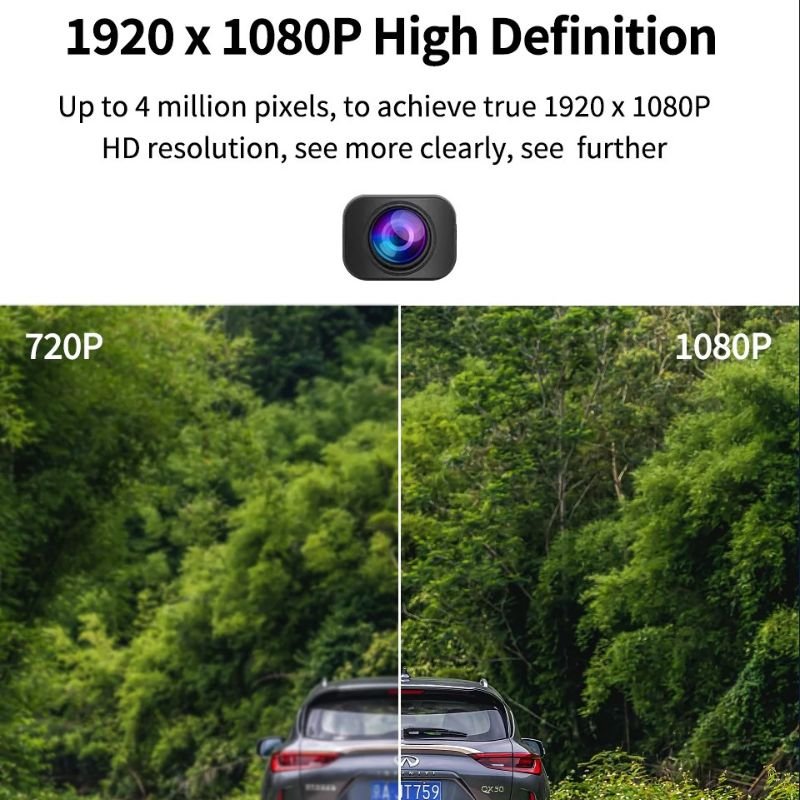
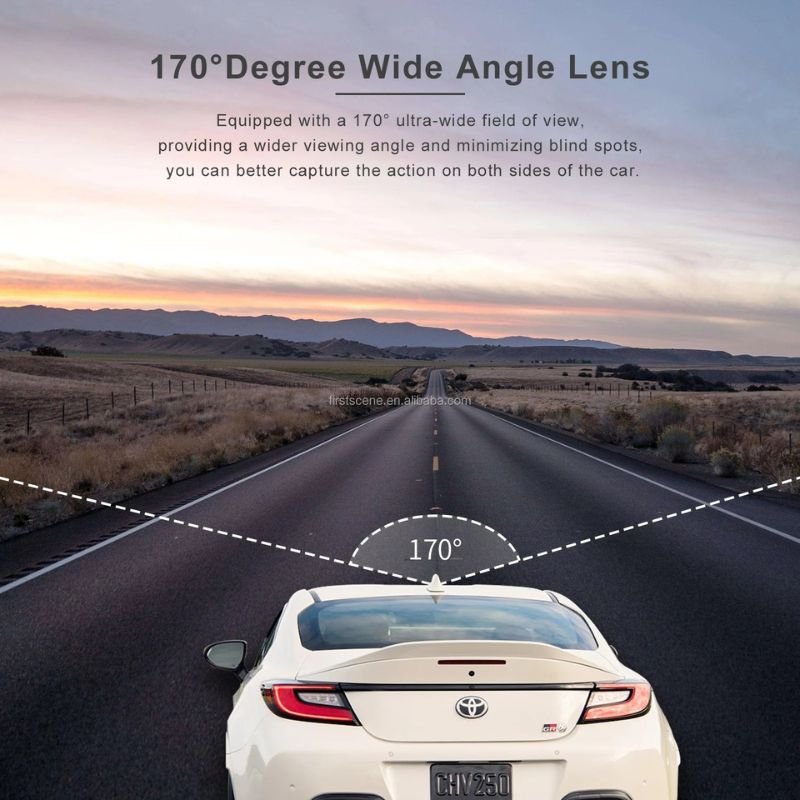
The D13 Dash Cam is equipped with high-performance image sensors for both front and rear coverage. The front camera features a C2395K sensor and 6G lens, capable of recording at 1920×1080P@25fps with a wide 150° field of view—ideal for capturing all road conditions with precision. The rear camera uses a GC2053 image sensor and 4G lens, also recording at 1080P@25fps with a 135° angle. This dual setup offers clear, comprehensive surveillance from both directions.
2. Immersive 10.26-Inch Full Touchscreen with High-Resolution Display
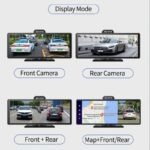
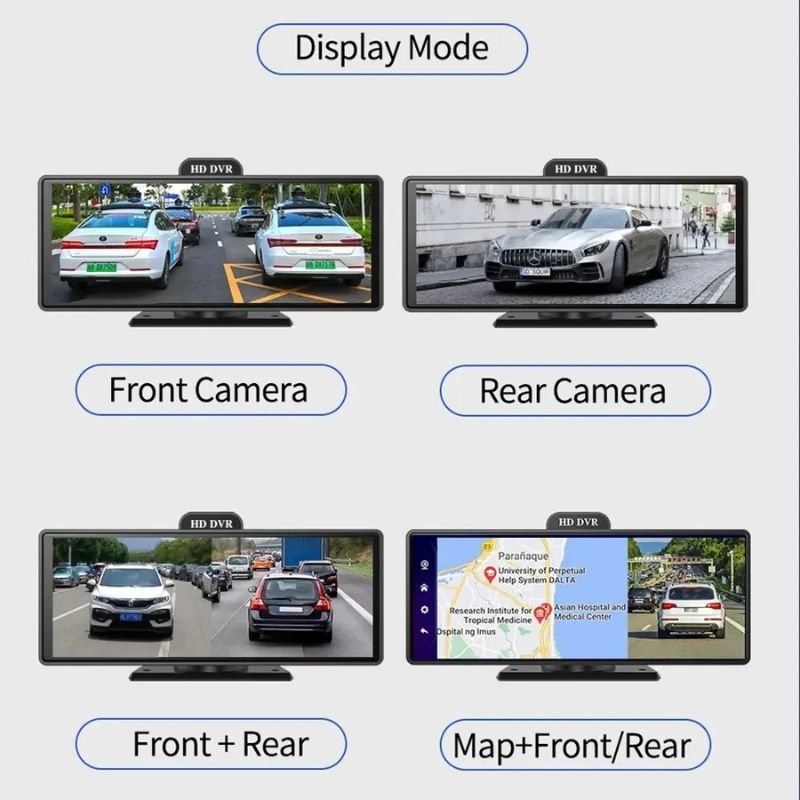
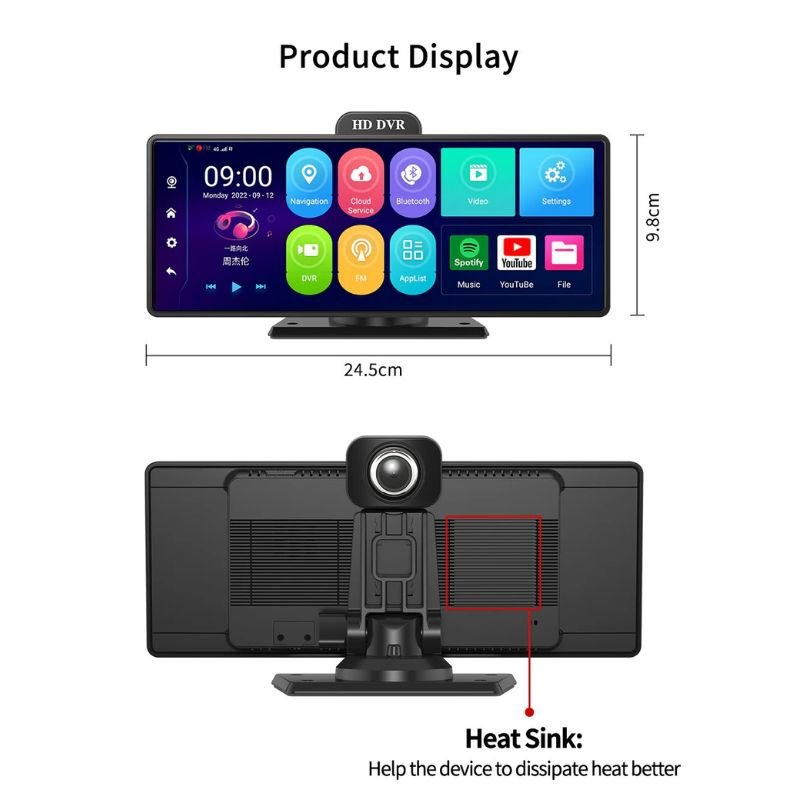
Enjoy an expansive and responsive 10.26-inch touch screen with a 1600×600 resolution that provides vivid imagery and simple navigation. Whether switching between front/rear camera views, adjusting settings, or reviewing footage, the ultra-wide screen offers ease of use and modern in-car appeal. It’s the perfect digital mirror upgrade that combines function with style.
3. Intelligent ADAS Alerts and Built-In G-Sensor
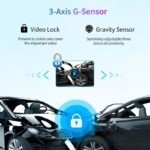
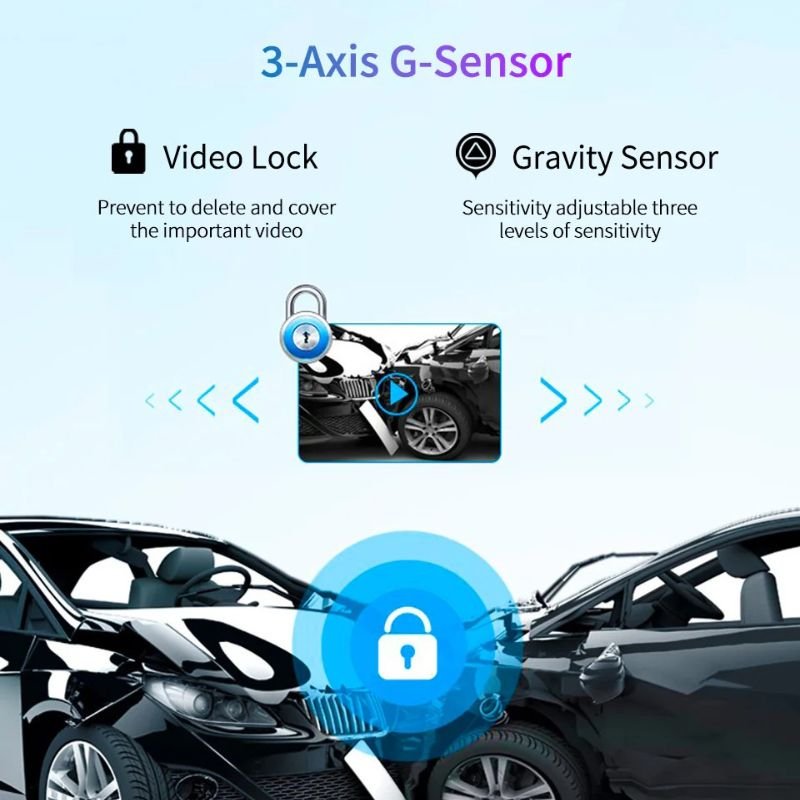
The D13 enhances driving safety with ADAS features such as LDWS (Lane Departure Warning), FCWS (Forward Collision Warning), and FVWS (Front Vehicle Start Warning). These systems help drivers stay aware of their surroundings and respond quickly to potential hazards. The integrated G-sensor automatically detects impacts or sudden movements, locking the relevant footage for later review and preventing it from being overwritten.
4. Seamless Wireless Connectivity: 4G, Wi-Fi, and Bluetooth
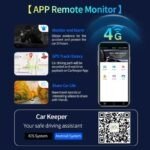
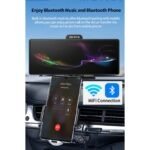
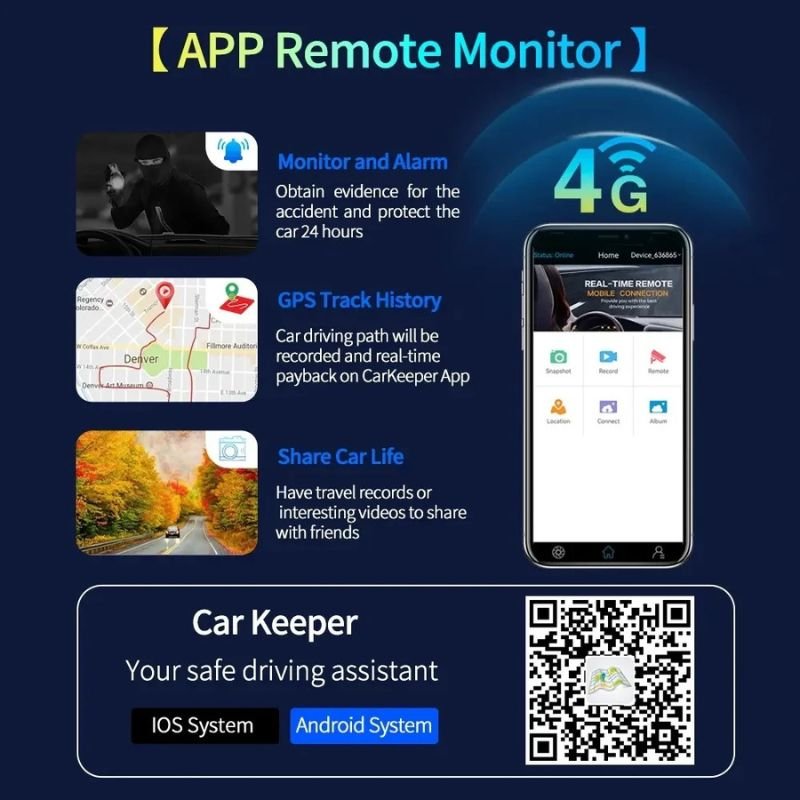
Stay connected with full 4G LTE support (FDD-LTE B1/B3, WCMDA B1/B8) and dual-band Wi-Fi (2.4G/5G), offering stable and fast remote access via the CAR KEEPER app. Users can view real-time footage, check GPS history, and even control camera settings from their smartphone. Bluetooth 5.1 provides additional connectivity for hands-free use and media playback, creating a fully integrated driving experience.
5. Built-In GPS with Dual-System Navigation
The D13 is equipped with an external GPS antenna supporting GPS and Beidou dual-mode navigation. This allows precise route tracking, real-time location display, and integration with remote monitoring tools. Whether you’re traveling cross-country or monitoring a fleet, every movement is accurately recorded for future reference or documentation.
1. Loop Recording with Emergency File Protection
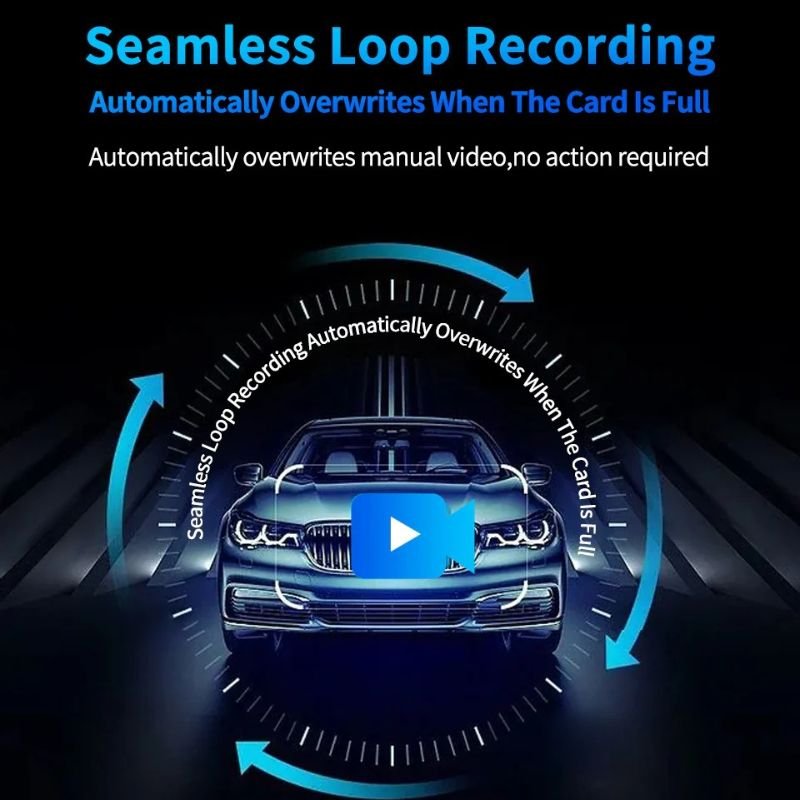
The D13 features TS H.264 compression and smart loop recording that overwrites old files when storage is full. During sudden collisions or motion detection events, critical footage is automatically saved and locked using the G-sensor, ensuring it remains secure and reviewable when you need it most.
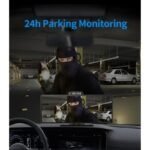
2. 24-Hour Parking Monitoring and Motion Detection
Even when your vehicle is parked, the D13 keeps watch. Its 24-hour parking monitor and motion detection features capture any nearby activity or attempted tampering, acting as a round-the-clock security system that protects your car from hit-and-runs, theft, or vandalism—even while you’re away.
3. Advanced Audio-Visual Hardware and Storage Support
The D13 includes a high-sensitivity microphone (-40db±2db) and a built-in 8Ω/2W loudspeaker for clear voice recording and playback. Supporting up to 256GB SD cards, it provides hours of high-resolution recording, making it ideal for long-distance drivers or daily commuters who need extensive storage without constant file transfers.
4. Compact, Rugged Build for All Conditions
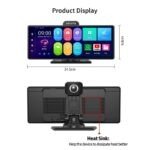
Measuring only 40×100mm, the D13 is compact and easy to install on most vehicles without obstructing visibility. Built to operate in harsh environments (-20°C to +70°C), it includes all essential ports: Type-C for power, AV-in for rear cam, GPS input, SIM card slot, SD slot, and Mini USB for firmware updates—offering wide compatibility and durability.
5. Full Remote Control with CAR KEEPER App
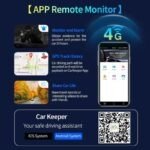
With the CAR KEEPER app, you can remotely capture images or video, track your vehicle’s route history, and monitor your car in real time. Whether you’re on the road or at home, this function turns your smartphone into a powerful remote control center for your dash cam—anytime, anywhere.
1. Mount the Cameras with Precision: Start by fixing the front camera onto your rearview mirror using the provided mounting mechanism. Make sure it’s tightly secured and aligned for a full road view. Then, attach the back camera to the rear windshield or license plate area, positioning it to get a wide and clear view of vehicles behind you. Carefully run the cables along the edges or panels of your car’s interior to keep them hidden and safe from disturbance.
2. Insert the SD Card and Power It Up: Insert a high-speed microSD card (the D13 supports up to 128 GB) into the designated slot. Connect the dash cam system to your car’s 12V outlet via the included charging cable. As soon as the vehicle starts, the device powers on, initiating real-time recording on both cameras. Built-in microphone and loudspeaker also activate automatically for audio capture and alerts.
3. Navigate with the 10.26” Touchscreen: Use the responsive 10.26-inch touchscreen to access all major features. You can switch between front and back camera views, adjust settings, playback videos, and manage audio. The screen resolution of 1600×600 ensures clear visuals, making setup and review very easy even in bright daylight.
4. Enable GPS, 4G, and Wi-Fi Features: Activate the built-in GPS for real-time location tracking and route data. Turn on the 4G network for remote monitoring functions through a connected mobile app, which allows you to check footage from anywhere. Built-in Wi-Fi also allows easy file transfer and live preview through your smartphone—no need to remove the SD card for access.
5. Switch on ADAS and G-Sensor Functions: For added driving safety, turn on ADAS (Advanced Driver Assistance System) for lane departure alerts and distance warnings. Also activate the G-sensor to automatically lock and protect important footage in the event of sudden impact or collision. These features work silently in the background to enhance your driving awareness and vehicle security.
1. Clean the Camera Lens and Touchscreen Regularly: At least once a week, gently clean the lenses of both front and rear cameras using a soft microfiber cloth to avoid dust build-up. Also, wipe the 10.26-inch display screen to maintain clear visuals. Avoid using alcohol or water directly on the device to prevent internal damage.
2. Format the SD Card Periodically: To prevent lag, glitches, or file corruption, format the SD card directly from the dash cam interface or the mobile app every 2–3 weeks. This ensures efficient loop recording and keeps your saved clips properly organized.
3. Keep Your Software Up to Date: If the dash cam system allows over-the-air updates via Wi-Fi or an app, always install the latest firmware. These updates improve performance, add new features, and fix minor bugs that could affect recording or connectivity.
4. Avoid Direct Sunlight Exposure: While designed for automotive use, continuous exposure to extreme heat—especially when parked under the sun—can damage internal components. Use a sunshade or park in covered areas when possible to extend the camera’s lifespan.
5. Disconnect During Extended Inactivity: If you plan to leave the car unused for several days or weeks, disconnect the dash cam from the power outlet and store it in a cool, dry location. This helps prevent battery swelling or power-related issues due to prolonged idle charging.
1. Do Not Operate While Driving: Avoid adjusting settings, reviewing footage, or using the touchscreen while driving. Set everything up before you begin your journey or ask a passenger to manage it if necessary.
2. Secure Cables Neatly: Make sure all cables—especially the ones connecting the rear camera—are tightly secured along the interior lining of the car. Loose wires can obstruct controls, distract the driver, or become a safety hazard during abrupt stops.
3. Manage G-Sensor Sensitivity: Adjust the G-sensor to an appropriate level depending on your daily route. A highly sensitive setting might save too many files even for small bumps, which can quickly fill your storage and overwrite important footage.
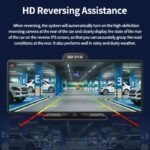
4. Don’t Rely Only on Rear Camera for Parking: Although the rear camera helps while reversing, always physically check surroundings using your mirrors or by turning around. Never depend solely on the display view, especially in tight or complex parking situations.
5. Use FM Transmitter Responsibly: If you enable the built-in FM transmitter for audio playback, ensure it doesn’t interfere with emergency broadcasts or car radio navigation systems. Tune it to an unused frequency to avoid static or interruptions.
The D13 Dash Camera is not just a basic recording device—it’s an intelligent driving assistant built for the demands of today’s roads. With its sleek 10.26-inch touchscreen display and crisp 1600×600 resolution, navigating its features is a breeze. The powerful dual-camera setup ensures you capture both front and rear footage with crystal clarity, while built-in Wi-Fi, GPS, Bluetooth, and 4G network support make this camera future-ready. You get live remote monitoring, smart alerts via ADAS, and secure file saving with the G-sensor in emergencies. It even includes a built-in mic and speaker for two-way interaction. Whether you’re commuting through city traffic or heading out on long drives, the D13 acts as your digital co-pilot—silently recording, protecting, and keeping you informed every step of the way. Choose D13 not just to record the road but to drive smarter and safer with every journey.
| Category | Specification |
|---|---|
| Screen | 10.26-inch full touch screen |
| Display Resolution | 1600×600 |
| Front Camera | C2395K image sensor, 6G lens, 1920×1080P @ 25fps, viewing angle: 150° |
| Back Camera | GC2053 image sensor, 4G lens, 1920×1080P @ 25fps, viewing angle: 135° |
| Video Format | TS H.264 |
| Max SD Card Support | Supports up to 256G SD card |
| Built-in Microphone | Yes, with sensitivity -40 dB ±2 dB |
| Built-in Loudspeaker | Yes, impedance 8Ω, power 2W |
| Wi-Fi Support | 2.4G: 802.11b/g/n; 5G: HT20, HT40, VHT20, VHT40, VHT80 |
| Bluetooth | Bluetooth 5.1, supports Bluetooth phone and A2DP Bluetooth music |
| FM Transmitter | Frequency range: 88–108MHz |
| GPS Positioning | External GPS antenna + Beidou dual satellite module |
| 4G Network Support | FDD-LTE: Band 1/Band 3; WCDMA: Band 1/Band 8 |
| Remote Monitoring App | CAR KEEPER App |
| Remote Monitoring | Supports remote video/photo capture and driving history viewing via app |
| GPS Navigation | Fully supported |
| ADAS Functions | Includes LDWS (Lane Departure), FCWS (Forward Collision), FVWS (Front Vehicle Warning) |
| G-Sensor | Built-in, supports emergency locking and loop recording |
| 24H Parking Monitor | Supports around-the-clock vehicle monitoring |
| Working Temperature | Operates between -20°C and +70°C |
| Item Size | 40 × 100 mm |
| Power Supply Port | Type-C port for power via a car charger |
| AV Input Port | For rear camera connection |
| GPS Port | For an external GPS antenna |
| SIM Card Slot | Accepts Micro SIM card for 4G connectivity |
| SD Card Slot | For memory storage (up to 256 GB) |
| Mini USB Port | Used for firmware updates or flashing |

In stock
Add to cart
In stock
Add to cart
In stock
Add to cart
In stock
Add to cart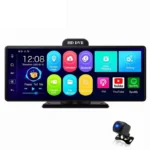




Reviews
There are no reviews yet.