₹10,080.00 Original price was: ₹10,080.00.₹7,080.00Current price is: ₹7,080.00. inc. Gst
Product Overview
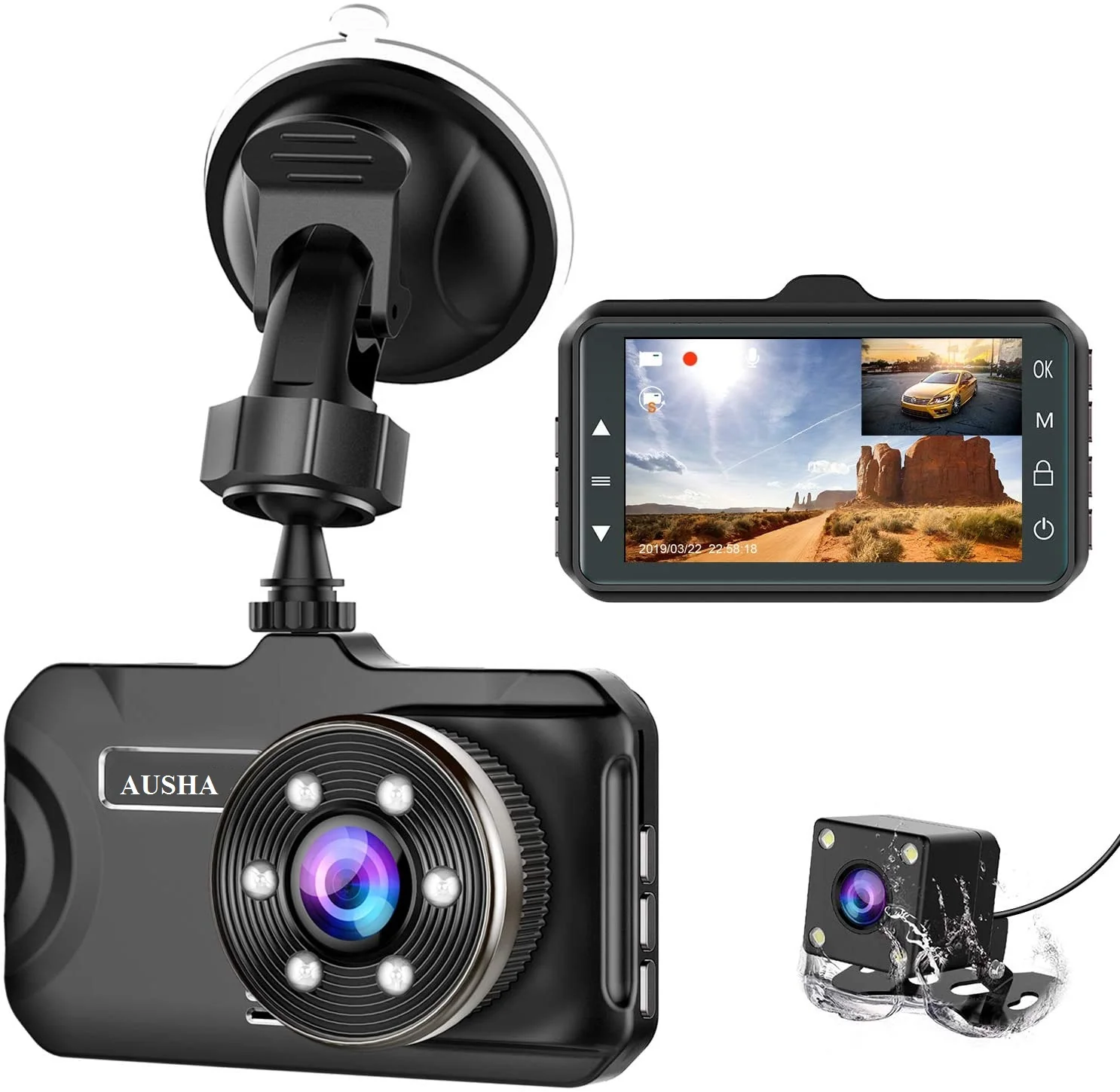
| Display | 4.0 inch |
| Video Resolution | HD 1080P (Front), HD (Rear) |
| Lens Angle | 170° (Front), 120° (Rear) |
| Picture-in-Picture | Yes |
| Storage Support | TF Card 8GB – 1TB (128GB Recommended) |
| Night Vision | Yes, advanced, clear, low-light recording |
| G-Sensor | Yes, automatic impact detection & lock |
| Loop Recording | Yes, seamless, continuous recording |
| Parking Monitoring | Temp-Park Motion Record Supported |
| Installation | Easy suction mount installation |
In stock
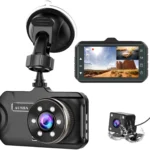
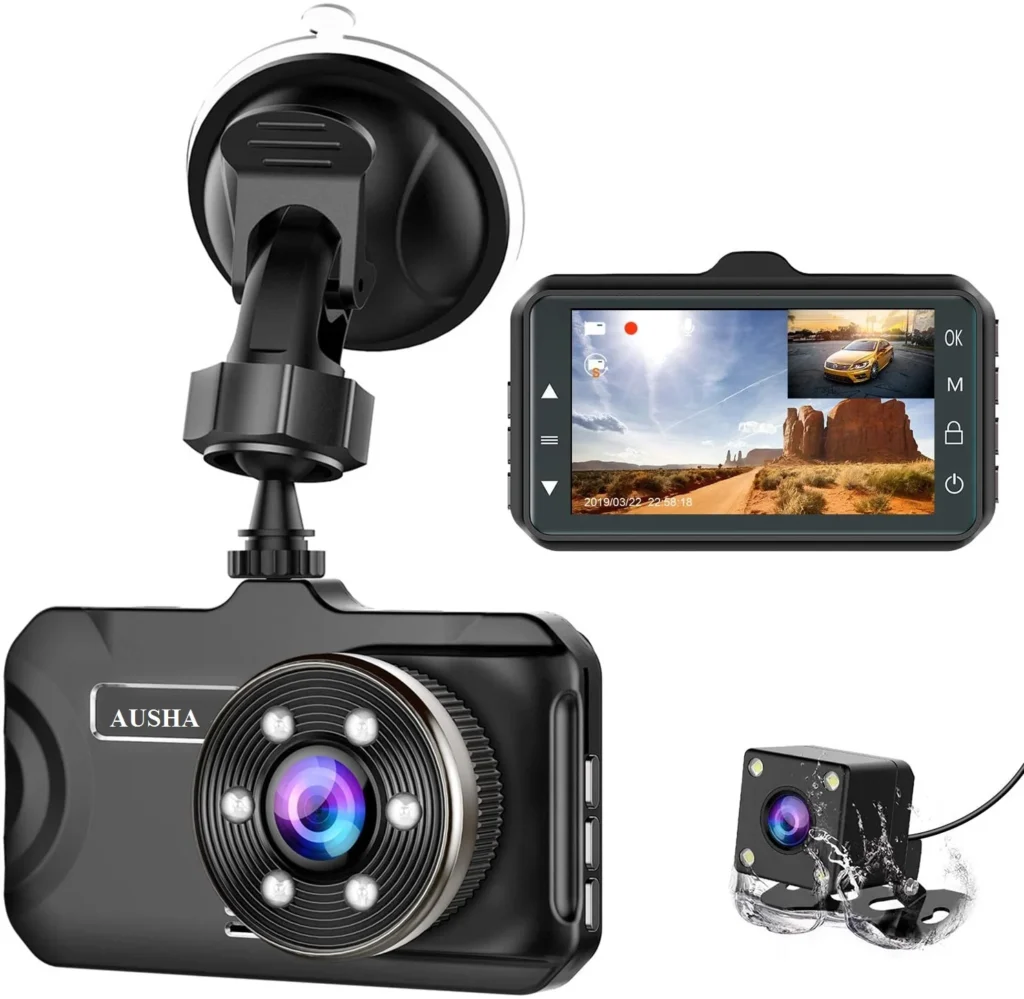
Experience sharp and reliable video recording with the D1 Dash Camera, built to make every drive secure and stress-free. With a wide-angle lens setup and compact build, this dual-camera unit ensures that both the front and rear views are always captured in crystal-clear detail. From smart features like G-sensor protection to night vision support, this camera doesn’t just record—it becomes your trusted eyewitness on the road. Whether you’re parking in tight spots or driving through unpredictable traffic, this dash cam delivers consistent, intelligent performance.
1. 1080P Front + Rear HD Video Recording
Enjoy crystal-clear visuals with HD 1080P resolution on the front camera and HD on the rear. Whether it’s a fast highway or a narrow lane, both the front and rear cameras record sharp, detailed footage. The dual-camera system covers your entire drive—day or night—capturing important incidents clearly for future reference or proof in case of accidents. No blurry frames, no missed moments, just consistent, high-definition documentation of your journey.
2. 170° + 120° Wide-Angle Lens Coverage
The D1 Dash Camera features a powerful lens setup—170° wide-angle coverage in the front and 120° at the rear—to eliminate blind spots. With these wide angles, you can rest assured that both your surroundings and unexpected side events are being captured. This setup ensures greater visibility, reduces the chance of missing crucial footage, and enhances the overall security of your vehicle on crowded roads or sharp turns.
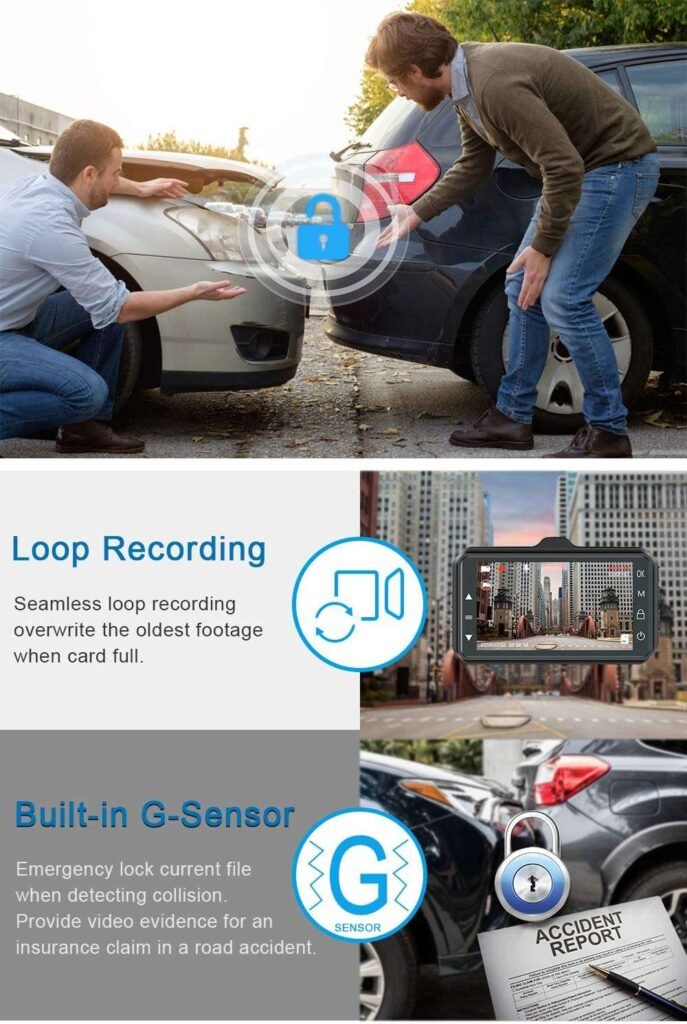
3. Built-in G-Sensor for Smart Impact Detection
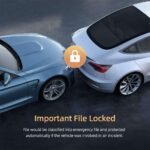
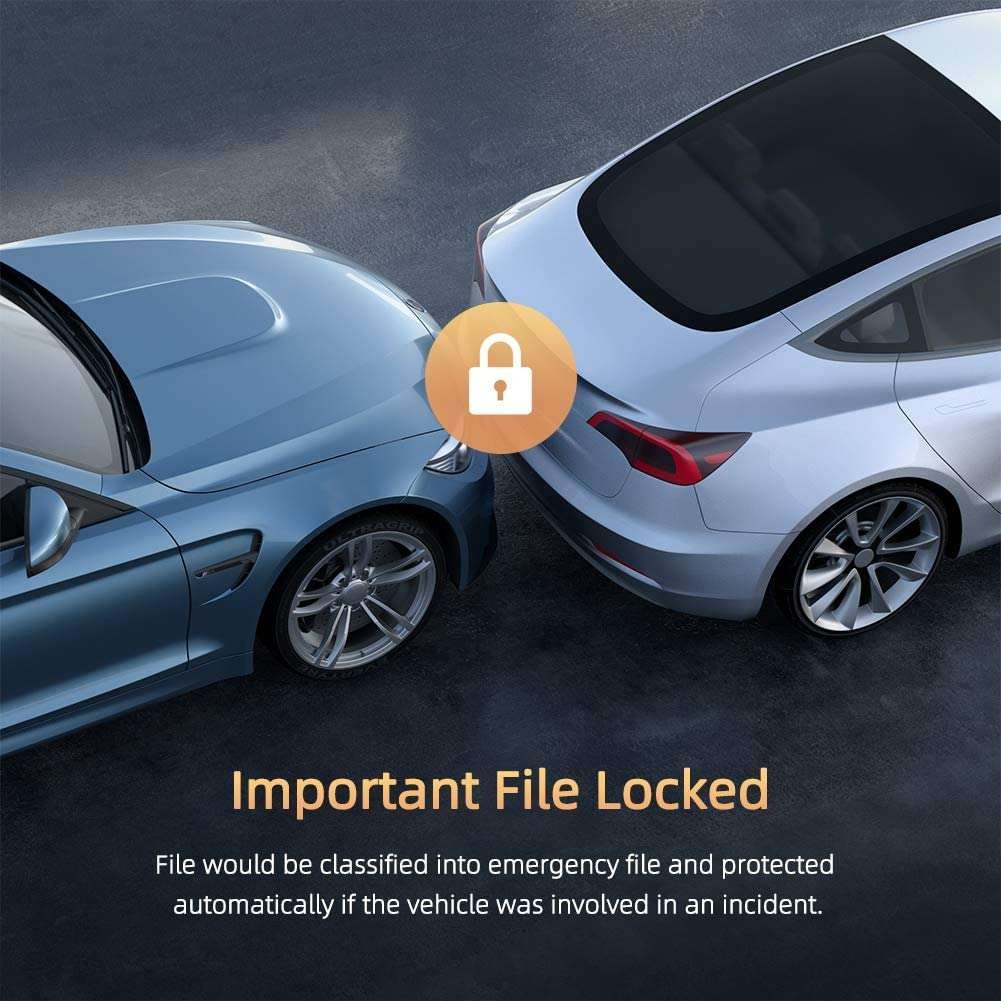
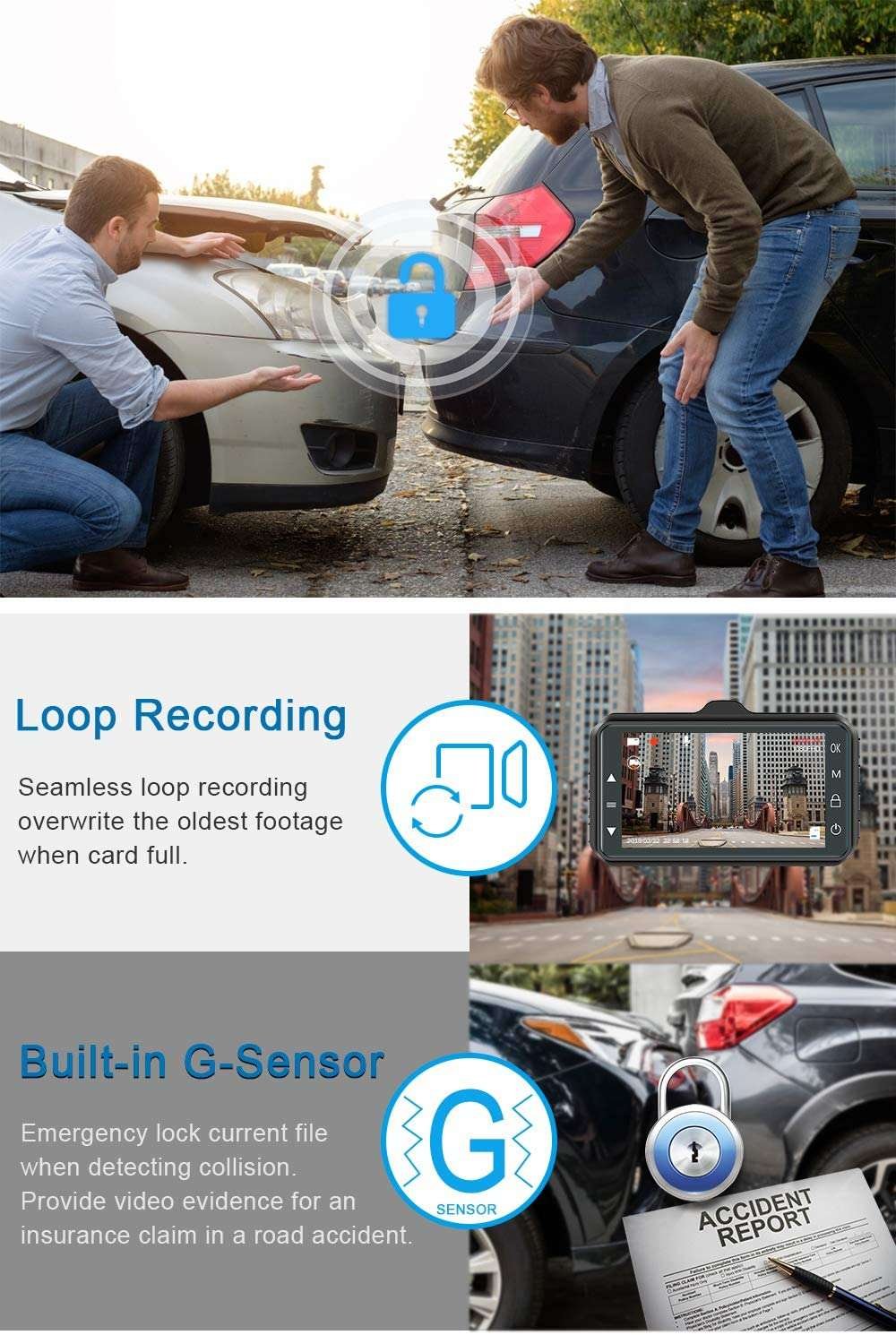
With an advanced built-in G-sensor, the dash cam intelligently detects sudden impacts or sharp braking. The moment it senses a collision or jerk, it instantly locks the ongoing footage to prevent overwriting during loop recording. This ensures that critical footage is safely stored and ready to be reviewed when needed—no manual action required during emergencies.
4. Powerful Night Vision for Low-Light Clarity
The D1 Dash Camera is equipped with advanced night vision technology that maintains video clarity even in dimly lit environments. Whether you’re driving under streetlights or through a dark alley, the camera adapts automatically to light conditions, delivering bright, noise-free recordings. Say goodbye to unclear night footage—your dash cam will see what your eyes might miss.
5. Smart Parking Monitoring with Temp-Park Recording
Thanks to its parking surveillance mode, the D1 can continue monitoring your vehicle even when parked. The Temp-Park Motion Record feature activates the camera when it detects movement or a collision while you’re away. It works silently in the background to protect your vehicle, offering peace of mind in public lots or outside your home.
6. Seamless Loop Recording with Picture-in-Picture Display
The camera supports uninterrupted loop recording, which means old footage is automatically overwritten once the memory card is full—ensuring 24/7 coverage. Combine this with the Picture-in-Picture display on the 4.0-inch screen, and you can view both front and rear footage simultaneously without missing a frame. It’s continuous, intelligent, and always ready to capture the next second.
1. Streamlined Design That Fits Anywhere – Smart Features in a Compact Frame
The D1 Dash Camera is engineered for practicality without compromising on style or performance. With a super lightweight build of just 0.39 kg and a sleek profile, it blends effortlessly onto your windshield using the included suction mount. It’s no-nonsense design focuses on usability, while the modern 4.0-inch touchscreen keeps the interface elegant and smooth. If you value smart technology that doesn’t crowd your car, the D1 delivers a perfect balance of compact design and powerful features.
2. Dependable for Daily Use – From Traffic Jams to Road Trips
Whether you’re commuting through city chaos, navigating narrow lanes, or cruising on open highways, the D1 stays ready to record every second. From minor fender-benders to serious incidents, its dual-camera setup, auto-locking, and parking surveillance features give you reliable coverage for all scenarios. It’s built to keep you safe and documented — not just when accidents happen, but for every moment in between that deserves clarity.
3. Day and Night Clarity You Can Rely On – No Matter the Lighting
Visibility is key in any dash cam, and the D1 doesn’t disappoint — even at night. With its advanced lens construction and optimized night vision tech, you can count on crisp, detailed footage regardless of lighting conditions. Whether you’re under streetlights, in underground parking, or driving through rain, the D1 ensures your visuals remain sharp and informative — helping you stay prepared and protected 24/7.
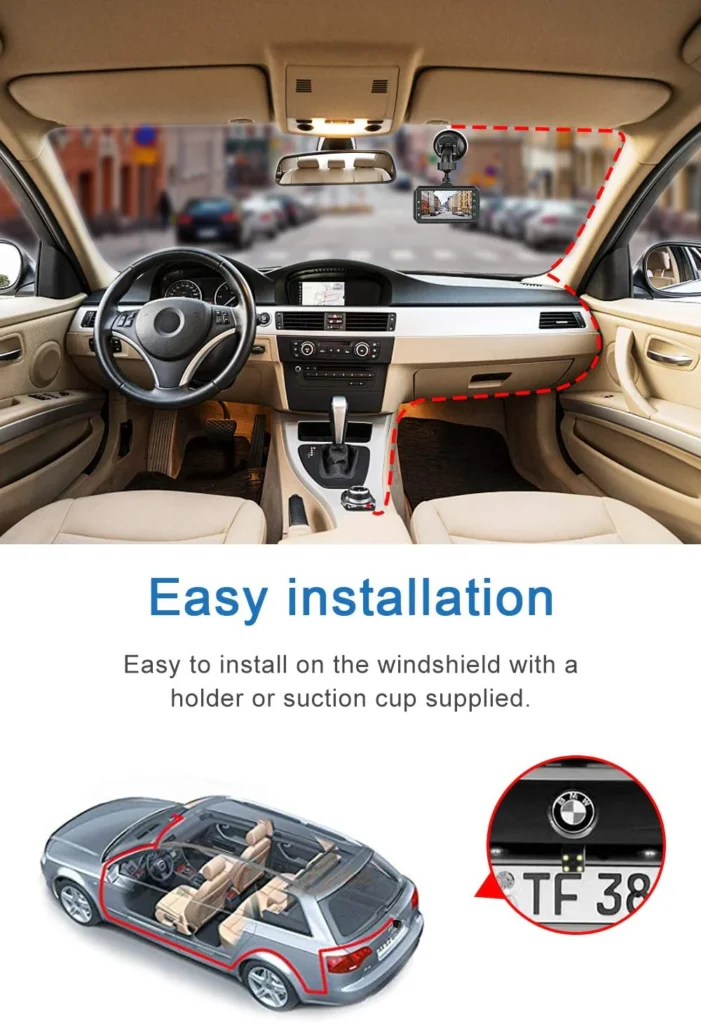
4. DIY Installation with No Extra Tools – Ready to Use in Minutes
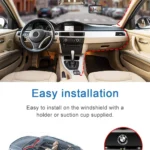
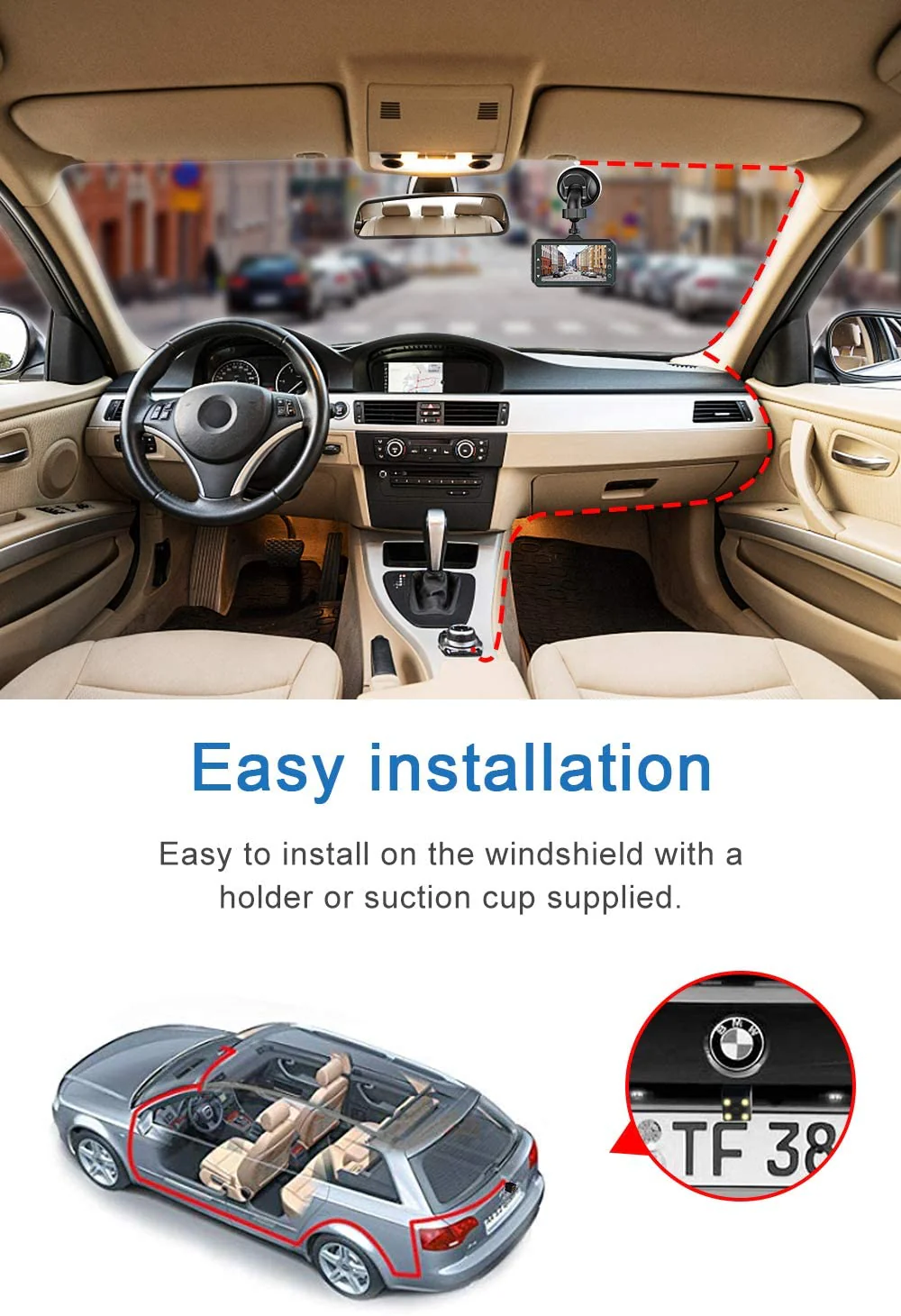
You don’t need to be a tech expert to install the D1. Its suction bracket easily mounts to any windshield, and it plugs into your car’s 12V charger for instant power. No need for hardwiring or drilling — just mount, plug, and go. It’s ideal for users who want a quick setup that gets to work immediately and doesn’t leave a mess in their vehicle.
5. Worry-Free File Management – Storage That Works in the Background
One of the D1’s strongest features is its ability to manage your footage without constant attention. With loop recording, emergency locking, and storage up to 1TB, you can just drive without wondering whether the camera is still recording or if the memory is full. It handles everything automatically, making sure the most important clips are safe while keeping your storage optimized for everyday use.
1. Mount the camera using the bracket provided on your windshield
Start by securely attaching the D1 Dash Camera to your car’s front windshield using the suction mount or bracket that comes in the box. Ensure the front camera faces the road ahead and the rear camera is aligned with the back windshield or connected externally. This setup gives both angles maximum visibility and ensures that footage is captured clearly without obstructions during your entire drive.
2. Connect the power adapter to the car’s 12V socket (cigarette lighter port)
Plug in the supplied power cable into your car’s 12V charging port to provide uninterrupted power to the dash cam. The moment you start your engine, the dash cam powers on automatically and begins recording. No manual switching is needed, so you can focus on your driving while the camera handles the recording on its own in the background.
3. Insert a compatible microSD card (up to supported capacity)
Make sure you insert a high-speed Class 10 microSD card (preferably 32GB to 64GB) into the memory slot before recording. This enables continuous loop recording, lets the G-sensor lock important files, and ensures no footage is lost. Format the card through the settings menu for optimal performance and to avoid compatibility issues during daily use.
4. Adjust settings via the 4.0-inch display interface
Navigate through the simple, user-friendly on-screen menu to fine-tune camera functions. From resolution settings to sensitivity of the G-sensor, night vision toggle, and loop recording duration—you can customize everything using the screen. The split view (Picture-in-Picture) lets you confirm both cameras are functioning properly in real-time while adjusting angles.
5. Review footage or transfer files using a card reader or USB port
To view recorded clips, remove the memory card and use a compatible card reader with your PC or laptop. Alternatively, you can use the USB port (if available) to transfer files directly. The files are saved in standard video formats, making them easy to play, share, or submit as evidence in case of accidents or insurance claims.
1. Wipe the camera body and screen gently with a microfiber cloth
Use a clean, dry microfiber cloth to wipe the 4.0-inch screen and the outer camera shell gently. This removes dust and fingerprints without scratching the surface. Avoid paper towels or rough cloths as they can leave marks on the lens or damage the display coating over time.
2. Clean the front and rear lens covers using lens-friendly solution
For the lenses, lightly dampen a microfiber cloth with lens-cleaning solution or alcohol-free cleaner. Wipe the lens cover gently in a circular motion to ensure there’s no residue or smudges. Clean lenses help maintain clear and sharp recordings, especially during night driving or under bad weather conditions.
3. Avoid spraying liquid directly on the dash camera
Never spray any liquid—water, cleaner, or alcohol—directly on the dash camera unit. Always apply the solution to the cloth first, then clean the surface. Spraying liquid can lead to internal moisture damage and may void your product’s warranty or affect long-term functionality.
4. Check cable ports and memory card slot for dust or debris
Over time, dust may collect inside the SD card slot or USB power input. Use a soft blower or clean dry brush to remove debris. Do not insert sharp objects or pins into these areas as this may cause permanent damage to the connectors, leading to recording errors or power failure.
5. Clean the camera weekly to ensure long-term performance
Make a habit of cleaning your dash cam at least once a week. Regular maintenance not only keeps the screen visible and the lenses clear but also prolongs the life of the hardware. A clean camera is a reliable one—don’t wait for footage quality to drop before taking action.
1. Avoid exposing the camera to direct sunlight for long hours
If parked under strong sunlight for extended periods, the heat buildup inside the car can affect the camera’s battery, display screen, and internal chip. Use sunshades or remove the camera during extreme heat to prevent overheating, which may reduce the life of the dash cam over time.
2. Unplug the camera if your car will be unused for days
If you’re going away for a few days or not using your car, unplug the dash cam to preserve both the car battery and the dash cam’s internal circuits. Continuous standby mode in hot conditions can lead to unnecessary power drain or internal heating during long idle periods.
3. Keep firmware updated if an update option is available
Some dash cameras come with firmware that can be updated via SD card or USB. If yours supports updates, check the manufacturer’s website occasionally for new versions. Updating firmware can fix bugs, enhance video quality, or improve performance under specific driving conditions.
4. Use a surge-protected car charger if possible
Always use a certified car charger to avoid voltage spikes when you start the engine. Sudden voltage surges can damage the internal circuit board of the dash cam, especially in budget vehicles without stable output. A good charger ensures long-term electrical safety and stable recording.
5. Handle memory card insertion/removal with care
Be gentle while inserting or removing the SD card—don’t push or pull it forcefully. Incorrect handling may bend the contact pins or damage the slot permanently. Always turn off the device before removing the card to avoid corrupting the video files or damaging the card itself.
1. Compact, Yet Fully Loaded
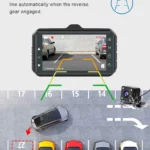
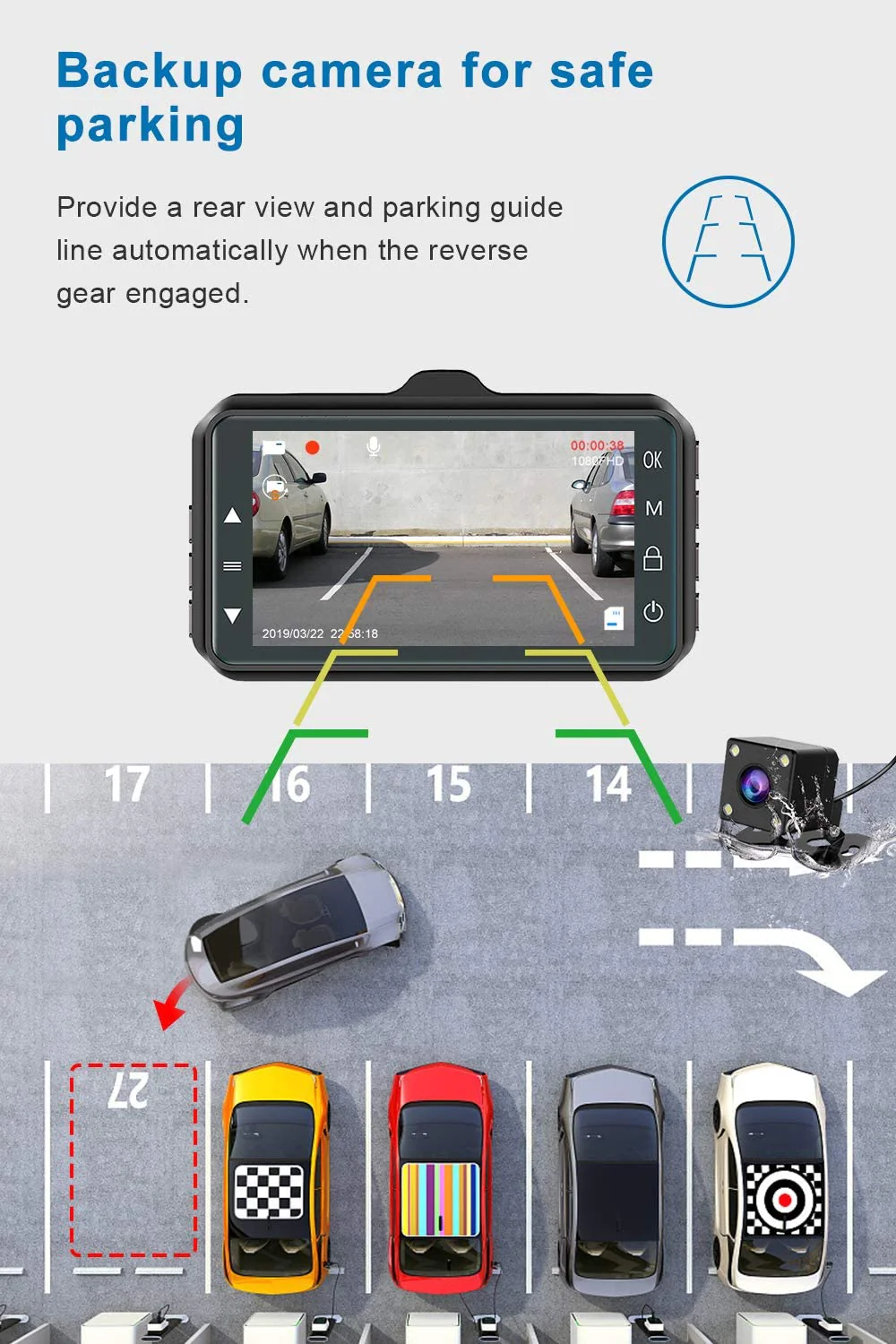
The D1 may be small in size, but it delivers serious features—dual HD recording, G-sensor protection, reverse view, and more—all accessible through a 4.0-inch screen.
2. Covers Front and Rear with Wide-Angle Clarity
Capture more of the road with 170° front and 120° rear lenses. It’s ideal for daily city traffic or unpredictable highway moments.
3. Set-and-Forget Convenience
With auto start, loop recording, and motion detection, the D1 works quietly in the background without needing daily interaction.
4. Perfect for Personal or Commercial Vehicles
Whether you drive for work or just want added protection for family road trips, this camera offers all-around surveillance with easy plug-and-play installation.
5. Cost-Effective Without Cutting Corners
Affordable and practical, the D1 gives you the essential safety tools of high-end dash cams—without expensive subscriptions or extra hardware.
1. Does the D1 Dash Camera record at night?
Yes, it comes with advanced night vision that records clearly in low-light conditions, perfect for early mornings or nighttime drives.
2. Can I use a large memory card?
Absolutely! The D1 supports TF cards from 8GB up to 1TB. For best performance, use a high-speed Class 10 card with at least 128GB capacity.
3. Is the camera easy to install by myself?
Yes. The D1 requires no special tools or expertise. Just stick the suction mount, plug in the power, and you’re ready to go.
4. What happens during an accident?
The G-sensor automatically locks the current video file when it detects a collision or sudden stop, keeping critical footage safe from being overwritten.
5. Does it monitor the car when parked?
Yes, it features parking surveillance and motion detection, keeping an eye on your car even when you’re not inside.
The D1 is an entry-level yet capable single or dual-channel dash camera offering 1080P HD recording with a wide viewing angle. It focuses on delivering clear road footage for everyday use, making it a practical choice for basic dash cam needs.
Yes, the D1 includes basic to advanced night vision capabilities that allow it to record usable video in low-light conditions. This ensures you have reliable footage even when driving after sunset or in dimly lit areas.
The built-in G-sensor automatically detects impacts or sudden movements and locks the current recording to prevent overwriting. Combined with loop recording, the camera continuously captures footage while safely storing emergency clips.
It supports TF/microSD cards ranging from 8GB to 128GB. Using a high-speed Class 10 card ensures smooth performance and sufficient storage time for daily driving.
Depending on the exact variant, Wi-Fi connectivity may be available for smartphone pairing. This allows easy viewing and downloading of videos through a dedicated mobile app.
The D1 is designed for hassle-free setup with a compact mount and simple power connection via car charger. It starts recording automatically and has an intuitive interface for quick playback and settings adjustment.
The D1 is perfect for first-time users, students, or anyone looking for an affordable and reliable basic dash camera that covers essential safety features without advanced extras.
| Specification | Details |
|---|---|
| Display | 4.0 inch |
| Video Resolution | Front Camera: HD 1080P, Rear Camera: HD |
| Lens Angle | 170° (front), 120° (rear) |
| Picture-in-Picture | Yes |
| Motherboard Scheme | Lingtong 2247 |
| Lens Scheme | 1054A 6-glass lens + rear V09 |
| Dimensions & Weight | 105mm x 55mm x 11mm (L×W×T), 0.39 Kg |
| Supported Storage Card | 8GB-1TB TF Card (128GB recommended) |
| Power Supply | 5V 1A car charger, 12V |
| Battery | 120 mAh Lithium battery (inbuilt) |
| G-Sensor | Yes, built-in G-sensor for impact detection and footage locking |
| Night Vision | Yes, advanced night vision with clear low-light recording |
| Motion Detection | Yes, supports motion detection mode for continuous surveillance |
| Parking Monitoring | Supports Temp-Park Motion Record for parking surveillance |
| Loop Recording | Yes, supports continuous loop recording |
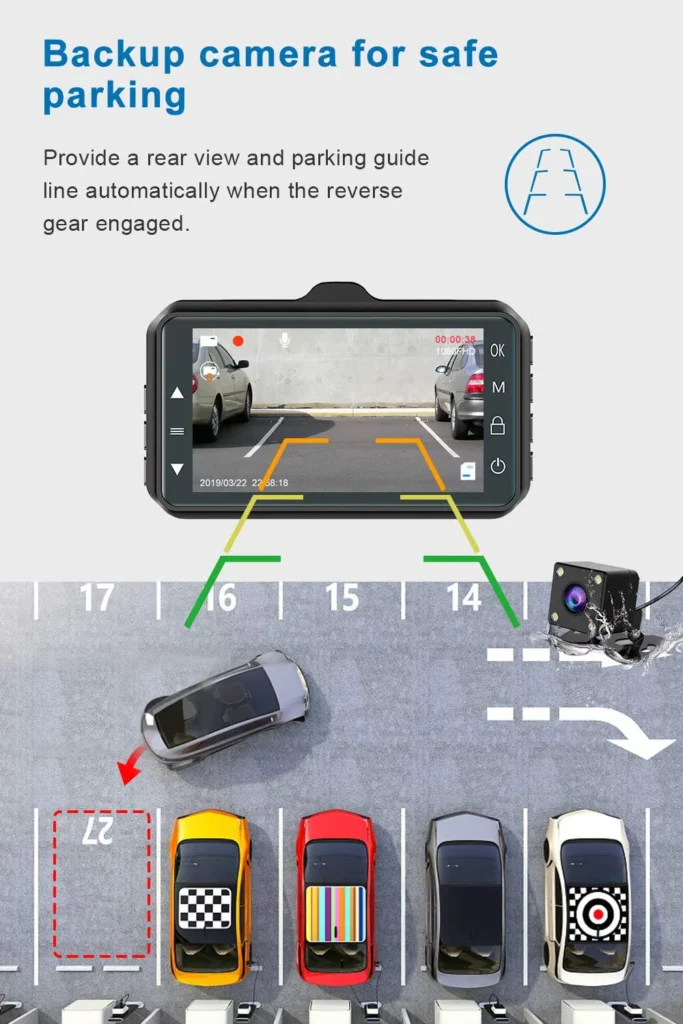
| Reverse Assistance | Yes |
| Installation | Easy installation with suction mount |

In stock
Read more
In stock
Add to cart
In stock
Add to cart
In stock
Add to cart

Reviews
There are no reviews yet.