
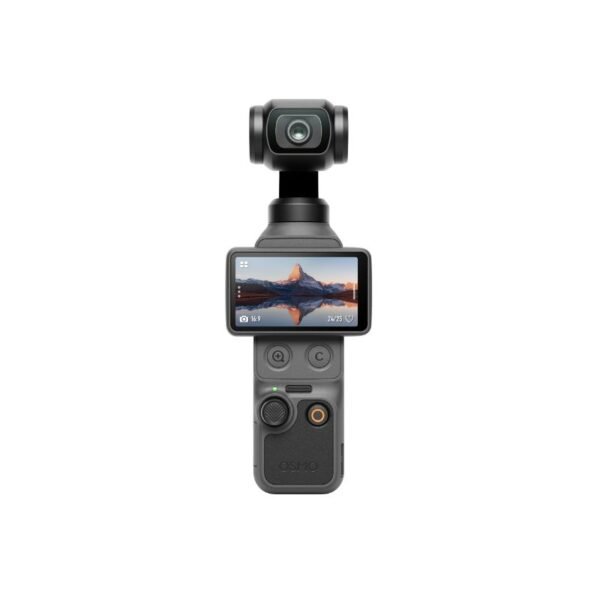
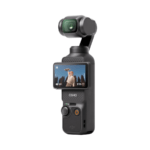
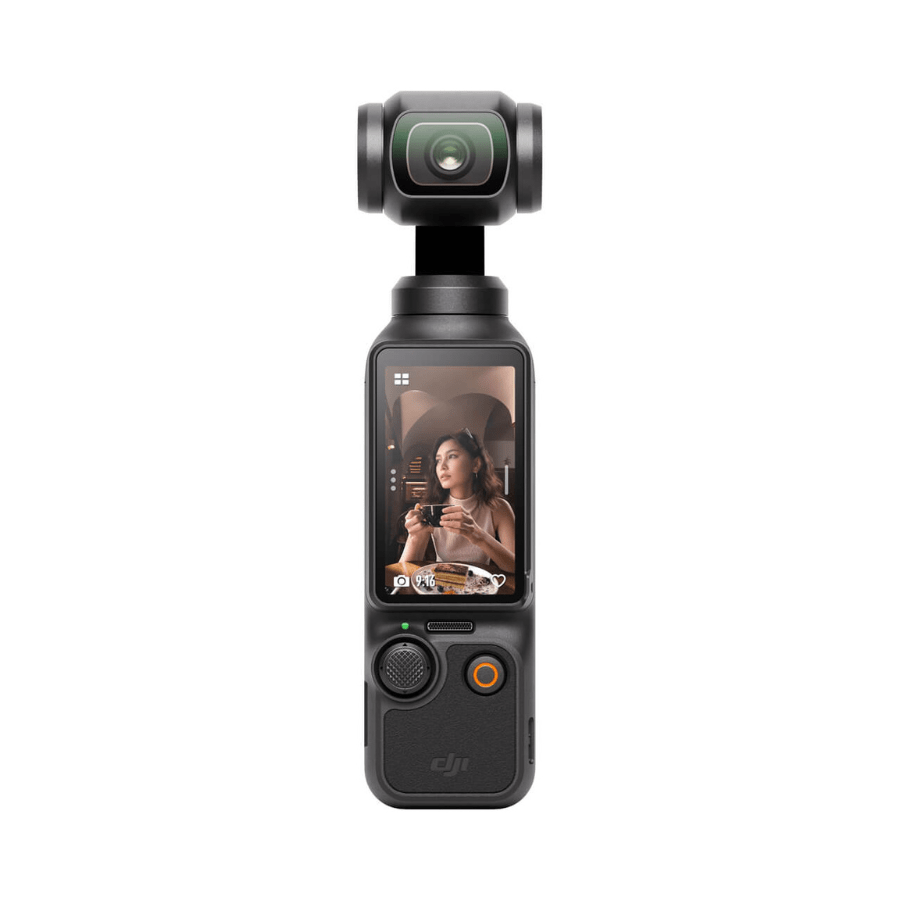
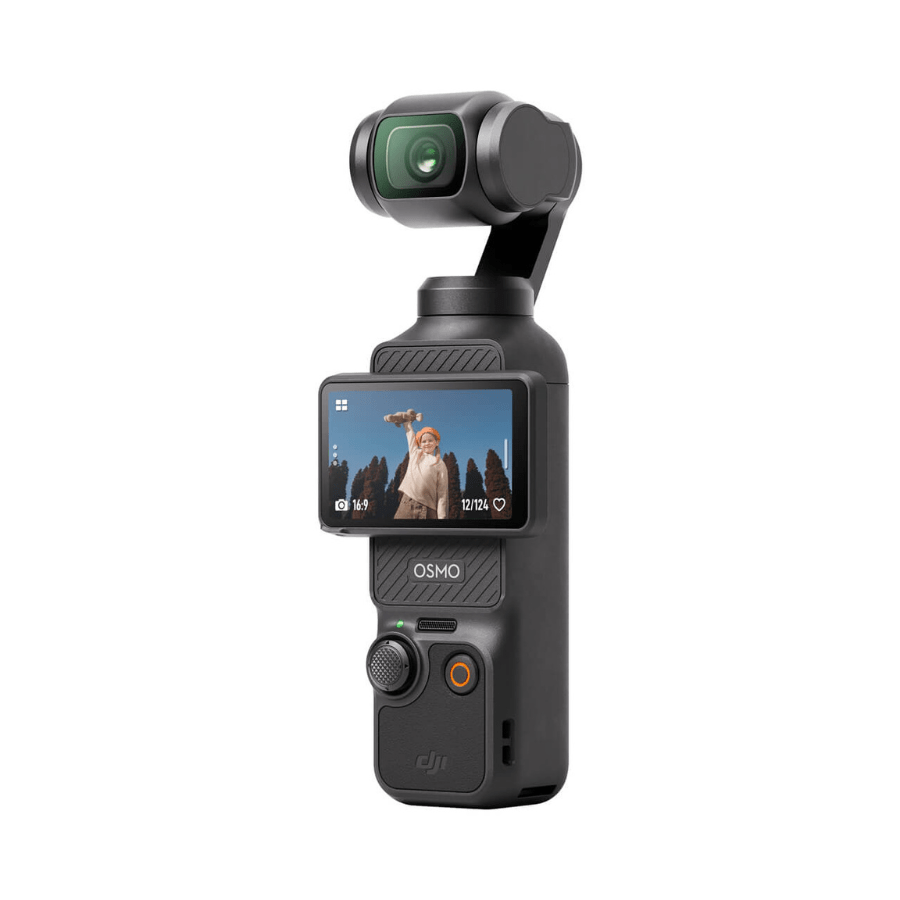
This compact gimbal camera combines high-quality imaging with precise stabilization, making it ideal for content creators, vloggers, and adventure enthusiasts. Featuring a 1-inch CMOS sensor, versatile video modes, and long battery life, it delivers stunning footage in a variety of environments. Its 3-axis gimbal ensures buttery-smooth shots, while the high-brightness touchscreen and expandable storage make it simple to operate and manage on the go.
1-Inch CMOS Sensor
The large 1-inch sensor captures more light and detail than smaller sensors, delivering sharper images, better low-light performance, and more vibrant colors. Whether shooting a bright day outdoors or a dimly lit room, your footage remains professional-grade.
3-Axis Stabilization Gimbal
The integrated 3-axis gimbal controls pan, tilt, and roll, eliminating shaky footage even during fast movements or action-packed scenes. This ensures ultra-smooth cinematic shots without needing a tripod.
High-Resolution Touchscreen
The 2.0-inch touchscreen with 314×556 resolution and 700 nits brightness allows you to preview, adjust settings, and frame shots easily—even in bright sunlight. Touch navigation is intuitive, so you can focus on creativity instead of fiddling with buttons.
Versatile Video Recording Modes
Supports 4K, 2.7K, 1080p, 3K, and multiple aspect ratios with frame rates up to 240 fps. Slow-motion, hyperlapse, and timelapse options let you capture cinematic, dynamic, and creative footage in nearly any scenario.
Low-Light Video Capability
With ISO up to 16,000 for low-light video, this camera captures bright, clear footage in dimly lit environments. Perfect for night scenes, indoor shooting, or early morning outdoor vlogs.
Digital Zoom
Offers 2x–4x zoom depending on resolution, allowing you to get closer to the action without physically moving the camera. Handy for wildlife, sports, or any scene where distance matters.
Expandable Storage up to 1 TB
Supports large microSD cards, making it possible to record hours of 4K footage without worrying about running out of space. Compatible with high-speed SanDisk, Kingston, and Lexar cards ensures smooth recording without dropped frames.
Long Battery Life & Fast Charging
The 1300 mAh LiPo battery provides up to 166 minutes of continuous recording, and PD fast charging lets you reach 80% in 16 minutes. This ensures minimal downtime during long shoots or travel sessions.
Multiple Shooting Modes
Includes panorama, slow-motion, hyperlapse, timelapse, and motionlapse. These creative modes allow storytellers to produce professional-looking footage with minimal effort, perfect for social media, travel, or cinematic content.
High-Quality Audio Recording
Three built-in microphones capture clear 48 kHz 16-bit AAC audio, reducing ambient noise and enhancing vlog or cinematic sound quality. Audio quality matches the visual clarity for a polished end result.
Smart Connectivity
Wi-Fi (2.4/5.1/5.8 GHz) and Bluetooth 5.2 enable remote control, wireless file transfer, and livestreaming. This makes it easier to share content instantly or operate the camera without physically touching it.
Compact & Portable Design
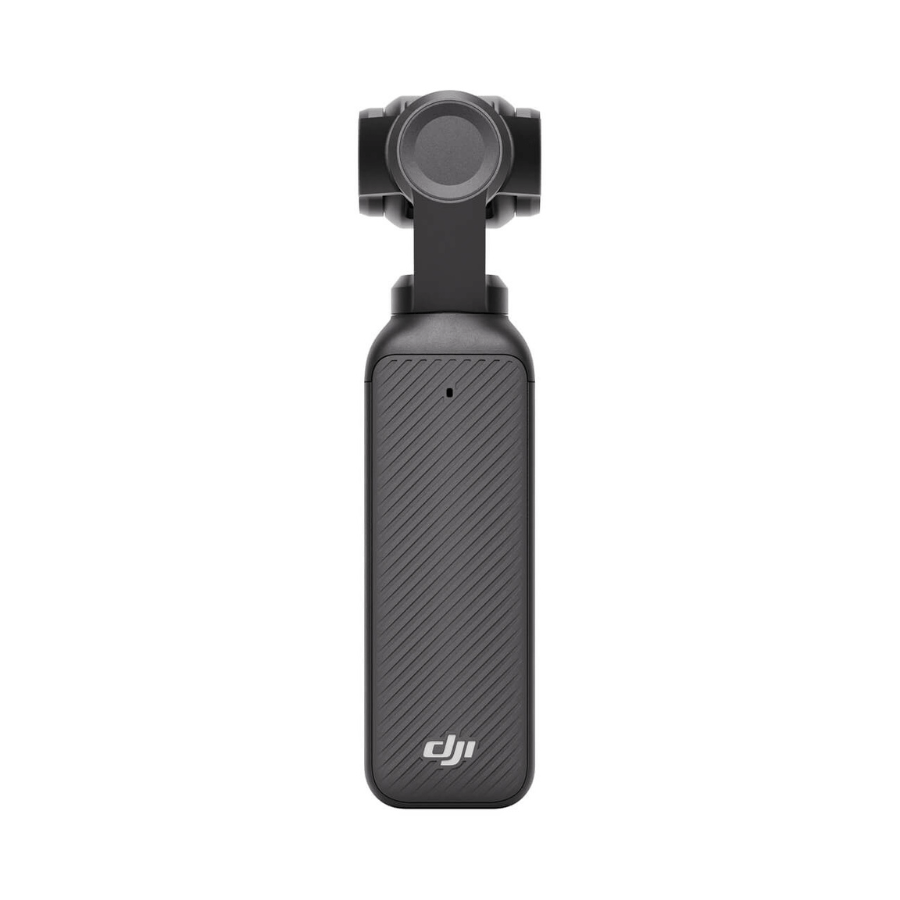
At only 179 g and small enough to fit in a pocket, this camera is travel-ready. You can carry it anywhere and capture high-quality footage without bulky equipment.
Insert a supported microSD card and fully charge the battery.
Power on using the touchscreen and select your shooting mode.
Adjust gimbal orientation via touch or app controls for dynamic angles.
Frame your shot and start recording; monitor on-screen or remotely.
Transfer files via Wi-Fi, Bluetooth, or microSD when finished.
Keep gimbal and lens clean with a microfiber cloth.
Avoid dropping or applying excessive force to the gimbal.
Store in a cool, dry place when not in use.
Charge within recommended temperature ranges (5°–45° C).
Regularly check firmware and update to maintain optimal performance.
Avoid exposing to extreme temperatures or direct sunlight for long periods.
Do not immerse in water unless using a waterproof housing.
Keep out of reach of children.
Avoid corrosive liquids near the device.
Handle battery safely and follow manufacturer instructions.
This gimbal camera is a compact powerhouse for creators who want professional results without bulky equipment. With smooth stabilization, versatile video/photo modes, long battery life, and support for large storage, it is ideal for travel, vlogging, and cinematic filming. Its intelligent design and connectivity options make it ready for livestreaming or capturing adventures anytime, anywhere.
The 1300 mAh battery lasts up to 166 minutes (at 1080p/24fps), with fast charging reaching 80% in 16 minutes and 100% in 32 minutes using a compatible PD charger.
Yes, the rotatable screen and smart modes auto-switch orientation, with full-screen display for both, plus options to lock or adjust in settings.
It supports microSD cards up to 1 TB (recommended brands like SanDisk Extreme Pro, Kingston Canvas, Lexar Pro), with footage saved directly to the card.
ActiveTrack 6.0 uses gimbal mechanics and AI for precise subject tracking (double-tap on screen or via app); it's not available in modes like low-light, slow-motion, or timelapse.
It supports D-Log M (10-bit) for wide dynamic range and post-production flexibility, plus HLG for HDR, with flat profiles ideal for color grading.
Yes, the 1-inch sensor and ISO up to 16,000 in low-light video mode deliver clearer, low-noise footage in dim conditions compared to smaller-sensor models.
| Specification | Details |
|---|---|
| Controllable Range | Pan: -235° to 58°Tilt: -120° to 70°Roll: -45° to 45° |
| Mechanical Range | Pan: -240° to 63°Tilt: -180° to 98°Roll: -220° to 63° |
| Max Controllable Speed | 180.0°/s |
| Angular Vibration Range | ±0.005° |
| Specification | Details |
|---|---|
| Sensor | 1-inch CMOS |
| Lens | Format Equivalent: 20 mmAperture: f/2.0Focus Range: 0.2 m to ∞ |
| ISO Range | Photo: 50-6400Video: 50-6400Low-Light Video: 50-16000Slow Motion: 50-6400 |
| Electronic Shutter Speed | Photo: 1/8000-1 sVideo: 1/8000 s to frame limit |
| Max Image Size | 16:9, 3840×21601:1, 3072×3072 |
| Digital Zoom | Photo: 3840×2160, 2xVideo: 1080p, 4x; 2.7K, 3x; 4K, 2xUVC & Livestream: 1080p, 4xSlow Motion/Timelapse: Not available |
| Still Photography Modes | Single Shot: Approx. 9.4 MPCountdown: Off/3/5/7 sPanorama: 180°, 3×3 |
| Normal Video | 4K (16:9): 3840×2160@24/25/30/48/50/60fps2.7K (16:9): 2688×1512@24/25/30/48/50/60fps1080p (16:9): 1920×1080@24/25/30/48/50/60fps3K (1:1): 3072×3072@24/25/30/48/50/60fps2160p (1:1): 2160×2160@24/25/30/48/50/60fps1080p (1:1): 1080×1080@24/25/30/48/50/60fps3K (9:16): 1728×3072@24/25/30/48/50/60fps2.7K (9:16): 1512×2688@24/25/30/48/50/60fps1080p (9:16): 1080×1920@24/25/30/48/50/60fps |
| Slow Motion | 4K (16:9): 3840×2160@120fps2.7K: 2688×1512@120fps1080p: 1920×1080@120/240fps |
| Hyperlapse | 4K/2.7K/1080p@25/30fps: Auto/×2/×5/×10/×15/×30 |
| Timelapse | 4K/2.7K/1080p@25/30fpsIntervals: 0.5/1/2/3/4/5/6/8/10/15/20/25/30/40/60 sDuration: 5/10/20/30 mins, 1/2/3/5/∞ hours |
| Motionlapse | 4K/2.7K/1080p@25/30fpsIntervals: 0.5/1/2/3/4/5/6/8/10/15/20/25/30/40/60 sDuration: 5/10/20/30 mins, 1/2/3/5 hoursSupports setting four positions |
| Low-Light Video | 4K (16:9): 3840×2160@24/25/30fps1080p: 1920×1080@24/25/30fps |
| Max Video Bitrate | 130 Mbps |
| Supported File System | exFAT |
| Photo Format | JPEG/JPEG+DNG |
| Video Format | MP4 (H.264/HEVC) |
| Built-in Storage Capacity | Expandable via microSD card |
| Audio Output | 48 kHz 16-bit; AAC |
| Specification | Details |
|---|---|
| Type | LiPo |
| Capacity | 1300 mAh |
| Energy | 10.01 Wh |
| Voltage | 7.70 V |
| Operating Temperature | 0° to 40° C (32° to 104° F) |
| Charging Temperature | 5° to 45° C (41° to 113° F) |
| Operating Time | 166 mins (Tested at 25° C/1080p/24fps, Wi-Fi off, screen off; reference only) |
| Charging Time | 16 mins to 80%; 32 mins to 100% (with DJI 65W PD charger, sold separately) |
| Specification | Details |
|---|---|
| Wi-Fi Operating Frequency | 2.400-2.4835 GHz5.150-5.250 GHz5.725-5.850 GHz |
| Wi-Fi Protocol | 802.11 a/b/g/n/ac |
| Wi-Fi Transmitter Power (EIRP) | 2.4 GHz: <23 dBm (FCC), <20 dBm (CE/SRRC/MIC)5.1 GHz: <23 dBm (FCC/SRRC), <20 dBm (CE)5.8 GHz: <23 dBm (FCC/SRRC), <14 dBm (CE) |
| Bluetooth Operating Frequency | 2.400-2.4835 GHz |
| Bluetooth Transmitter Power (EIRP) | <14 dBm |
| Bluetooth Protocol | BLE 5.2, BR/EDR |
| Specification | Details |
|---|---|
| Guaranteed software updates until | 2026/12/31 |
| Power consumption (Standby/Low power mode) | 0.5 WLow power mode and standby mode activated within 20 minutes (default) |
In stock
Add to cart
Out of stock
Read more
In stock
Add to cart
In stock
Add to cart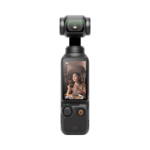
Reviews
There are no reviews yet.