Description
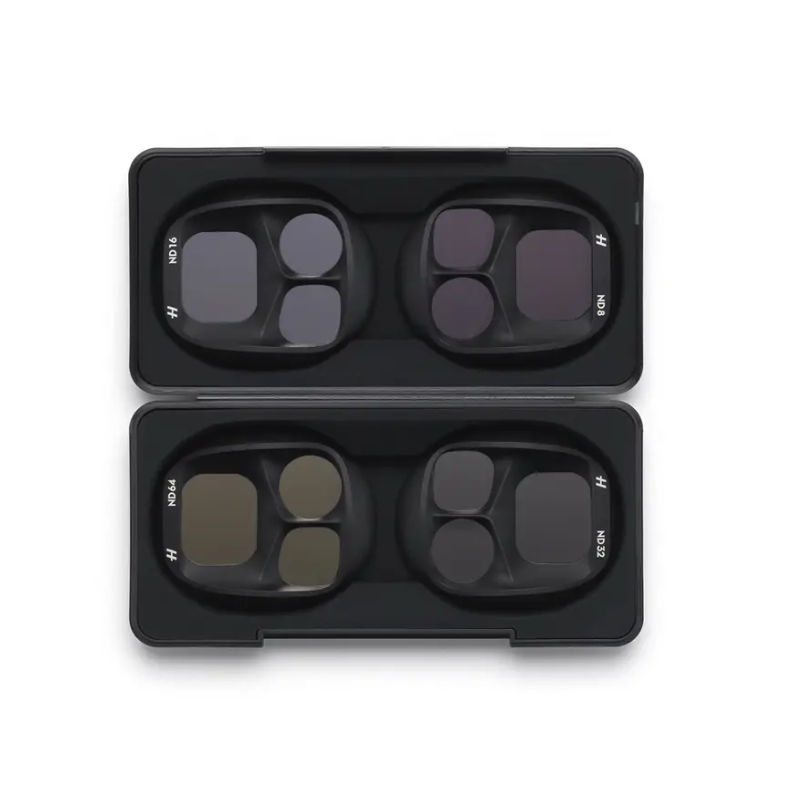
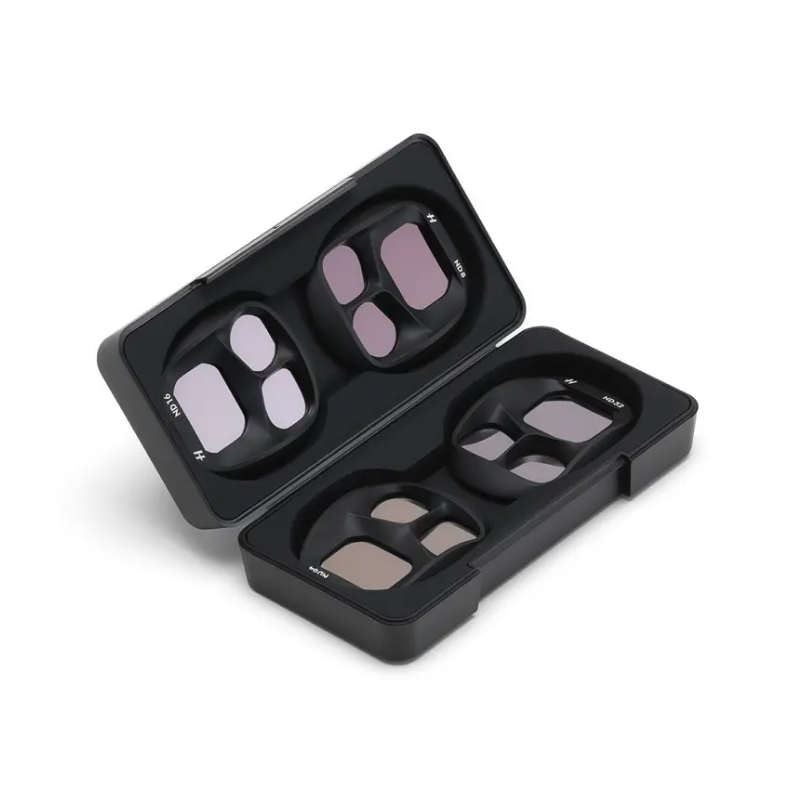
DJI Mavic 4 Pro ND Filters Set (ND8/16/32/64)
The DJI Mavic 4 Pro ND Filters Set is specially designed for drone photographers and videographers who want precise control over exposure, shutter speed, and motion blur in bright or high-contrast environments. This set helps capture smooth, cinematic footage and high-quality photos even under strong sunlight or reflective conditions. Ideal for long-exposure shots, timelapses, and professional video work, these ND filters give you the flexibility to maintain low ISO, slow shutter speeds, and natural motion effects.
Key Features
-
ND8 Filter – Reduces light by 3 stops, perfect for slightly bright conditions or early morning/late evening shooting.
-
ND16 Filter – Reduces light by 4 stops, ideal for moderate daylight, helping maintain cinematic shutter speeds.
-
ND32 Filter – Reduces light by 5 stops, suitable for bright sunny conditions, ensuring smooth, clean footage.
-
ND64 Filter – Reduces light by 6 stops, best for extreme brightness like midday sun or reflective surfaces.
-
Precise Exposure Control – Enables photographers to fine-tune shutter speed for professional video and photo effects.
-
Enhanced Motion Blur – Ensures smooth, natural-looking movement in videos, giving a film-like cinematic feel.
-
Low ISO Shooting – Helps reduce noise and maintain image quality by allowing lower ISO settings even in bright light.
-
Lightweight Design – Each filter weighs approximately 5.1 g, ensuring minimal impact on drone balance and flight performance.
-
Quick & Easy Installation – Designed for fast mounting and removal on the DJI Mavic 4 Pro for quick adaptation to changing light.
-
Professional-Grade Footage – Guarantees clean, high-quality video and photo results under a variety of lighting conditions.
How to Use ND Filters
-
Ensure the drone is powered off before attaching the filter to the camera lens.
-
Select the appropriate ND filter based on lighting conditions (ND8 for low light, ND64 for very bright light).
-
Gently align the filter with the camera lens and press or twist until it securely fits.
-
Check the lens for fingerprints or dust before flight to avoid unwanted artifacts in footage.
-
Adjust camera settings in your DJI app to match the ND filter (e.g., lower shutter speed for cinematic motion blur).
How to Care for ND Filters
-
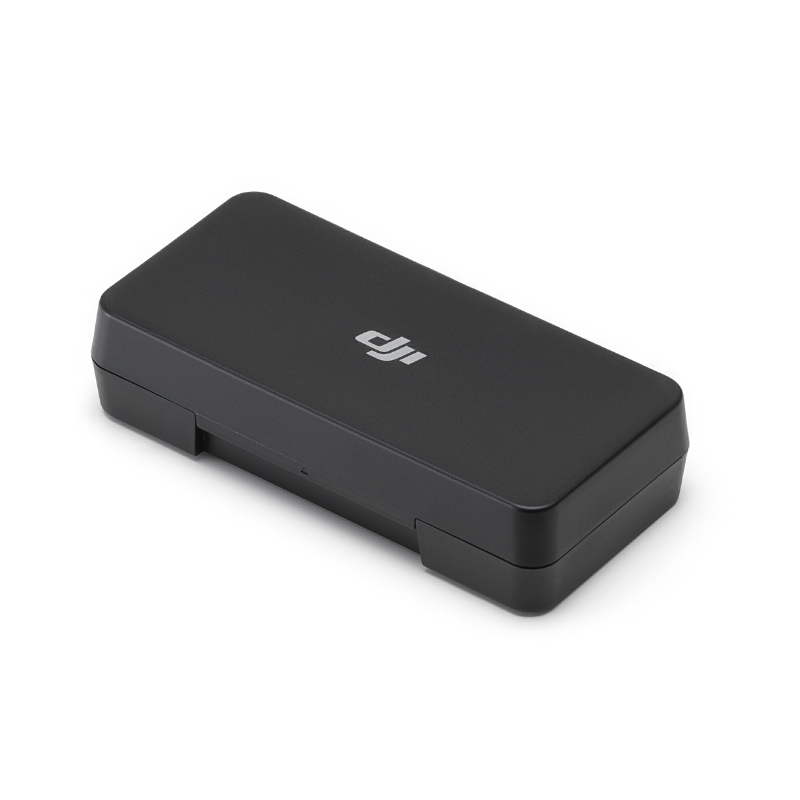
Always store filters in a protective case when not in use to prevent scratches.
-
Use a soft microfiber cloth to clean the lens surface gently. Avoid harsh chemicals.
-
Keep filters away from extreme heat or humidity to preserve coating quality.
-
Inspect filters before each flight for cracks, dust, or debris.
-
Handle with clean, dry hands to prevent smudges and fingerprints on the glass.
Safety Tips
-
Do not force the filter onto the camera lens; it may damage both the filter and lens.
-
Avoid using ND filters in environments with extreme wind, rain, or dust without proper protection.
-
Do not expose filters to corrosive liquids or chemicals.
-
Fly in safe, open areas when using new filters for the first time to avoid accidental damage.
-
Always remove filters carefully and store them safely after use to prevent accidents or loss.
Final Thought
The DJI Mavic 4 Pro ND Filters Set is a must-have for drone enthusiasts and professional videographers who want complete control over their footage. These filters allow for cinematic motion blur, accurate exposure, and pristine image quality in bright conditions. With proper use and care, this set ensures your Mavic 4 Pro captures stunning, professional-grade shots every time.
FAQ`s
It is compatible exclusively with the DJI Mavic 4 Pro.
ND8 (3 stops), ND16 (4 stops), ND32 (5 stops), and ND64 (6 stops) for varying brightness conditions.
Each filter weighs approximately 5.1 grams, with minimal impact on drone performance.
Power off the drone, align the filter with the lens, and press or twist until it securely fits.
They are made from high-quality optical glass for professional-grade clarity and reduced noise.





Reviews
There are no reviews yet.