Description
DJI Battery Station Description
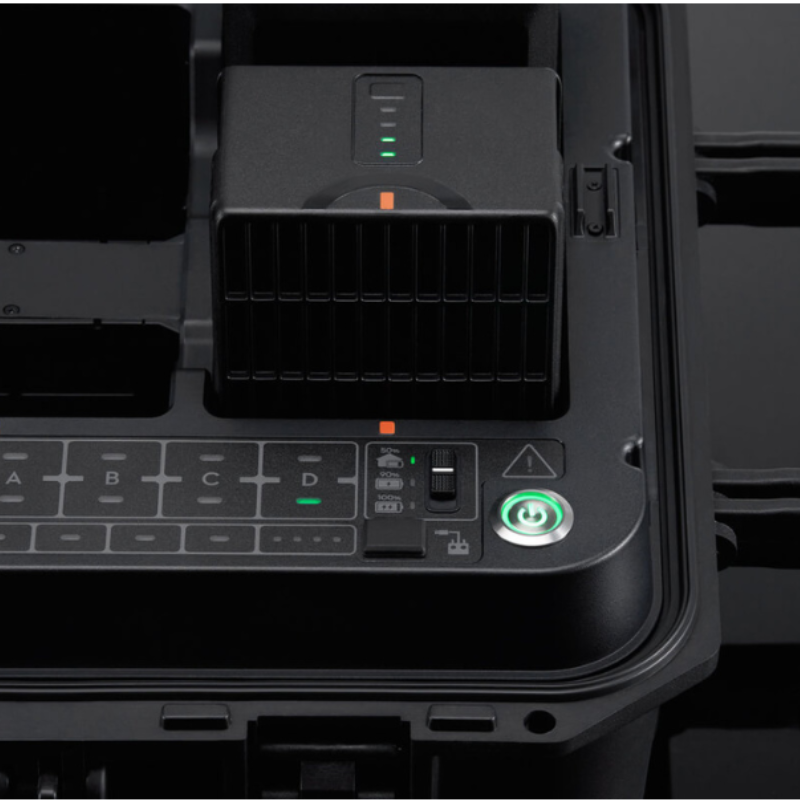
Carrying multiple drone batteries can be a hassle, but the DJI Battery Station makes charging and managing them simple, safe, and efficient. Built with durable design and smart power management, this station is ideal for professional drone operators who need reliability during demanding shoots and operations. With powerful output and multiple charging options, it ensures your batteries are always ready to perform in any condition.
Key Features
-
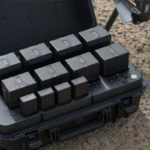
Large Dimensions for Multiple Batteries
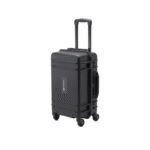
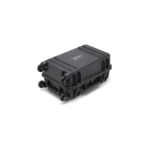
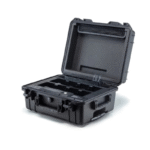
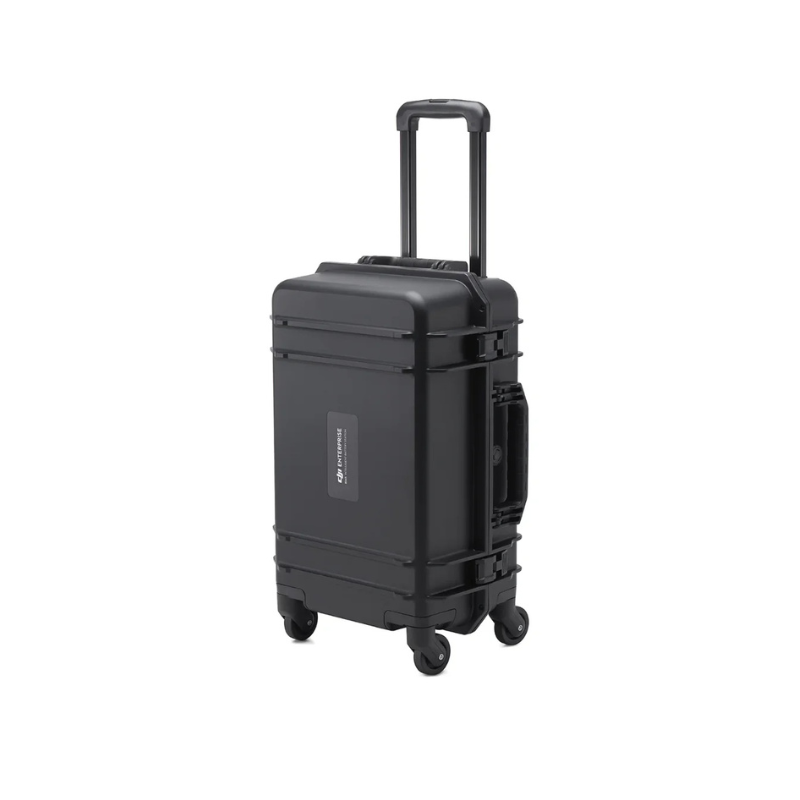
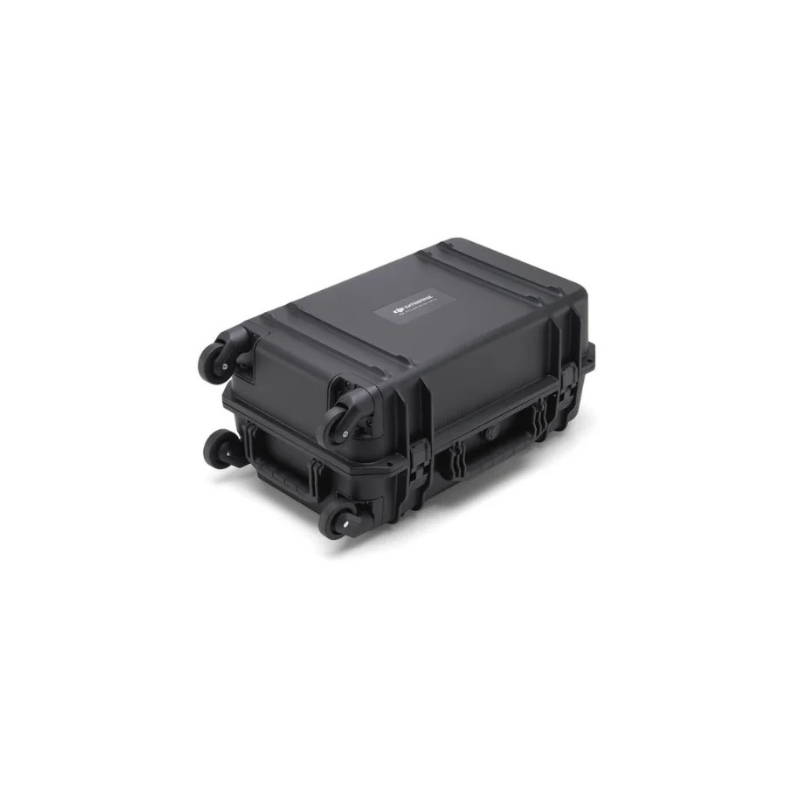
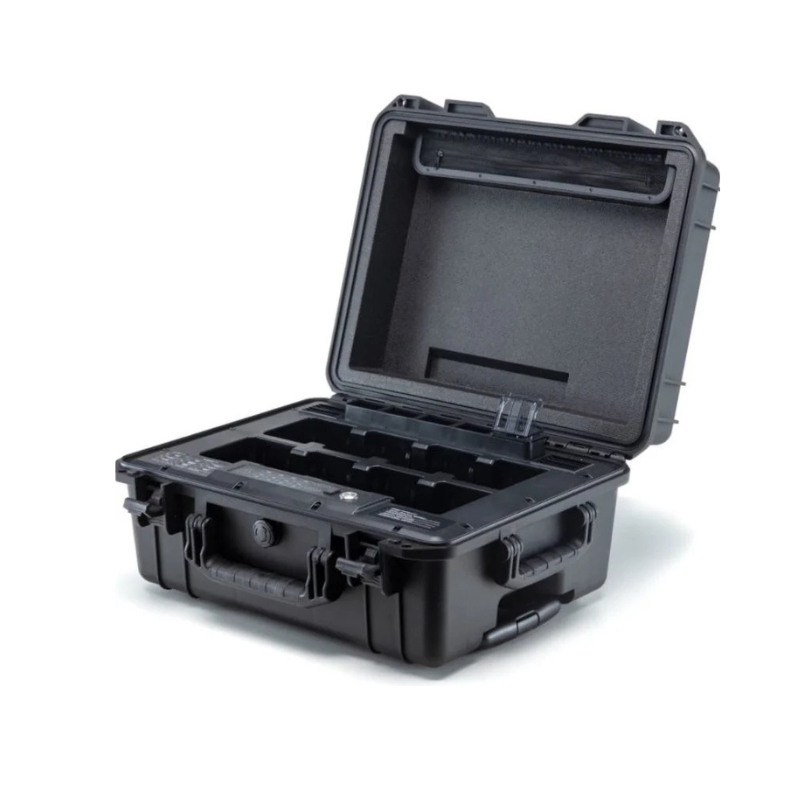
Measuring 580×358×254 mm (L×W×H), the station is designed to comfortably hold and manage multiple drone batteries at once, reducing downtime during field operations.
-
Solid Build with Heavy Duty Design
With a net weight of around 9.03 kg, this charging station is sturdy and built to withstand field conditions, offering professional-level durability.
-
Powerful Output Performance
The station supports dual input ranges: 100-120 V (AC) with 750 W output, and 220-240 V (AC) with 992 W output, delivering efficient charging for different regions and setups.
-
Fast USB-C Charging Support
Equipped with a USB-C charging port offering up to 65W max output power, it allows you to quickly charge devices such as controllers, tablets, or smartphones alongside your batteries.
-
Wide Operating Temperature Range
Designed to function in temperatures from -20° to 40° C (-4° to 104° F), the station can operate reliably in both cold and hot climates, making it field-ready in almost any environment.
How to Use
-
Place the station on a flat, stable surface before connecting.
-
Connect the power cord to an AC outlet within the supported voltage range.
-
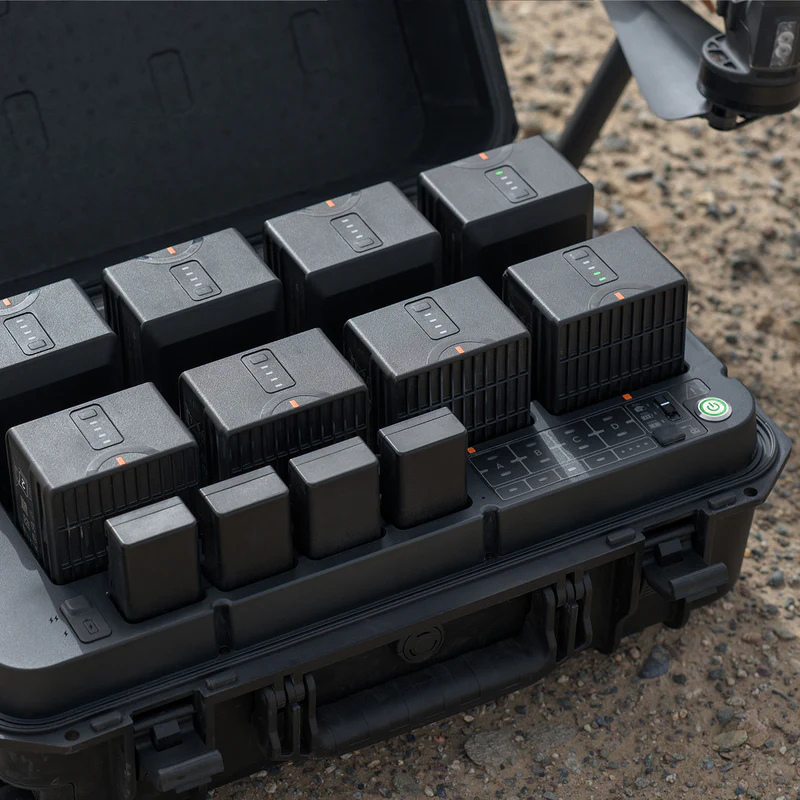
Insert drone batteries securely into the charging slots.
-
Use the USB-C port for charging additional devices if required.
-
Monitor the indicator lights to track charging status.
How to Take Care
-
Keep the station in a cool, dry place when not in use.
-
Regularly check and clean the vents to avoid overheating.
-
Do not overload with incompatible batteries or accessories.
-
Store away from direct sunlight to protect electronic components.
-
Always unplug after charging to extend product life.
Safety Tips
-
Never use the station near water or in humid environments.
-
Avoid covering the ventilation slots during operation.
-
Only use DJI-approved chargers and batteries.
-
Do not touch the connectors while charging.
-
Allow the station to cool if it becomes hot during continuous use.
Final Thoughts
The DJI Battery Station is more than just a charger—it’s a professional-grade power hub designed for reliability, speed, and safety. With high output, USB-C fast charging, and the ability to function in extreme conditions, it ensures your drone operations never face unwanted downtime. If you’re serious about keeping your gear powered up efficiently, this battery station is a must-have.
FAQ`s
It is specifically designed for the DJI Matrice 350 Series, managing its Intelligent Flight Batteries.
It supports multiple batteries simultaneously and includes a USB-C port (65W max) for charging controllers, tablets, or smartphones.
It operates reliably from -20°C to 40°C (-4°F to 104°F), suitable for various climates.
Input: 100–120 V AC (750 W output) or 220–240 V AC (992 W output); it provides smart charging management for efficiency.
It includes the BS65 Intelligent Battery Station, one USB-C to USB-C cable, and one power cable.




Reviews
There are no reviews yet.