Description
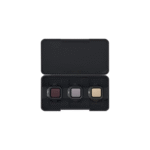
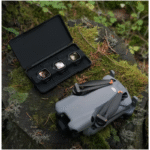
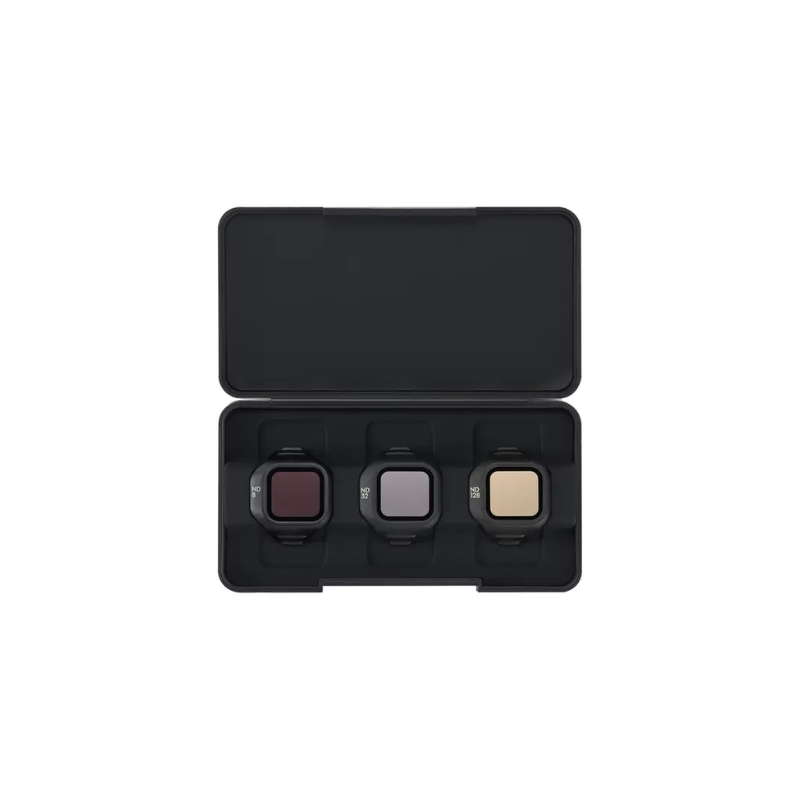
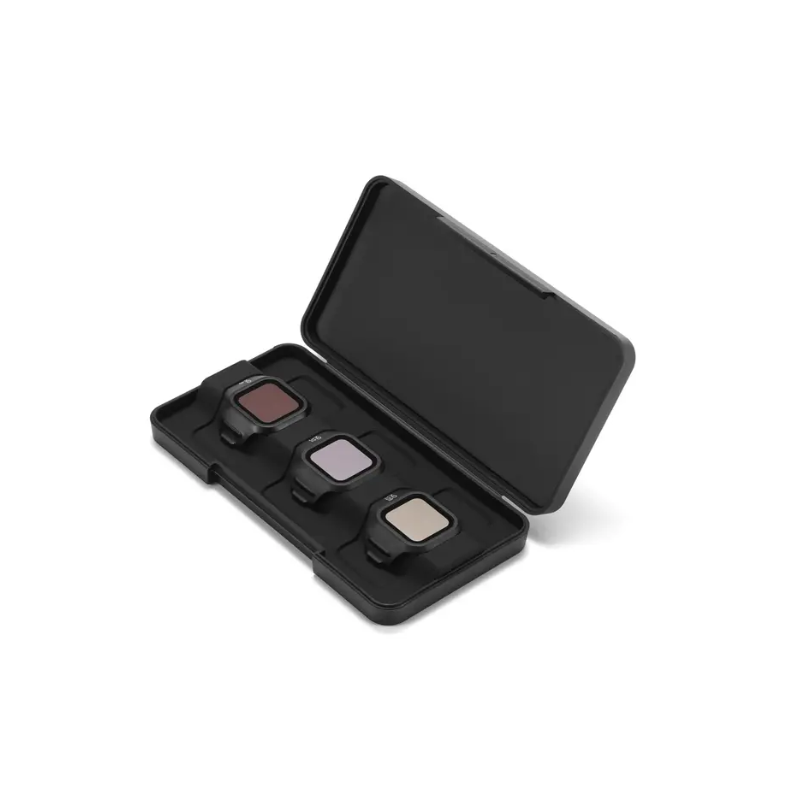
DJI Mini 5 Pro ND Filter Set (ND8/32/128)
The DJI Mini 5 Pro ND Filter Set is a must-have accessory for photographers and filmmakers who want professional-quality results even in bright lighting conditions. Designed to give you more control over exposure, these filters allow you to balance light, manage shutter speed, and create cinematic visuals without overexposure. Whether it’s long-exposure shots, smooth motion blur, or capturing timelapse sequences, this ND filter set makes sure your footage remains clean, detailed, and naturally balanced.
Key Features
-
Professional Exposure Control – The ND filters give you the ability to reduce the amount of light entering the camera lens, making it easier to manage shutter speed and achieve well-exposed shots in bright environments.
-
ND8 Filter – Ideal for moderately bright conditions, this filter helps capture natural-looking videos and balanced photos without washing out highlights.
-
ND32 Filter – Perfect for very bright and sunny conditions, it allows slower shutter speeds, enabling smoother footage and better motion blur for cinematic shots.
-
ND128 Filter – Designed for extremely bright environments such as snow, beaches, or desert scenes, it gives precise control over light to prevent overexposure.
-
Smooth Motion Blur – Helps achieve that natural cinematic blur effect by maintaining a shutter angle close to 180°, creating professional-looking footage.
-
Long-Exposure Photography – Perfect for timelapse and long-exposure captures, such as flowing water, light trails, or moving clouds, with balanced brightness and contrast.
-
Lightweight Design – Each filter weighs only about 1.12 g, ensuring minimal impact on drone performance and flight stability.
-
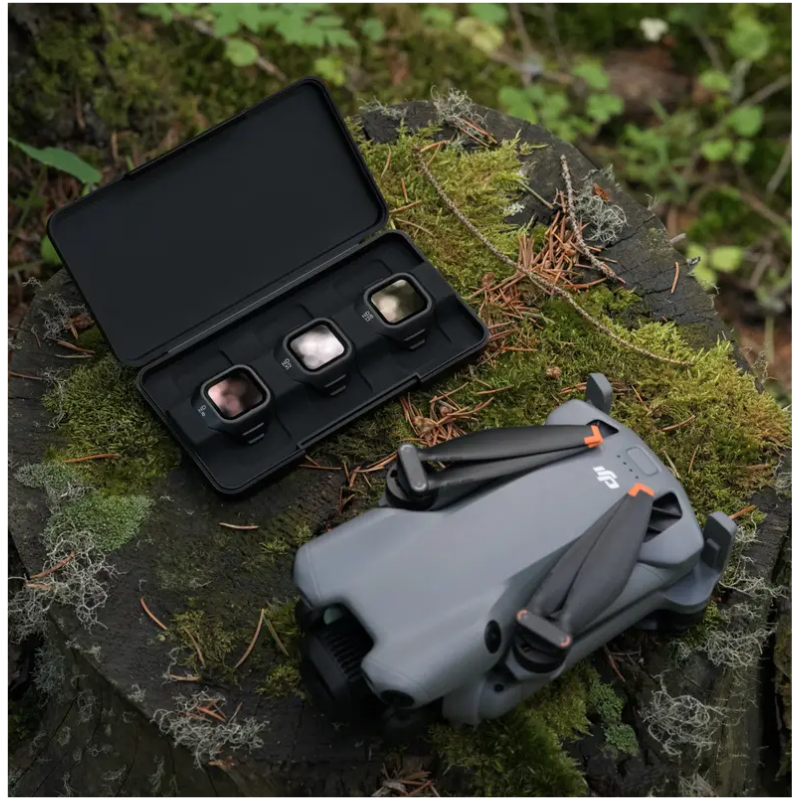
Easy to Attach – The filters are designed specifically for the DJI Mini 5 Pro, allowing secure and quick installation without affecting the gimbal.
-
High-Quality Optics – Made with precision materials to maintain image clarity, sharpness, and accurate color reproduction.
-
Consistent Results – By using these filters, you can capture footage that looks professional, polished, and ready for post-production without heavy corrections.
How to Use
-
Gently attach the chosen ND filter over the Mini 5 Pro camera lens.
-
Select ND8 for cloudy/partly sunny conditions, ND32 for bright sunny days, and ND128 for extremely bright settings.
-
Adjust camera settings like shutter speed and ISO to complement the filter.
-
Use filters while recording video to maintain cinematic motion blur.
-
After shooting, carefully remove the filter and store it in its protective case.
How to Care
-
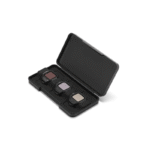
Store filters in the provided case to prevent scratches or dust buildup.
-
Clean filters regularly using a microfiber cloth to maintain image clarity.
-
Avoid touching the glass surface directly with fingers.
-
Keep filters away from moisture and extreme heat when not in use.
-
Inspect filters before each use to ensure they are dust- and smudge-free.
Safety Tips
-
Ensure the filter is securely attached before flying.
-
Do not force-fit the filter onto the lens to avoid damage.
-
Avoid flying in heavy rain, fog, or snow with filters attached.
-
Always balance shutter speed and ISO when using filters for safe exposure.
-
Handle with care as the filters are delicate and lightweight.
Final Thought
The DJI Mini 5 Pro ND Filter Set (ND8/32/128) is an essential tool for creators who want to take their aerial content to the next level. With precise exposure control, cinematic motion blur, and reliable performance in all lighting conditions, this filter set ensures every shot looks polished and professional. Lightweight, easy to use, and crafted for the Mini 5 Pro, it’s the perfect addition to your drone kit.
FAQ`s
It is designed specifically for the DJI Mini 5 Pro drone.
ND8 reduces light by 3 stops (moderately bright), ND32 by 5 stops (very sunny), and ND128 by 7 stops (extremely bright).
Each filter weighs approximately 1.12 grams, ensuring minimal impact on drone balance.
Gently attach the chosen filter over the camera lens while the drone is powered off.
No, they use high-quality optics to maintain sharpness, clarity, and accurate color reproduction.



Reviews
There are no reviews yet.