
| Specification | Details |
|---|---|
| Model | DMR03 |
| Dimensions | 53.85×28.69×22.00 mm (L×W×H) |
| Weight | 25.1 g |
| Wireless Mode | Wi-Fi: 802.11 a/b/g/n/ac/ax SDR: Customizable |
| Equivalent Isotropic Radiated Power (EIRP) | Wi-Fi: 2.400-2.4835 GHz: < 20 dBm (FCC/CE/SRRC/MIC) 5.725-5.850 GHz: < 20 dBm (FCC/SRRC), < 14 dBm (CE) SDR: 2.400-2.4835 GHz: < 20 dBm (FCC/CE/SRRC/MIC) 5.150-5.250 GHz: < 20 dBm (FCC/CE/SRRC/MIC) 5.250-5.350 GHz: < 20 dBm (FCC/CE/SRRC/MIC) 5.470-5.725 GHz: < 20 dBm (FCC/CE/MIC) 5.725-5.850 GHz: < 20 dBm (FCC/SRRC), < 14 dBm (CE) Operating frequency allowed varies among countries and regions. Refer to local laws and regulations for more information. |
| Operating Frequency | Wi-Fi: 2.400-2.4835 GHz 5.725-5.850 GHz SDR: 2.400-2.4835 GHz 5.150-5.250 GHz 5.250-5.350 GHz 5.470-5.725 GHz 5.725-5.850 GHz Operating frequency allowed varies among countries and regions. Refer to local laws and regulations for more information. |
| Bluetooth Protocol | Bluetooth 5.4 |
| Bluetooth Operating Frequency | 2.400-2.4835 GHz |
| Bluetooth Transmitter Power (EIRP) | BLE: < 10 dBm |
| Battery Type | Li-ion |
| Battery Capacity | 275 mAh |
| Battery Energy | 1.065 Wh |
| Battery Voltage | 3.87 V |
| Charging Specification | Max 5 V |
| Charging Temperature | 5° to 45° C (41° to 113° F) |
| Operating Temperature | -10° to 45° C (14° to 113° F) |
| Charging Time | Approx. 50 minutes |
| Operating Time | 10 hours Measured using DJI Mic 3 (2 TX + 1 RX + Charging Case), with features such as noise cancellation and internal recording off, during close-range audio recording under interference-free conditions, with both transmitters connected to the receiver and the receiver connected to a camera via the 3.5mm audio cable. |
| Specification | Details |
|---|---|
| Model | DMC03 |
| Dimensions | 106.30×42.50×59.20 mm (L×W×H) |
| Weight | 164.1 g (charging case only) |
| Battery Type | Li-ion |
| Battery Capacity | 1950 mAh |
| Battery Energy | 7.55 Wh |
| Battery Voltage | 3.87 V |
| Charging Specification | Max 5 V, 1.5-2 A |
| Charging Temperature | 5° to 40° C (41° to 104° F) |
| Operating Temperature | 5° to 45° C (41° to 113° F) |
| Charging Time | Approx. 1.5 hours |
| Charging Cycles for TX and RX | When charging two transmitters and one receiver simultaneously, a fully charged charging case can fully charge them for approx. 2.4 times. |
| Specification | Details |
|---|---|
| Polar Pattern | Omnidirectional |
| Frequency Response | Low Cut Off: 20 Hz-20 kHz (encoded) Low Cut Off: 20 Hz-24 kHz (lossless) Low Cut On: 100 Hz-20 kHz (encoded) Low Cut On: 100 Hz-24 kHz (lossless) |
| Microphone Sensitivity | Microphone Capsule: -36±1 dBV@1 kHz, 94 dB SPL |
| Signal-to-Noise Ratio (SNR) | 72 dB |
| Maximum Sound Pressure Level (SPL) | 126 dB SPL@1% THD 130 dB SPL@10% THD |
| Sampling Frequency | 48 kHz |
| Bit Depth | 32-bit float/24-bit (switchable) |
| Max Input Level (3.5 mm) | - |
| Equivalent Noise | 22 dBA |
| Monitor Interface Output Power | Max Output Power: 20 mW@1 kHz, 32 Ω |
| Max Transmission Distance | 400 m Measured using DJI Mic 3 (2 TX + 1 RX + Charging Case), with Lossless Audio off, in an open, unobstructed environment free of interference. 80 m Measured using DJI Mic 3 (2 TX + 1 RX + Charging Case) in a laboratory-simulated high-interference environment, with no packet loss and clear, high-fidelity audio. |
| Specification | Details |
|---|---|
| Supported Frame Rate | 23.98F, 24F, 25F, 29.97F, 29.97DF, 30F, 50F, 60F |
| Offset | 0.5 ppm, deviation less than 1 frame within 24 hours* * Measured using DJI Mic 3 (2 TX + 1 RX + Charging Case) in an environment free of electromagnetic interference, with continuous power supplied to the transmitters and receiver following timecode synchronization and throughout 24 hours of continuous recording. |
| Input | LTC |
| Input Port | 3.5mm TRS |
| Input Voltage | Not greater than +6 dBu |
| Output | LTC, Audio-TC |
| Output Port | 3.5mm TRS, USB-C |
| Output Voltage | 0.5 Vp-p |
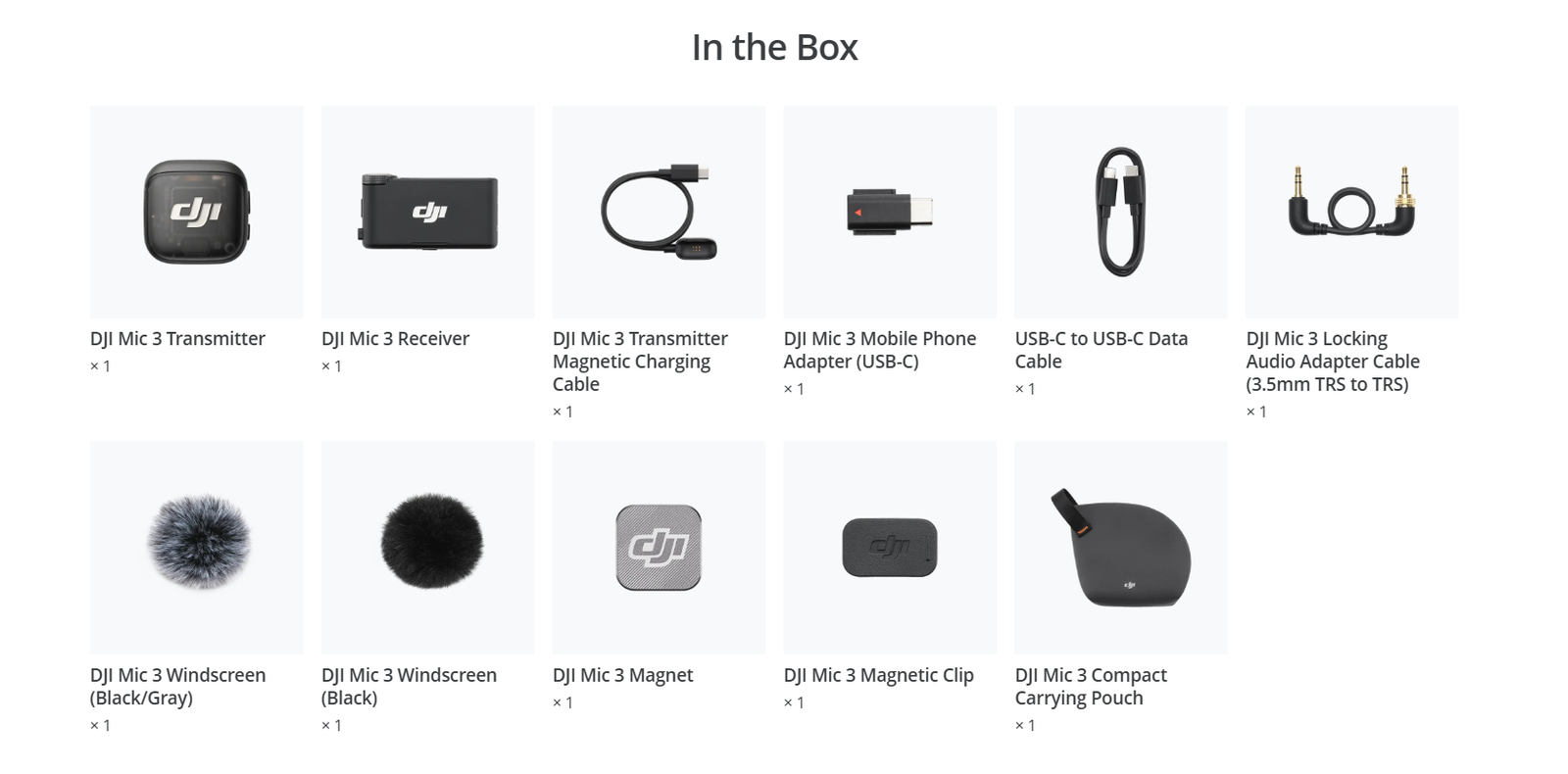
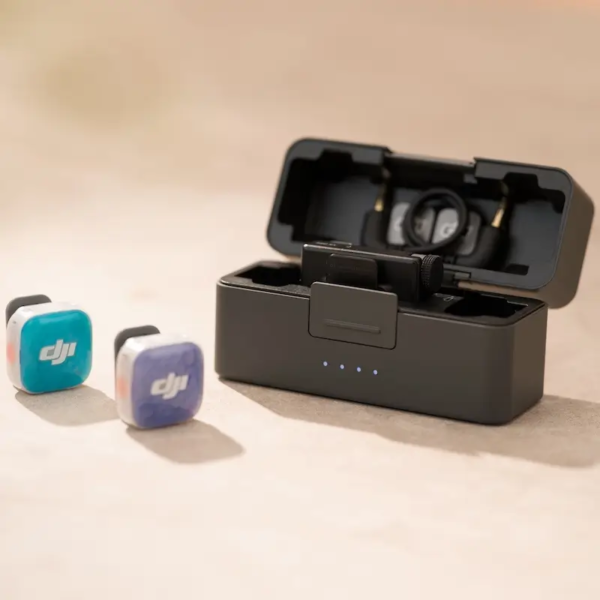
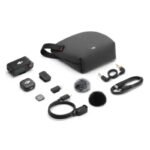
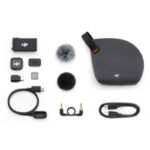
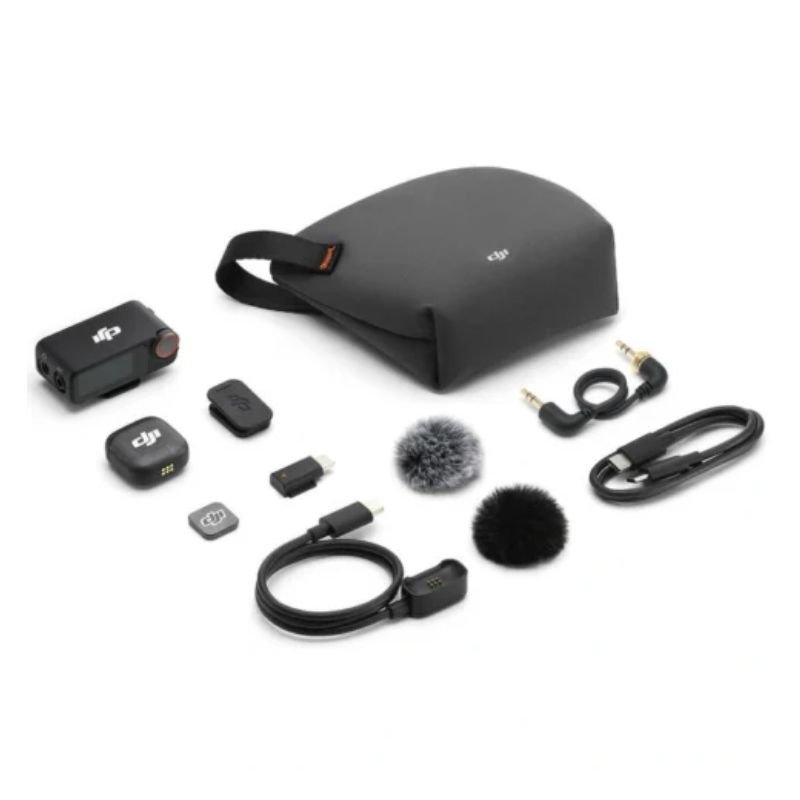
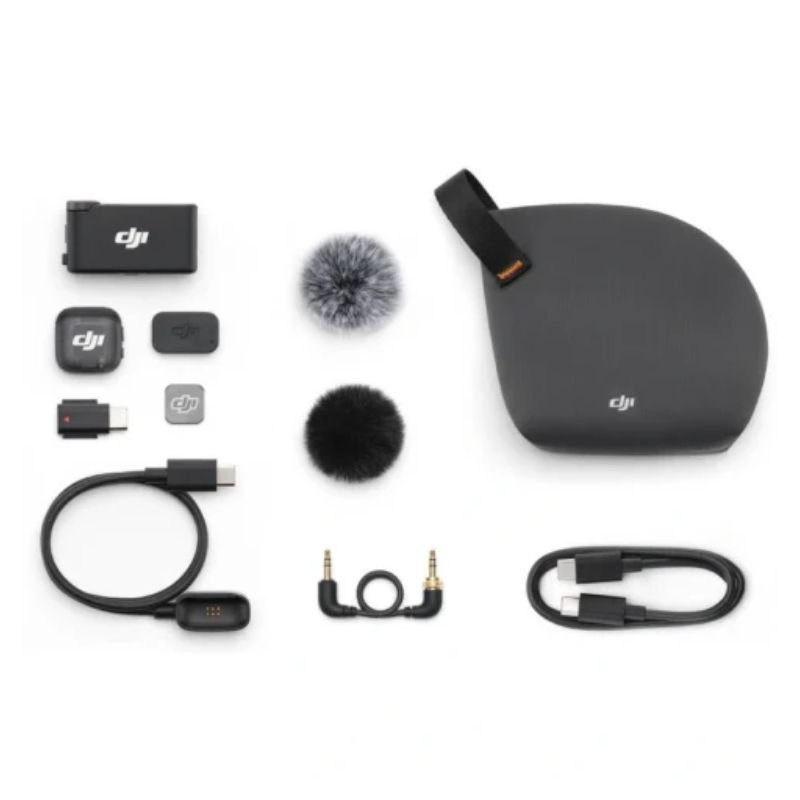
The DJI Mic 3 Charging Case can be used for linking the transmitters with the receiver, as well as storing the transmitters, receiver, mobile phone adapters (USB-C or Lightning), locking audio adapter cable, windscreen, magnet, and magnetic clip. When fully charged, it can charge two transmitters and one receiver approx. 2.4 times.
The DJI Mic 3 Mobile Phone Adapter (Lightning) is sold separately.
Omnidirectional
Each DJI Mic 3 Transmitter can connect to up to eight DJI Mic 3 receivers, while each DJI Mic 3 Receiver can connect to up to four transmitters.
DJI Mic 3 supports DJI OsmoAudio™connection ecosystem. The DJI Mic 3 transmitters can directly connect to certain DJI products, namely one transmitter for Osmo Action 4, and up to two transmitters for Osmo 360, Osmo Pocket 3, and Osmo Action 5 Pro. For devices that support connection with two transmitters, you can match any two products from Mic 2, Mic Mini, and Mic 3 for simultaneous use.
The DJI Mic 3 transmitters can directly connect to your smartphone via Bluetooth, but a phone only connects to one transmitter at a time.
The DJI Mic 3 transmitters have built-in 32GB storage and do not support external storage. The recording duration under different conditions is as follows:
24-bit (Single File): 57.3 hours
24-bit (Dual File): 28.6 hours
32-bit float (Single File): 43.0 hours
32-bit float (Dual File): 21.5 hours
In stock
Read more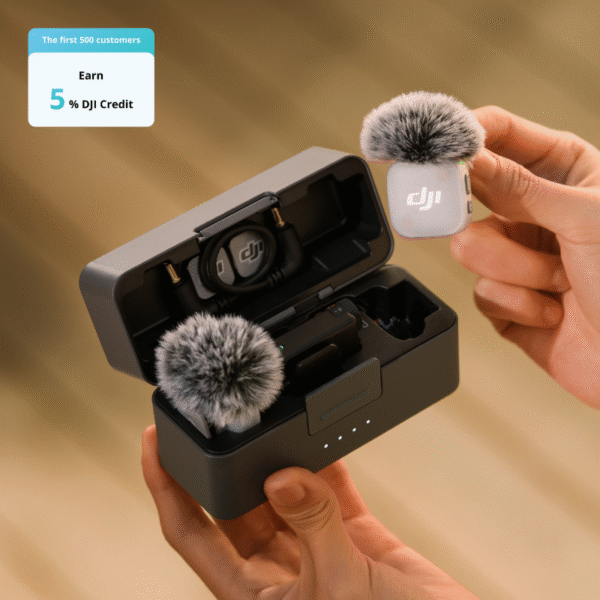
In stock
Add to cart
In stock
Add to cart
In stock
Add to cart
Reviews
There are no reviews yet.